
MetaGer APK
MetaGer: Search & Browser
Anonymous search and tab groups, private browsing with tracker and ad blocking.
Download APK v6.30.0 · 94.6 MB- Version6.30.0
- Size94.6 MB
- RequiresAndroid 7.0
- Updated11/6/2026
- LicenceAGPL-3.0-only
- PriceFree
About MetaGer
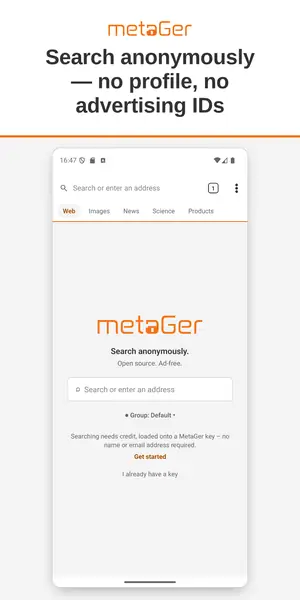
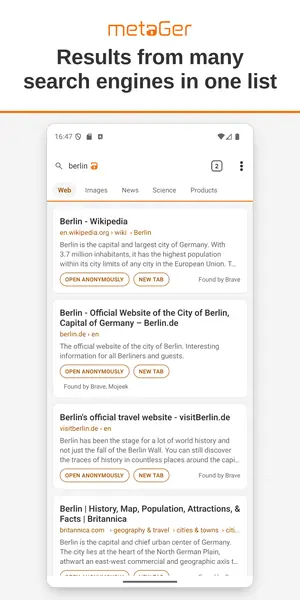
MetaGer.de is a German meta search engine with a focus on privacy and variety of results, run by the non-profit SUMA-EV.
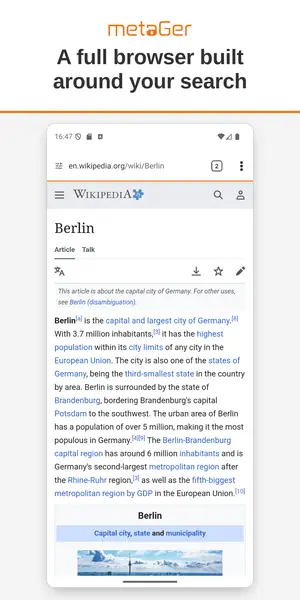
This app is a full browser built around that search: native, fast, and private by default.
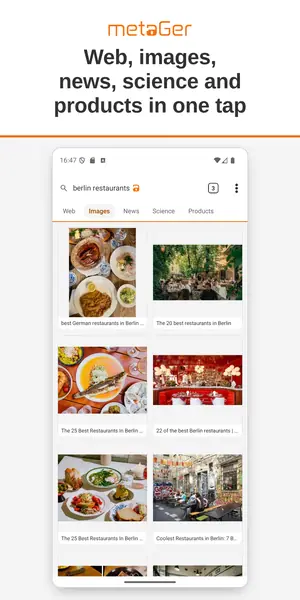
- Search your way: switch between web, image, news, science and product search, all in one tap.
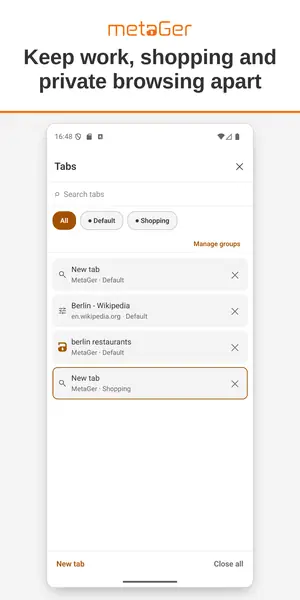
- Tab groups: keep work, shopping and private browsing apart, each with its own cookies, logins and history — move a tab into another group whenever you like.
- Anonymous search: your MetaGer key for ad-free searches is separated from your queries by blind signatures.
- Account and top-up without leaving the app: sign in once, or hand your key to another device with a QR code.
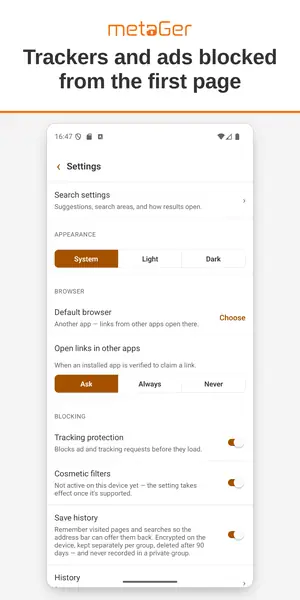
- Tracker and ad blocking, on from the start.
- Set MetaGer as your default browser: links from other apps open here, protected the same way.
- Address bar with local history — encrypted on-device, never on a server.
- Instant dark, light or system theme.
- Open anonymously: view a page in a remote browser without loading it yourself.
- No account required, no profile, no advertising IDs.
The source code of this app is free (AGPL-3.0).
What's new in version 6.30.0
- Downloads in private groups now show progress and an "Open" button, and stay in the list until the app closes. They are still never saved.
- The "Download started" message goes away by itself.
- The new tab no longer says your credit is used up while you can still search.
- Pages closed by the system to free memory reload every time you return.
APK file information
| Package name | de.metager.metagerapp.fdroid |
|---|---|
| Version | 6.30.0 (code 63000) |
| Minimum Android | Android 7.0 · targets Android 16 |
| Architectures | arm64-v8a, armeabi-v7a, x86, x86_64 |
| SHA-256 | 719bc04280a2638df490274c188179be1ae8fe7cabd558e6c944ce7f7ecf23ae |
| Signature | 1e752e3acdc99d7aaeaaee39cc610d412476ecd7980a185fb66533e4a1ab9b67 |
| Licence | AGPL-3.0-only — copyleft free licence: the code is public and modified versions must stay free |
| Source code | gitlab.metager.de/metager/metager-app |
| Official website | metager.de |
Permissions
- Internet access
- View network status
- Write to storage
- Camera sensitive
- Approximate location sensitive
- Precise location (GPS) sensitive
- Microphone sensitive
- See installed apps sensitive
- Fingerprint / biometrics
- Keep the device awake
- Start at boot
- Run in the background
- Read storage
1 other technical permission(s)
CREDENTIAL_MANAGER_SET_ORIGIN
Older versions
- MetaGer 6.30.0November 6, 2026 · 94.6 MB
- MetaGer 6.27.1October 31, 2026 · 94.6 MB
- MetaGer 6.26.0October 22, 2026 · 94.2 MB
How to install MetaGer APK
- Tap Download APK above, then open the file once the download has finished.
- If Android asks, allow your browser to install unknown apps.
- Tap Install. MetaGer then appears with your other apps.
Having trouble? Read our guides how to install an APK on Android and "App not installed": how to fix it.
Frequently asked questions
Is MetaGer free?
Yes. MetaGer is distributed under the AGPL-3.0-only licence: free, no subscription, and its source code is public.
Is this APK file safe?
The file is the one built and published by the F-Droid repository from the public source code. Its SHA-256 fingerprint is shown above, so you can compare it after downloading. How to check an APK.
Will MetaGer work on my phone?
You need at least Android 7.0. The app also works without Google services, so it runs on recent Huawei phones too.





