NekoVideo APK
Open-source local video player with folders, private content and DLNA cast
Download APK v1.10.0 · 7.8 MB- Version1.10.0
- Size7.8 MB
- RequiresAndroid 11
- Updated11/9/2026
- LicenceGPL-3.0-only
- PriceFree
About NekoVideo
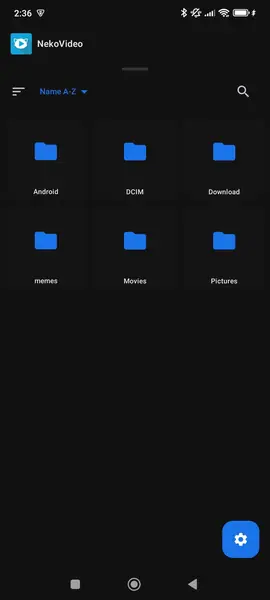
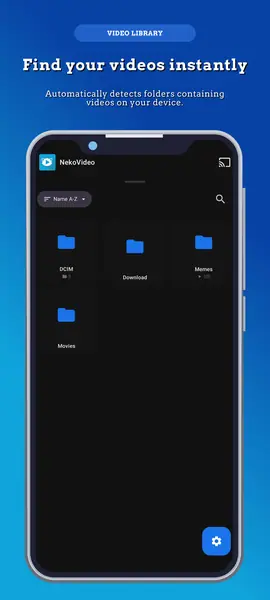
NekoVideo is an open-source local video player for Android focused on privacy and folder-based organization.
Features:
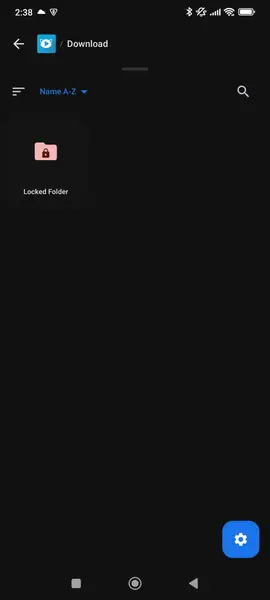
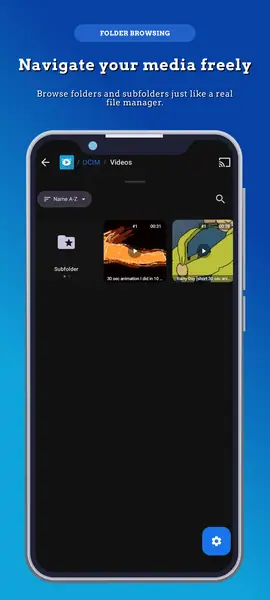
- Browse videos by folders and subfolders
- Support for common formats like MP4, MKV, AVI, MOV, WMV, M4V, 3GP and FLV
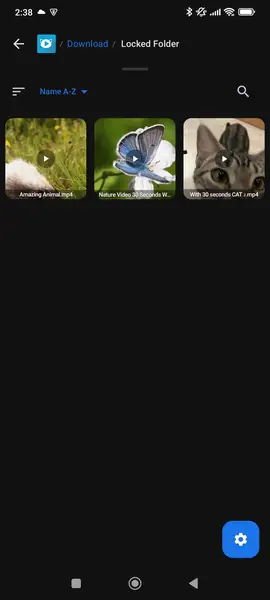
- Private folders with password protection and biometric unlock support
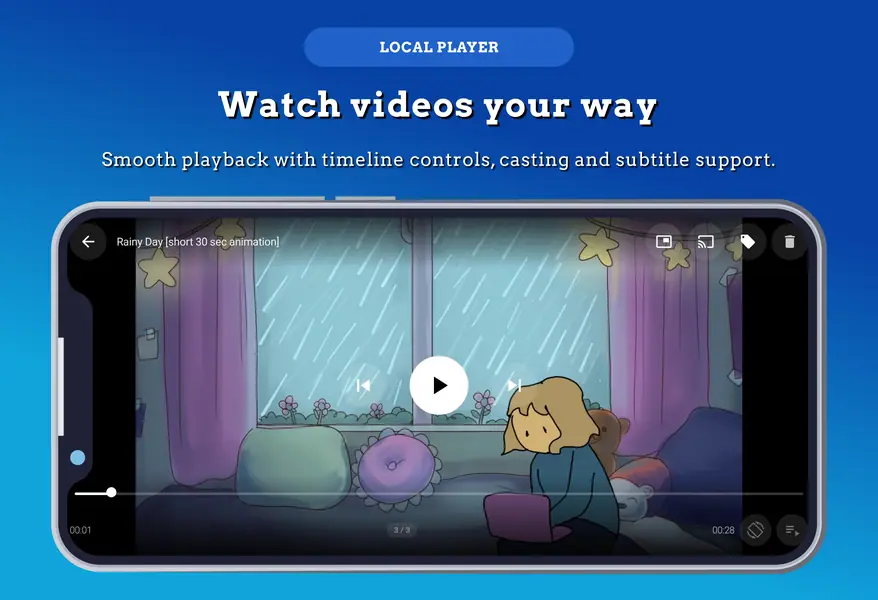
- Background playback, media notification and mini player
- Double-tap seek, subtitle selection and audio track selection
- Folder shuffle playback and "Open with" support
- Picture-in-Picture (PiP)
- DLNA/UPnP casting on the local network
- MP4 metadata repair by remuxing without re-encoding
- No ads and no tracking
What's new in version 1.10.0
Easier recovery of private videos after external moves. Update older videos in the app, with resumable conversion. Restoration respects private visibility.
Browse during the initial scan, open folders faster, and prepare shuffled playlists faster with percentage progress. Lists update without rechecking unchanged videos.
Tag backups after each change, integrity checks on import, and automatic retries after failed saves.
APK file information
| Package name | com.nkls.nekovideo |
|---|---|
| Version | 1.10.0 (code 46) |
| Minimum Android | Android 11 · targets Android 16 |
| Architectures | arm64-v8a |
| SHA-256 | 412092f29a458afe9896887bc4b9cfdf540dc6758a02875f0b63837626db7e97 |
| Signature | 94b5d67bbc31d8ca403dc31dcac00d85d1758b38cdc8a25cdaa222893d78bb24 |
| Licence | GPL-3.0-only — copyleft free licence: the code is public and modified versions must stay free |
| Source code | github.com/FellipitoPV/NekoVideo |
Permissions
- Show notifications
- Read storage
- Write to storage
- Read videos
- Access all files sensitive
- Run in the background
- Internet access
- View network status
- View Wi-Fi status
- Fingerprint / biometrics
- Fingerprint
1 other technical permission(s)
CHANGE_WIFI_MULTICAST_STATE
Older versions
- NekoVideo 1.10.0November 9, 2026 · 7.8 MB
- NekoVideo 1.9.1October 27, 2026 · 7.6 MB
- NekoVideo 1.9.0October 25, 2026 · 7.5 MB
How to install NekoVideo APK
- Tap Download APK above, then open the file once the download has finished.
- If Android asks, allow your browser to install unknown apps.
- Tap Install. NekoVideo then appears with your other apps.
Having trouble? Read our guides how to install an APK on Android and "App not installed": how to fix it.
Frequently asked questions
Is NekoVideo free?
Yes. NekoVideo is distributed under the GPL-3.0-only licence: free, no subscription, and its source code is public.
Is this APK file safe?
The file is the one built and published by the F-Droid repository from the public source code. Its SHA-256 fingerprint is shown above, so you can compare it after downloading. How to check an APK.
Will NekoVideo work on my phone?
You need at least Android 11. The app also works without Google services, so it runs on recent Huawei phones too.