
neutriNote CE APK
A hub of written thoughts in fast searchable plain text
Download APK v4.6.9 · 3.5 MB- Version4.6.9
- Size3.5 MB
- RequiresAndroid 8.0
- Updated10/31/2026
- LicenceGPL-3.0-or-later
- PriceFree
About neutriNote CE
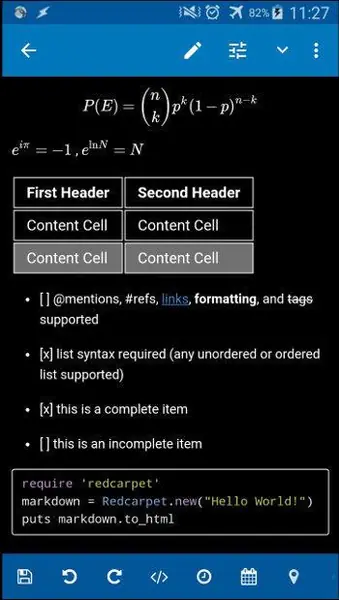
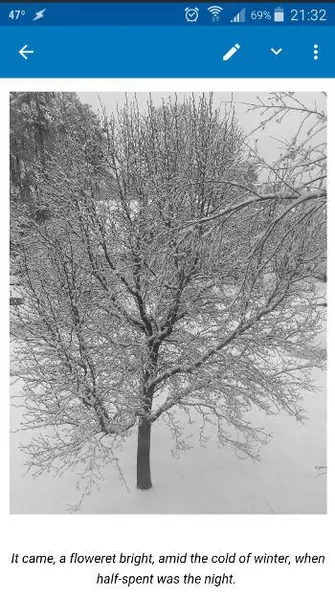
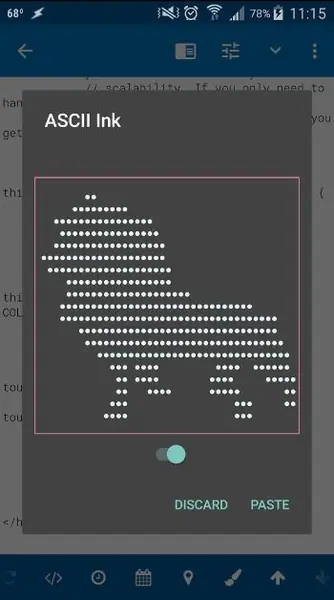
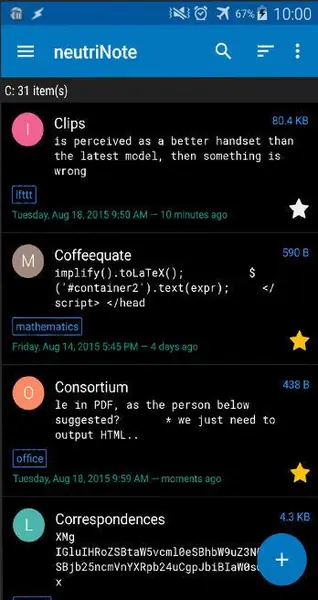
neutriNote in a nutshell: all-in-one preservation of written thoughts, be those text, math (LaTeX), rich markdown, drawings, etc., in fully searchable plain text (universal UTF-8).
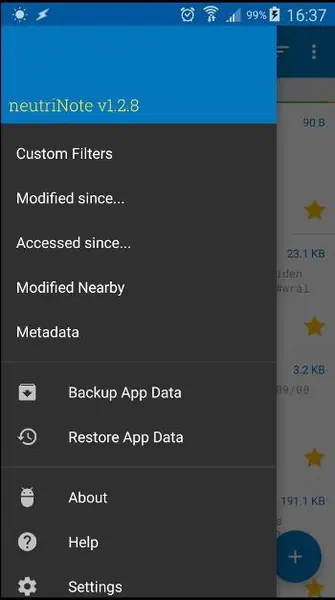
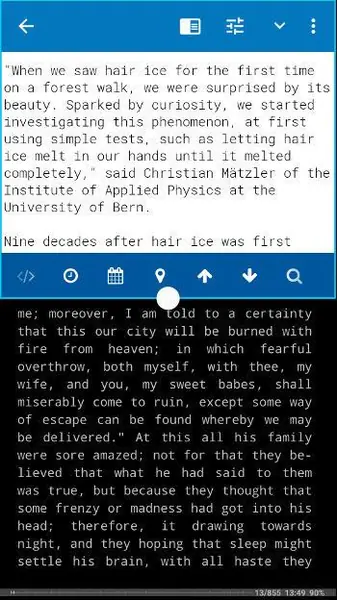
- Uncluttered UI: Fine-tuned user interface elements to reduce app switching. Accessible search filters for precise navigation to your note contents with minimum taps.
- Customization: Your workflow can be further automated by Tasker, Barcode Scanner, ColorDict, and other add-ons, or by connecting neutriNote's repository to web-based services. Options available to deep configure your note taking process.
- Backup: Multiple ways to backup your notes. Freedom to pick a cloud backend that works for you: open source P2P Syncthing, Dropbox, or third party Google Drive, Box, OneDrive components.
- Cost: Totally free. No hidden permission (see below). Optional add-ons can be purchased to support its development.
App Permissions Explained:
- Location access for location based search, location stamps, etc.
- Camera access for built-in barcode scanner.
- Storage access for core functions.
- Permission required by Sony devices to avoid crashes on certain models
- Permission to access network as MathJax is used for math rendering. MathJax will be cached for offline rendering later.
- Permission to receive boot completion for Tasker to schedule backup requests on legacy devices (pre-Android 8.0). It has no effect on devices running later versions of Android.
- and 2. can be denied/revoked as needed either from Settings or via Marshmallow's runtime permissions.
GitHub: https://github.com/appml/neutrinote
What's new in version 4.6.9
v4.6.9
- Minor UI fixes.
APK file information
| Package name | com.appmindlab.nano |
|---|---|
| Version | 4.6.9 (code 1389) |
| Minimum Android | Android 8.0 · targets Android 16 |
| Architectures | All (universal) |
| SHA-256 | 975272bfa0c938f3c946f1e3f0d31f346ba3fcde633f7bbe1545af152389cec0 |
| Signature | 46f05ec209b7d5179156716196dfbbf3242d0f3f73a7a77aa9bf369bfad6d9da |
| Licence | GPL-3.0-or-later — copyleft free licence: the code is public and modified versions must stay free |
| Source code | github.com/appml/neutrinote |
Permissions
- Internet access
- View network status
- Precise location (GPS) sensitive
- Approximate location sensitive
- Read storage
- Write to storage
- Show notifications
- Start at boot
- Camera sensitive
- Run in the background
Older versions
- neutriNote CE 4.6.9October 31, 2026 · 3.5 MB
- neutriNote CE 4.6.8September 12, 2026 · 3.5 MB
- neutriNote CE 4.6.7September 7, 2026 · 3.5 MB
How to install neutriNote CE APK
- Tap Download APK above, then open the file once the download has finished.
- If Android asks, allow your browser to install unknown apps.
- Tap Install. neutriNote CE then appears with your other apps.
Having trouble? Read our guides how to install an APK on Android and "App not installed": how to fix it.
Frequently asked questions
Is neutriNote CE free?
Yes. neutriNote CE is distributed under the GPL-3.0-or-later licence: free, no subscription, and its source code is public.
Is this APK file safe?
The file is the one built and published by the F-Droid repository from the public source code. Its SHA-256 fingerprint is shown above, so you can compare it after downloading. How to check an APK.
Will neutriNote CE work on my phone?
You need at least Android 8.0. The app also works without Google services, so it runs on recent Huawei phones too.





