
Picard Barcode Scanner APK
Simplifies tagging your CDs and LPs with MusicBrainz Picard
Download APK v1.8 · 4.3 MB- Version1.8
- Size4.3 MB
- RequiresAndroid 6.0
- Updated4/21/2026
- LicenceGPL-3.0-or-later
- PriceFree
About Picard Barcode Scanner
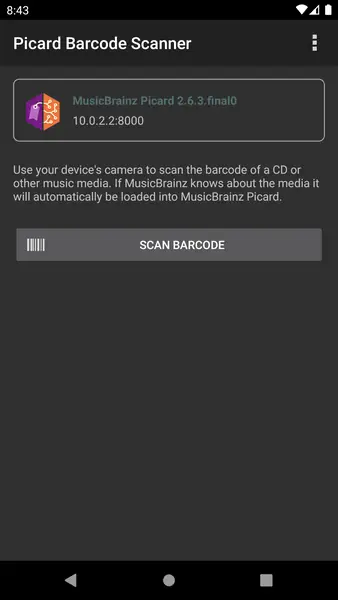
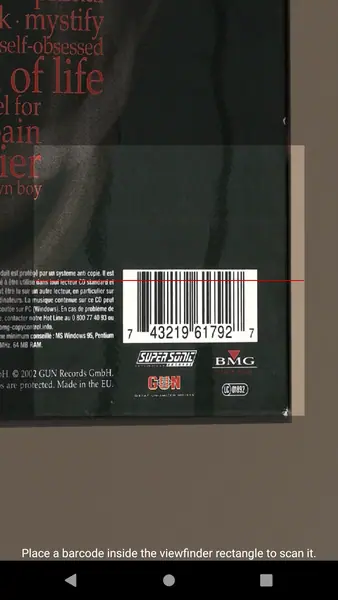
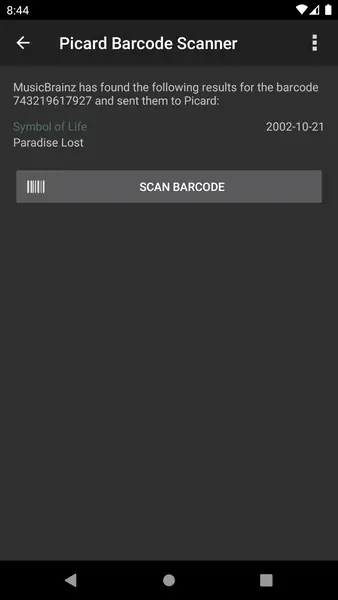
Picard Barcode Scanner allows you to load releases into MusicBrainz Picard by using your Android device as a barcode scanner. Just scan the barcode of an album and it will search MusicBrainz for matching releases and loads them into Picard on your desktop computer.
This is especially useful if you have your physical music collection already digitized and want to tag the files using exactly the album you own.
Please note: This is not a music file tagger for Android but rather a helper tool for MusicBrainz Picard on your desktop.
Requirements:
- Picard 1.0 or later
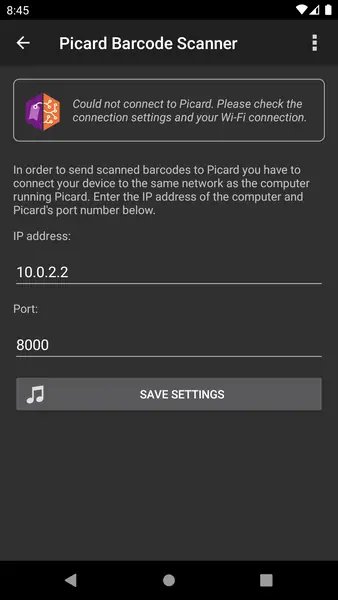
- Your Android device and the computer running Picard should be both on the same network, and the port 8000 should be accessible
This app is free software published under the GPLv3. The source code is available on GitHub.
You can help translate this app into your language. Please visit the Picard Barcode Scanner localization project on https://translate.uploadedlobster.com/engage/picard-barcode-scanner/
APK file information
| Package name | org.musicbrainz.picard.barcodescanner |
|---|---|
| Version | 1.8 (code 38) |
| Minimum Android | Android 6.0 · targets Android 15 |
| Architectures | All (universal) |
| SHA-256 | 9b56ca6e19a93f06716281fc732545bce7c2754a8492d3e01bc90b061ca62014 |
| Signature | 52e8ac74aea0d8283a6913ea1a29b51a12ae493ef6c9e1ae533e3d045439ef02 |
| Licence | GPL-3.0-or-later — copyleft free licence: the code is public and modified versions must stay free |
| Source code | github.com/phw/PicardBarcodeScanner |
Permissions
- Internet access
- Camera sensitive
Older versions
- Picard Barcode Scanner 1.8April 21, 2026 · 4.3 MB
- Picard Barcode Scanner 1.7November 26, 2025 · 4.4 MB
- Picard Barcode Scanner 1.6.5October 16, 2025 · 4.3 MB
How to install Picard Barcode Scanner APK
- Tap Download APK above, then open the file once the download has finished.
- If Android asks, allow your browser to install unknown apps.
- Tap Install. Picard Barcode Scanner then appears with your other apps.
Having trouble? Read our guides how to install an APK on Android and "App not installed": how to fix it.
Frequently asked questions
Is Picard Barcode Scanner free?
Yes. Picard Barcode Scanner is distributed under the GPL-3.0-or-later licence: free, no subscription, and its source code is public.
Is this APK file safe?
The file is the one built and published by the F-Droid repository from the public source code. Its SHA-256 fingerprint is shown above, so you can compare it after downloading. How to check an APK.
Will Picard Barcode Scanner work on my phone?
You need at least Android 6.0. The app also works without Google services, so it runs on recent Huawei phones too.





