
Pie Launcher APK
Control your phone with a dynamic pie menu instead of fixed positioned icons.
Download APK v1.29.0 · 329 KB- Version1.29.0
- Size329 KB
- RequiresAPI 9
- Updated11/17/2026
- LicenceMIT
- PriceFree
About Pie Launcher
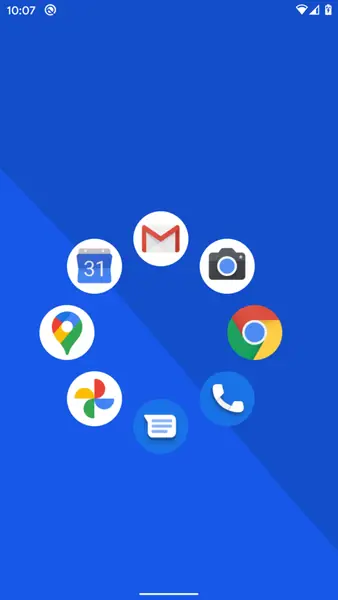
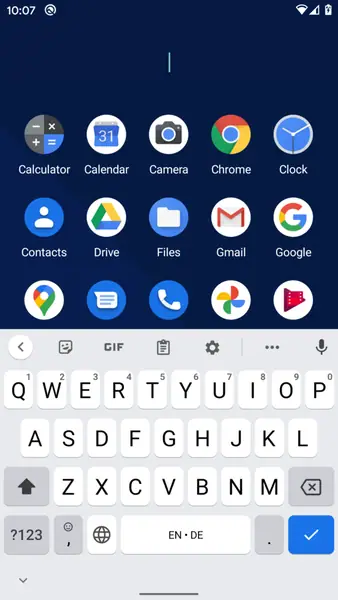
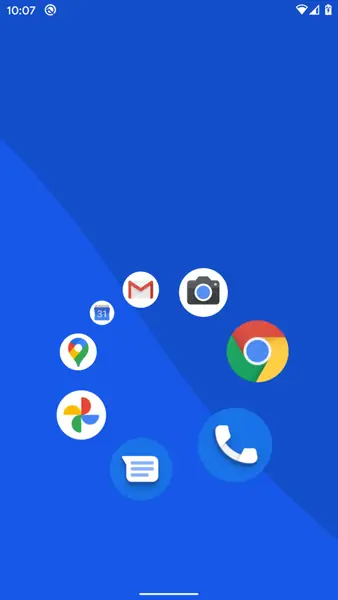
Swipe to open the pie menu and choose an app to start. Or just tap and type the name of an app you don't use regularly.
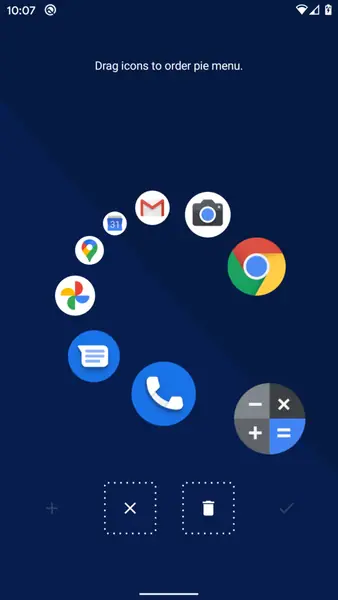
Long press an app in the listing of apps to enter the editor for the pie menu. Use just 4, 6 or 8 icons in the pie menu to make the most out of it.
As soon as you're used to it, you can open your most used apps with muscle memory anywhere on the screen without even looking at it.
This is open source: https://github.com/markusfisch/PieLauncher
What's new in version 1.29.0
- Add an option to show app shortcuts in search
- Add an option to learn from search selections
- Add an option to switch menus with a second finger
- Improve icon pack support
- Improve support for menu entries from other profiles
APK file information
| Package name | de.markusfisch.android.pielauncher |
|---|---|
| Version | 1.29.0 (code 76) |
| Minimum Android | API 9 · targets API 37 |
| Architectures | All (universal) |
| SHA-256 | c43ec071c785433464637fc6ff25186b71e1f680c5c9ab4a59fe3a1c90a1ac31 |
| Signature | 2385e49ff072d90dcef9db2890b330533ce472efeb7901994e0d222d5200978b |
| Licence | MIT — permissive free licence: the source code is public and reusable |
| Source code | github.com/markusfisch/PieLauncher |
Permissions
- See installed apps sensitive
3 other technical permission(s)
REQUEST_IGNORE_BATTERY_OPTIMIZATIONS ACCESS_HIDDEN_PROFILES EXPAND_STATUS_BAR
Older versions
- Pie Launcher 1.29.0November 17, 2026 · 329 KB
- Pie Launcher 1.28.0July 18, 2026 · 329 KB
- Pie Launcher 1.27.0July 12, 2026 · 325 KB
How to install Pie Launcher APK
- Tap Download APK above, then open the file once the download has finished.
- If Android asks, allow your browser to install unknown apps.
- Tap Install. Pie Launcher then appears with your other apps.
Having trouble? Read our guides how to install an APK on Android and "App not installed": how to fix it.
Frequently asked questions
Is Pie Launcher free?
Yes. Pie Launcher is distributed under the MIT licence: free, no subscription, and its source code is public.
Is this APK file safe?
The file is the one built and published by the F-Droid repository from the public source code. Its SHA-256 fingerprint is shown above, so you can compare it after downloading. How to check an APK.
Will Pie Launcher work on my phone?
You need at least API 9. The app also works without Google services, so it runs on recent Huawei phones too.





