
Read Later APK
Bookmark. Read. Listen. The simple way to manage your reading list.
Download APK v0.1.104 · 15.2 MB- Version0.1.104
- Size15.2 MB
- RequiresAndroid 9
- Updated11/9/2026
- LicenceMIT
- PriceFree
About Read Later
Never lose an interesting article again. Read Later is your all-in-one bookmark manager designed to make reading and learning effortless. Whether you find a great blog post during your commute or a long-form article late at night, save it instantly and consume it on your terms.
We combine a clean, distraction-free reading experience with powerful accessibility features like Text-to-Speech and adaptive theming.
KEY FEATURES:
🔖 Save & Organize
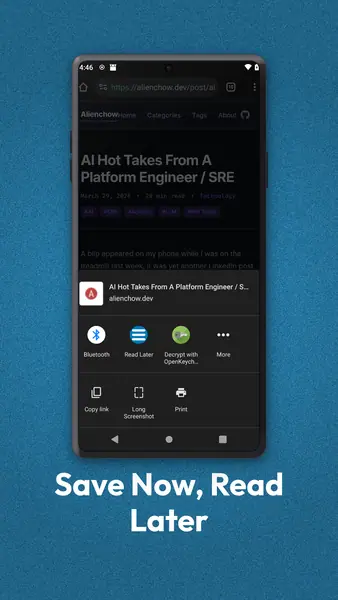
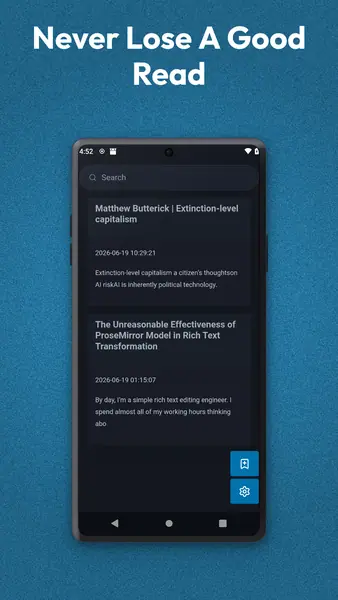
Instantly bookmark articles from your browser or other apps. Keep your reading list organized and accessible in one clean, clutter-free feed. "Save now, read later" has never been this simple.
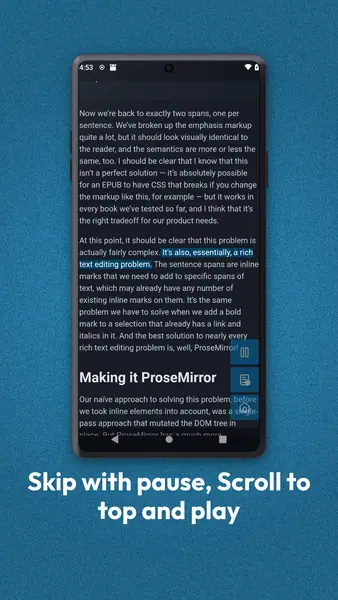
🎧 Listen on the Go (Text-to-Speech)
Busy commute? Tired eyes? Turn any saved article into an audio experience.
- High-quality voice output: Converts text to natural-sounding speech.
- Adjustable settings: Customize the pitch and speed in our simple settings menu to match your listening preference.
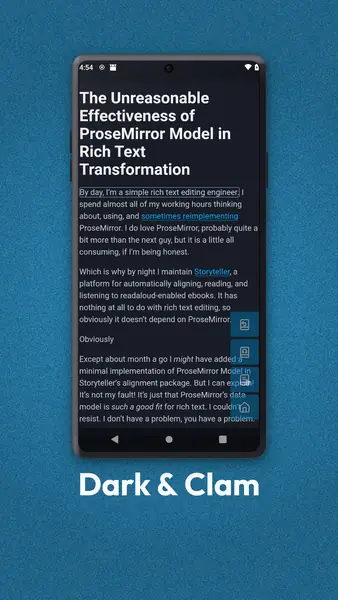
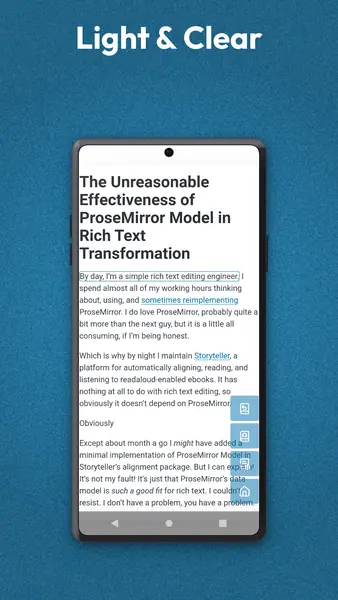
🌙 Read Comfortably Day & Night
Switch between themes to match your environment.
- Dark Mode: Reduce eye strain and save battery during late-night reading sessions.
- Light Mode: Enjoy a crisp, clear reading experience in bright daylight.
⚙️ Your Experience, Your Way
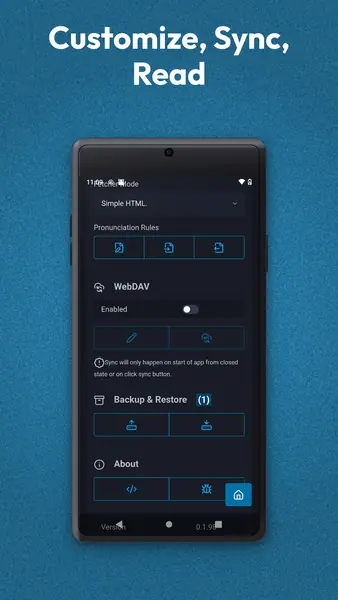
A minimalist settings menu puts you in control without the clutter. Manage your preferences, adjust audio settings, and customize your interface in seconds.
Why choose Read Later App?
- Zero Clutter: A focus on the content, not the interface.
- Accessibility First: Designed for readers and listeners alike.
- Lightweight & Fast: optimized for performance.
Download Read Later today and build your personal knowledge library.
APK file information
| Package name | io.github.sak.read.it.later |
|---|---|
| Version | 0.1.104 (code 1104) |
| Minimum Android | Android 9 · targets Android 16 |
| Architectures | arm64-v8a |
| SHA-256 | aa03c2ee742a02045cfa64305cb15e0cbaf1004e2f11c8275529a7f42dfa5b67 |
| Signature | ed3f4d85af06e1fe0ab487df5a12ce9bc9df0bdc75229cb92cf5c0ecc820cfe1 |
| Licence | MIT — permissive free licence: the source code is public and reusable |
| Source code | github.com/sak96/read_later |
| Official website | sak96.github.io/read_later/ |
Permissions
- Internet access
- Run in the background
- Show notifications
- Keep the device awake
Older versions
- Read Later 0.1.104November 9, 2026 · 15.2 MB
- Read Later 0.1.103November 4, 2026 · 15.2 MB
- Read Later 0.1.102November 1, 2026 · 15.2 MB
How to install Read Later APK
- Tap Download APK above, then open the file once the download has finished.
- If Android asks, allow your browser to install unknown apps.
- Tap Install. Read Later then appears with your other apps.
Having trouble? Read our guides how to install an APK on Android and "App not installed": how to fix it.
Frequently asked questions
Is Read Later free?
Yes. Read Later is distributed under the MIT licence: free, no subscription, and its source code is public.
Is this APK file safe?
The file is the one built and published by the F-Droid repository from the public source code. Its SHA-256 fingerprint is shown above, so you can compare it after downloading. How to check an APK.
Will Read Later work on my phone?
You need at least Android 9. The app also works without Google services, so it runs on recent Huawei phones too.