WikiReader APK
Read Wikipedia pages distraction-free
Download APK v2.5.5 · 3.2 MB- Version2.5.5
- Size3.2 MB
- RequiresAndroid 8.0
- Updated11/13/2025
- LicenceGPL-3.0-only
- PriceFree
About WikiReader
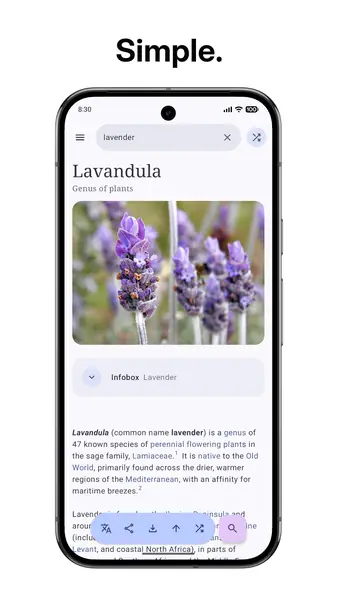
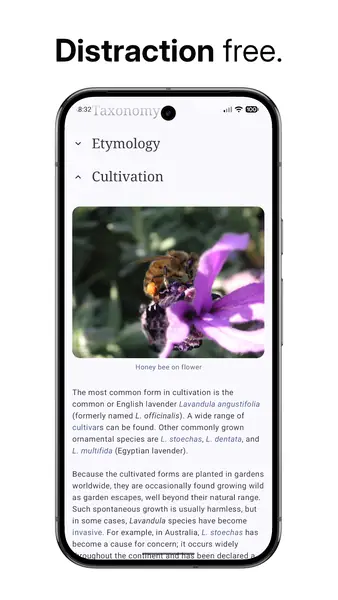
A lightweight Android app for reading Wikipedia articles distraction-free. Supports light mode, dark mode, Material You dynamic colors and 300+ Wikipedia languages, with a customisable simple interface
Features
- Fast loading: The article text is loaded before anything else, so you can get to reading, quick
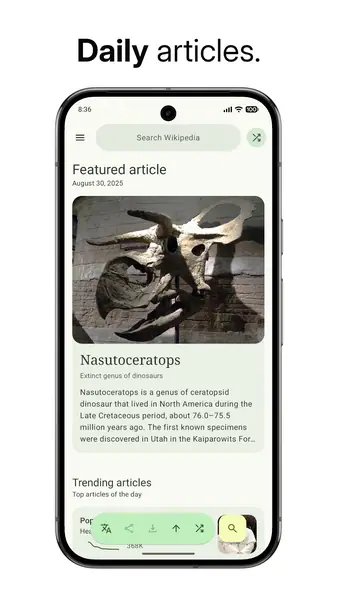
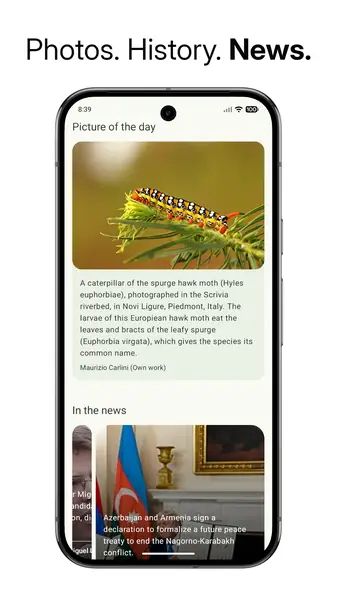
- Feed: Read the article of the day, find trending articles and get up to speed on the news with the Wikipedia Feed
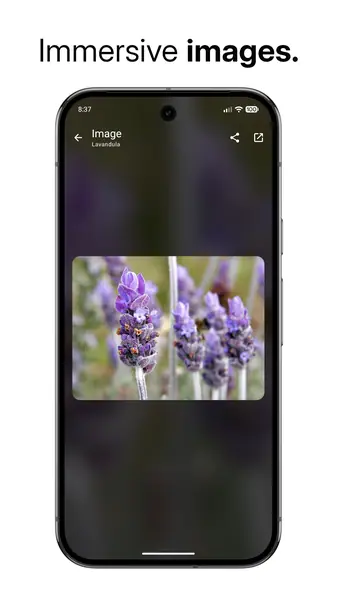
- Article image: View an image of the topic from its Wikipedia page. Click on it to enlarge it and view in full-screen
- Random article: Feeling lucky? Click the random article button to read a random article
- Choose your language: Choose from over 300 languages on Wikipedia
- Save articles: Download articles to your device for offline reading
- One-handed use: Use the floating action buttons at the bottom for a complete one-handed experience
- Lightweight: The app starts instantly, and works smoothly
- Material 3 Expressive: Designed according to the latest Material 3 Expressive design
guidelines
- Smooth animations: Smooth and fluent animations
- Customizable colors: Choose from light/dark themes and customize the Material 3 color palette
- Customizable font size: Choose your own comfortable font size
- Data saver: Save your limited data plan by loading text only
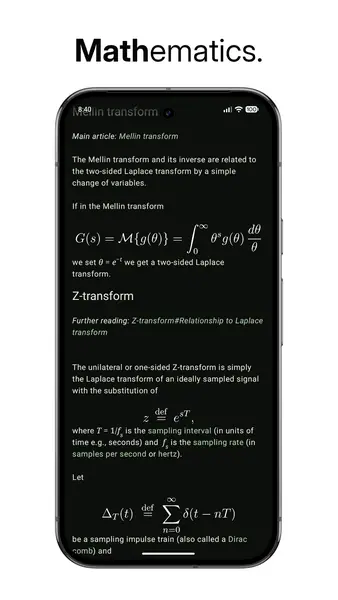
- Math expressions: View properly rendered mathematical expressions for easily reading mathematical articles
What's new in version 2.5.5
New features:
- New navigation animations
Bug fixes:
- Fixed a bug that caused the app to crash when trying to delete a saved article
APK file information
| Package name | org.nsh07.wikireader |
|---|---|
| Version | 2.5.5 (code 53) |
| Minimum Android | Android 8.0 · targets Android 16 |
| Architectures | arm64-v8a, armeabi-v7a, x86, x86_64 |
| SHA-256 | 0c06e5fc45eabccbbe2a8d287bc65ae13e3d797d4dd41e637c98d946a4895444 |
| Signature | 07bef30581baee8f45ec93e47ee68ef20874e50ef5709c78b2ee67ac86be4c3d |
| Licence | GPL-3.0-only — copyleft free licence: the code is public and modified versions must stay free |
| Source code | github.com/nsh07/WikiReader |
| Official website | github.com/nsh07/WikiReader |
Permissions
- Internet access
Older versions
- WikiReader 2.5.5November 13, 2025 · 3.2 MB
- WikiReader 2.5.3September 3, 2025 · 13.6 MB
- WikiReader 2.5.2August 30, 2025 · 13.5 MB
How to install WikiReader APK
- Tap Download APK above, then open the file once the download has finished.
- If Android asks, allow your browser to install unknown apps.
- Tap Install. WikiReader then appears with your other apps.
Having trouble? Read our guides how to install an APK on Android and "App not installed": how to fix it.
Frequently asked questions
Is WikiReader free?
Yes. WikiReader is distributed under the GPL-3.0-only licence: free, no subscription, and its source code is public.
Is this APK file safe?
The file is the one built and published by the F-Droid repository from the public source code. Its SHA-256 fingerprint is shown above, so you can compare it after downloading. How to check an APK.
Will WikiReader work on my phone?
You need at least Android 8.0. The app also works without Google services, so it runs on recent Huawei phones too.