APK Explorer & Editor APK
An open-source APK explorer/Editor & Split APK/App bundle Installer for Android!
Scarica l'APK vv0.36 · 3,6 MB- Versionev0.36
- Dimensione3,6 MB
- RichiedeAndroid 6.0
- Aggiornata09/09/2026
- LicenzaGPL-3.0-or-later
- PrezzoGratis
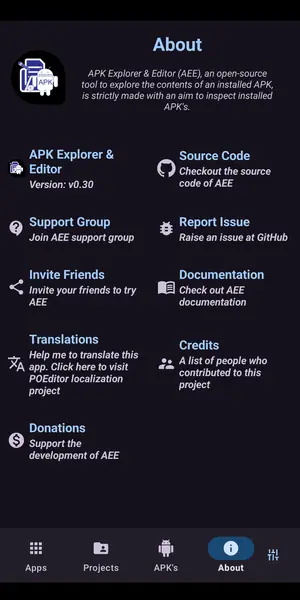
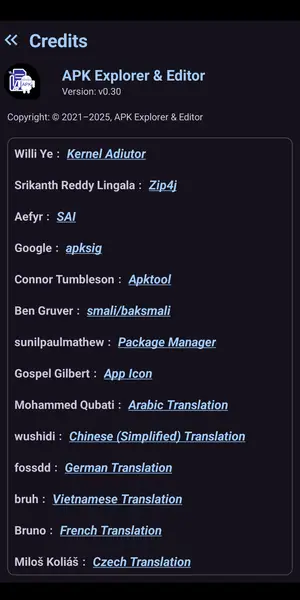
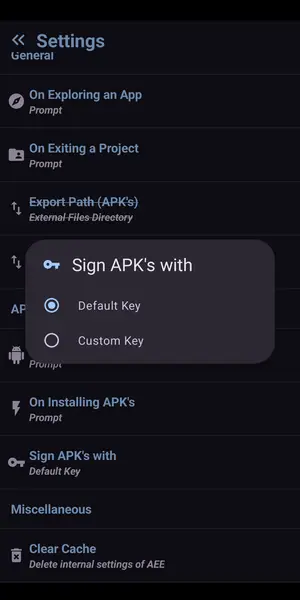
Informazioni su APK Explorer & Editor
Descrizione fornita dallo sviluppatore (in inglese).
APK Explorer & Editor (AEE) includes a set of open-source tools mainly designed to explore the contents of an installed application on an Android device. Additionally, AEE offers a feature-rich APK/Split APK's/App bundle installer which allows users to pick and install files from device storage. Please Note: This is the full version of AEE. The Google Play version lacks editing capabilities as well as features such as APK/App Bundle signing.
Features
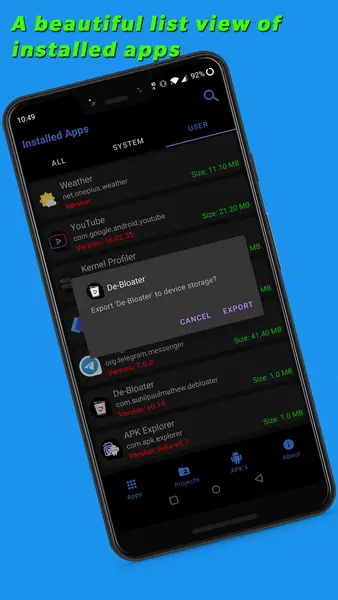
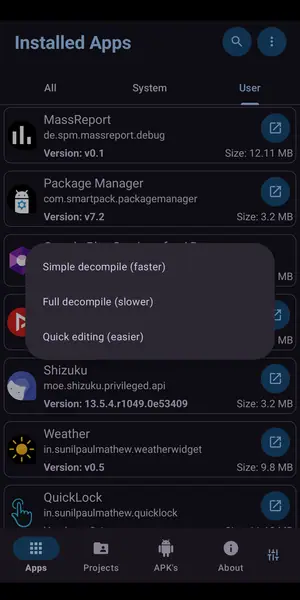
- A beautifully designed list view of installed applications.
- Explore an installed application or APK file picked from the device storage and navigate through its contents.
- Export and easily manage (install, share etc.) APK's/Split APK's into device storage.
- Includes a feature-rich APK/Split APK/App bundle installer (easily pick and install files from device storage)
- Easily extract app icons by single-clicking on them.
- Provides basic information about important resource files.
- View graphics, texts, binary XML, and many more.
- Save/Export individual resource files to device storage.
- Edit text/binary XML files using an in-built text editor (still, a bit buggy when working with too huge APK's).
- Delete or replaces resources.
- Assemble modified smali files into new classes (.dex).
- Decode and view the contents of "resources.arsc".
- Create signed APK's/App Bundles after the above-mentioned processes.
- Resign APK's/bundles with AEE custom key.
- Elegantly designed user interface with an auto-dark/light theme.
- A lot more.
Translations
Please help me to translate this application via POEditor. You may also translate after downloading the original language string available GitHub.
Documentation
- How-To
Novità della versione v0.36
- Modernized navigation view with smoother layouts and swipe gestures across
- Redesigned Bundle Install into a bottom sheet with a new "Select All" option
- Upgraded popup menus to modern bottom dialogs
- Improved APK Permissions screens for cleaner user experience
- Unified icon sizes, button labels, and custom dialogues across all screens
- Improved package name editing
- Updated Ukrainian and Vietnamese localizations
Informazioni sul file APK
| Nome del pacchetto | com.apk.editor |
|---|---|
| Versione | v0.36 (codice 36) |
| Android minimo | Android 6.0 · pensata per API 37 |
| Architetture | Tutte (universale) |
| SHA-256 | 543b356b2b540a93ce6f5486ced1f0b3f971c820f32e3a2d43c2d1538fb45e08 |
| Firma | 56e93d3a058428c4f70ecf3d49067e25d2d51e16bb94683db545a2648f3f031f |
| Licenza | GPL-3.0-or-later — licenza libera copyleft: il codice è pubblico e le versioni modificate devono restare libere |
| Codice sorgente | github.com/apk-editor/APK-Explorer-Editor |
| Sito ufficiale | apk-editor.github.io |
Autorizzazioni richieste
- Installare altre app sensibile
- Scrivere nell'archivio
- Vedere le app installate sensibile
- Leggere l'archivio
Versioni precedenti
- APK Explorer & Editor v0.369 settembre 2026 · 3,6 MB
- APK Explorer & Editor v0.3510 luglio 2026 · 3,5 MB
- APK Explorer & Editor v0.346 maggio 2026 · 3,4 MB
Come installare APK Explorer & Editor APK
- Tocca Scarica l'APK qui sopra, poi apri il file al termine del download.
- Se Android lo chiede, consenti al browser di installare app sconosciute.
- Tocca Installa. APK Explorer & Editor comparirà insieme alle altre app.
→ Come installare un file APK su Android (passo passo)
→ «App non installata»: cause e soluzioni
Domande frequenti
APK Explorer & Editor è gratis?
Sì. APK Explorer & Editor è distribuita con licenza GPL-3.0-or-later: gratuita, senza abbonamento e con codice sorgente pubblico.
Questo file APK è sicuro?
Il file è quello compilato e pubblicato dal repository F-Droid a partire dal codice sorgente pubblico. L'impronta SHA-256 è indicata qui sopra: puoi confrontarla dopo il download. Un APK è pericoloso? Come verificare un file prima di installarlo
APK Explorer & Editor funziona sul mio telefono?
Serve almeno Android 6.0. L'app funziona anche senza i servizi Google, quindi anche sui telefoni Huawei recenti.





