APK Explorer & Editor APK
An open-source APK explorer/Editor & Split APK/App bundle Installer for Android!
Download APK vv0.36 · 3.6 MB- Versionv0.36
- Size3.6 MB
- RequiresAndroid 6.0
- Updated9/9/2026
- LicenceGPL-3.0-or-later
- PriceFree
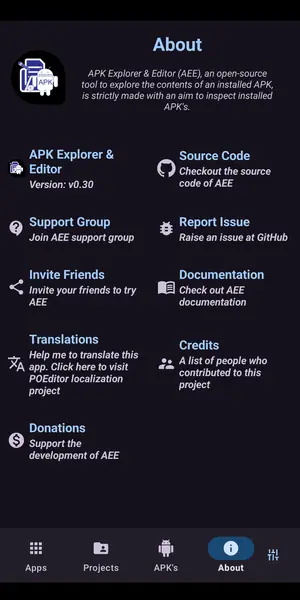
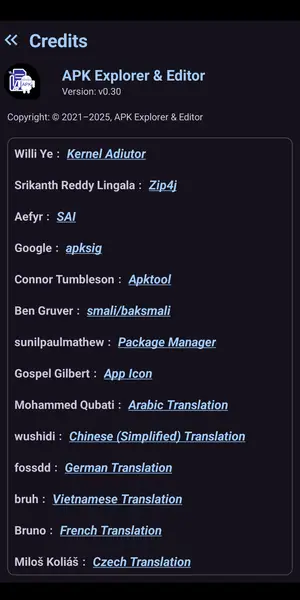
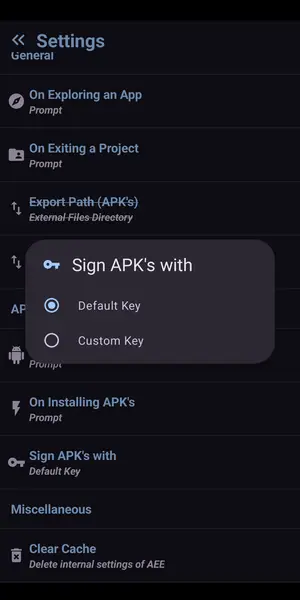
About APK Explorer & Editor
APK Explorer & Editor (AEE) includes a set of open-source tools mainly designed to explore the contents of an installed application on an Android device. Additionally, AEE offers a feature-rich APK/Split APK's/App bundle installer which allows users to pick and install files from device storage. Please Note: This is the full version of AEE. The Google Play version lacks editing capabilities as well as features such as APK/App Bundle signing.
Features
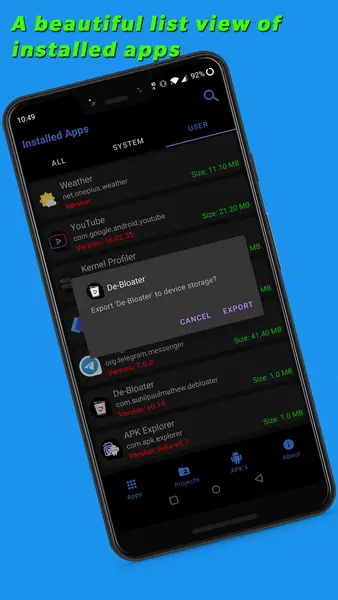
- A beautifully designed list view of installed applications.
- Explore an installed application or APK file picked from the device storage and navigate through its contents.
- Export and easily manage (install, share etc.) APK's/Split APK's into device storage.
- Includes a feature-rich APK/Split APK/App bundle installer (easily pick and install files from device storage)
- Easily extract app icons by single-clicking on them.
- Provides basic information about important resource files.
- View graphics, texts, binary XML, and many more.
- Save/Export individual resource files to device storage.
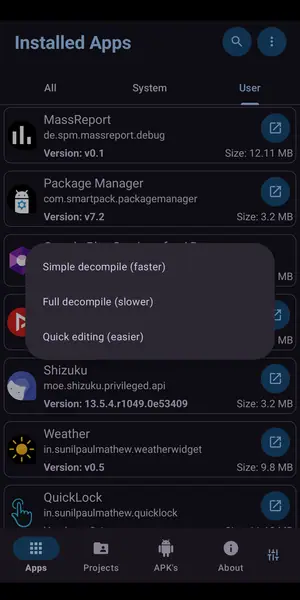
- Edit text/binary XML files using an in-built text editor (still, a bit buggy when working with too huge APK's).
- Delete or replaces resources.
- Assemble modified smali files into new classes (.dex).
- Decode and view the contents of "resources.arsc".
- Create signed APK's/App Bundles after the above-mentioned processes.
- Resign APK's/bundles with AEE custom key.
- Elegantly designed user interface with an auto-dark/light theme.
- A lot more.
Translations
Please help me to translate this application via POEditor. You may also translate after downloading the original language string available GitHub.
Documentation
- How-To
What's new in version v0.36
- Modernized navigation view with smoother layouts and swipe gestures across
- Redesigned Bundle Install into a bottom sheet with a new "Select All" option
- Upgraded popup menus to modern bottom dialogs
- Improved APK Permissions screens for cleaner user experience
- Unified icon sizes, button labels, and custom dialogues across all screens
- Improved package name editing
- Updated Ukrainian and Vietnamese localizations
APK file information
| Package name | com.apk.editor |
|---|---|
| Version | v0.36 (code 36) |
| Minimum Android | Android 6.0 · targets API 37 |
| Architectures | All (universal) |
| SHA-256 | 543b356b2b540a93ce6f5486ced1f0b3f971c820f32e3a2d43c2d1538fb45e08 |
| Signature | 56e93d3a058428c4f70ecf3d49067e25d2d51e16bb94683db545a2648f3f031f |
| Licence | GPL-3.0-or-later — copyleft free licence: the code is public and modified versions must stay free |
| Source code | github.com/apk-editor/APK-Explorer-Editor |
| Official website | apk-editor.github.io |
Permissions
- Install other apps sensitive
- Write to storage
- See installed apps sensitive
- Read storage
Older versions
- APK Explorer & Editor v0.36September 9, 2026 · 3.6 MB
- APK Explorer & Editor v0.35July 10, 2026 · 3.5 MB
- APK Explorer & Editor v0.34May 6, 2026 · 3.4 MB
How to install APK Explorer & Editor APK
- Tap Download APK above, then open the file once the download has finished.
- If Android asks, allow your browser to install unknown apps.
- Tap Install. APK Explorer & Editor then appears with your other apps.
Having trouble? Read our guides how to install an APK on Android and "App not installed": how to fix it.
Frequently asked questions
Is APK Explorer & Editor free?
Yes. APK Explorer & Editor is distributed under the GPL-3.0-or-later licence: free, no subscription, and its source code is public.
Is this APK file safe?
The file is the one built and published by the F-Droid repository from the public source code. Its SHA-256 fingerprint is shown above, so you can compare it after downloading. How to check an APK.
Will APK Explorer & Editor work on my phone?
You need at least Android 6.0. The app also works without Google services, so it runs on recent Huawei phones too.





