
Cache Cleaner APK
Clean cache of installed user and system apps using Accessibility
Scarica l'APK v2.3.0 · 3,3 MB- Versione2.3.0
- Dimensione3,3 MB
- RichiedeAndroid 6.0
- Aggiornata11/06/2026
- LicenzaAGPL-3.0-only
- PrezzoGratis
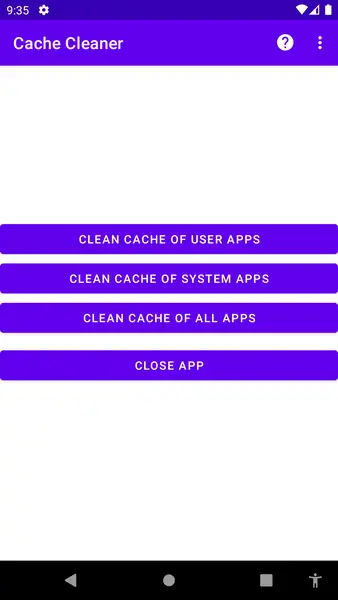
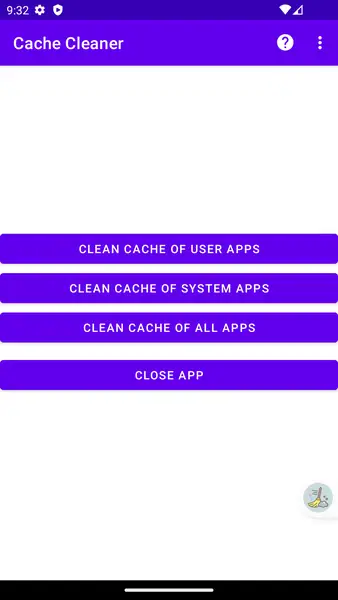
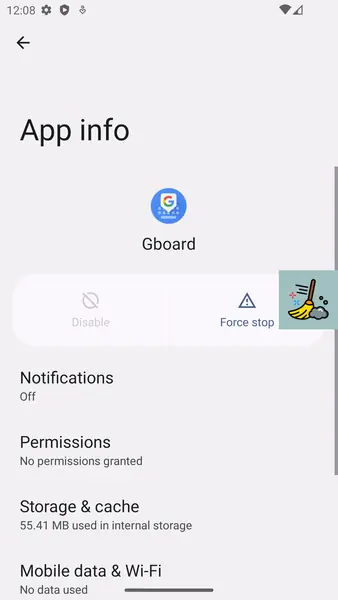
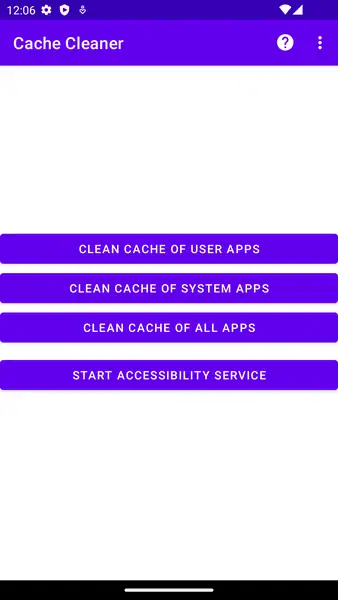
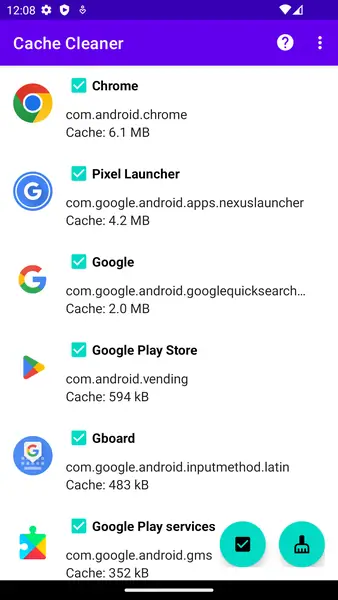
Informazioni su Cache Cleaner
Descrizione fornita dallo sviluppatore (in inglese).
Since the release of Android 6 (Marshmallow), the option to clear the cache of all apps at once has been restricted by Google to system apps only. This means that users no longer have the convenience of clearing the cache of all their apps simultaneously. To clear the cache of individual apps, one must manually navigate to each app's "App Info" screen, locate the "Storage" menu, and then select the "Clean cache" button.
To simplify this process and save time, Cache Cleaner requests a list of installed apps on your device and utilizes the Accessibility service to replace the manual steps involved in clearing the cache. This allows for a more convenient and automated process of cache cleaning.
Cache Cleaner provides the added benefit of customizable app lists. This functionality allows you to create personalized lists of specific apps, giving you the flexibility to selectively clear the cache of only the apps you choose.
Novità della versione 2.3.0
- support Android 17
- fix force-stop for Android 14 and later
- faster loading of app info
- improve clean cache stability and reliability
- fix navigation back between apps for some cases
Informazioni sul file APK
| Nome del pacchetto | com.github.bmx666.appcachecleaner |
|---|---|
| Versione | 2.3.0 (codice 109) |
| Android minimo | Android 6.0 · pensata per API 37 |
| Architetture | arm64-v8a, armeabi-v7a, x86, x86_64 |
| SHA-256 | d4913cd8243bf9ec8930c5227836db7eb48f5e79bb69d626426a3c52b06a839a |
| Firma | 28fa393354f1d13d70c2f1f5298cdd455ffdbc2c17939cbc8f053ddc5e152da8 |
| Licenza | AGPL-3.0-only — licenza libera copyleft: il codice è pubblico e le versioni modificate devono restare libere |
| Codice sorgente | github.com/bmx666/android-appcachecleaner |
Autorizzazioni richieste
- Vedere le app installate sensibile
- Funzionare in background
Altre 1 autorizzazioni tecniche
PACKAGE_USAGE_STATS
Versioni precedenti
- Cache Cleaner 2.3.011 giugno 2026 · 3,3 MB
- Cache Cleaner 2.2.1011 luglio 2025 · 3,6 MB
- Cache Cleaner 2.2.99 ottobre 2024 · 3,6 MB
Come installare Cache Cleaner APK
- Tocca Scarica l'APK qui sopra, poi apri il file al termine del download.
- Se Android lo chiede, consenti al browser di installare app sconosciute.
- Tocca Installa. Cache Cleaner comparirà insieme alle altre app.
→ Come installare un file APK su Android (passo passo)
→ «App non installata»: cause e soluzioni
Domande frequenti
Cache Cleaner è gratis?
Sì. Cache Cleaner è distribuita con licenza AGPL-3.0-only: gratuita, senza abbonamento e con codice sorgente pubblico.
Questo file APK è sicuro?
Il file è quello compilato e pubblicato dal repository F-Droid a partire dal codice sorgente pubblico. L'impronta SHA-256 è indicata qui sopra: puoi confrontarla dopo il download. Un APK è pericoloso? Come verificare un file prima di installarlo
Cache Cleaner funziona sul mio telefono?
Serve almeno Android 6.0. L'app funziona anche senza i servizi Google, quindi anche sui telefoni Huawei recenti.





