
Cache Cleaner APK
Clean cache of installed user and system apps using Accessibility
Download APK v2.3.0 · 3.3 MB- Version2.3.0
- Size3.3 MB
- RequiresAndroid 6.0
- Updated6/11/2026
- LicenceAGPL-3.0-only
- PriceFree
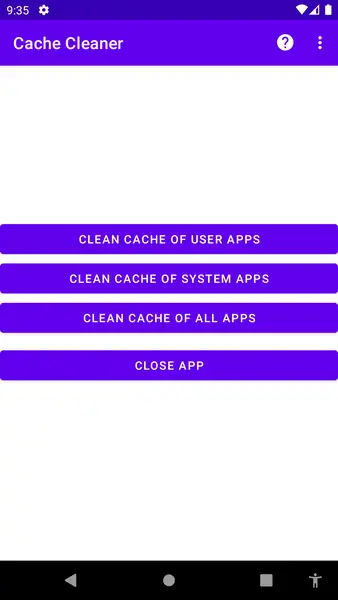
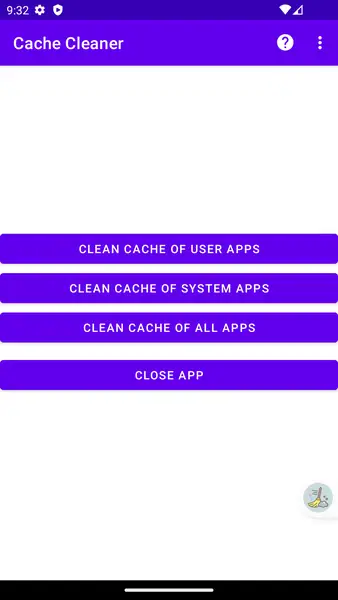
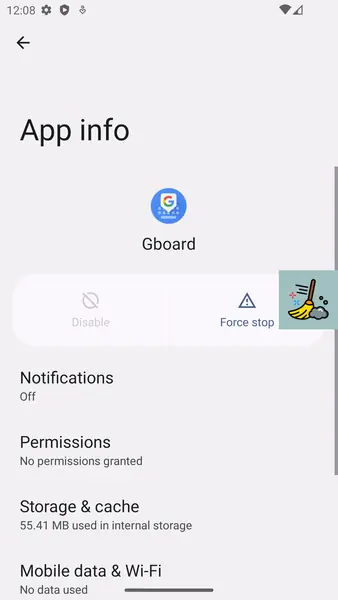
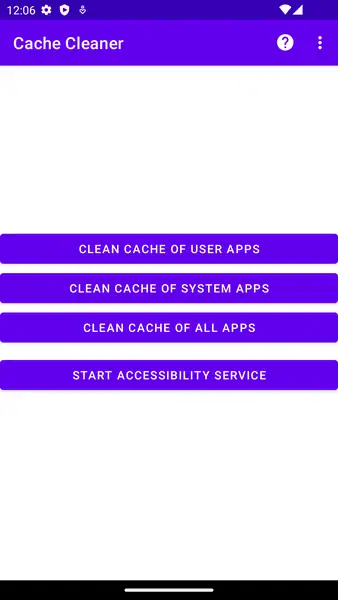
About Cache Cleaner
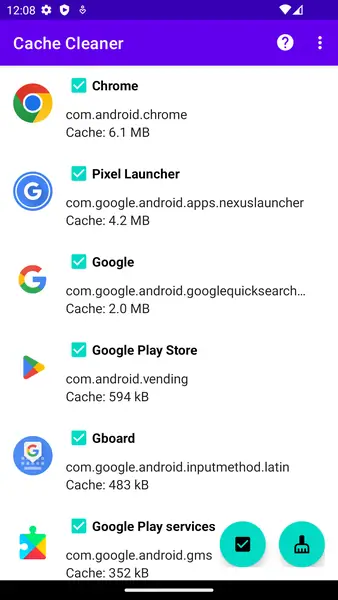
Since the release of Android 6 (Marshmallow), the option to clear the cache of all apps at once has been restricted by Google to system apps only. This means that users no longer have the convenience of clearing the cache of all their apps simultaneously. To clear the cache of individual apps, one must manually navigate to each app's "App Info" screen, locate the "Storage" menu, and then select the "Clean cache" button.
To simplify this process and save time, Cache Cleaner requests a list of installed apps on your device and utilizes the Accessibility service to replace the manual steps involved in clearing the cache. This allows for a more convenient and automated process of cache cleaning.
Cache Cleaner provides the added benefit of customizable app lists. This functionality allows you to create personalized lists of specific apps, giving you the flexibility to selectively clear the cache of only the apps you choose.
What's new in version 2.3.0
- support Android 17
- fix force-stop for Android 14 and later
- faster loading of app info
- improve clean cache stability and reliability
- fix navigation back between apps for some cases
APK file information
| Package name | com.github.bmx666.appcachecleaner |
|---|---|
| Version | 2.3.0 (code 109) |
| Minimum Android | Android 6.0 · targets API 37 |
| Architectures | arm64-v8a, armeabi-v7a, x86, x86_64 |
| SHA-256 | d4913cd8243bf9ec8930c5227836db7eb48f5e79bb69d626426a3c52b06a839a |
| Signature | 28fa393354f1d13d70c2f1f5298cdd455ffdbc2c17939cbc8f053ddc5e152da8 |
| Licence | AGPL-3.0-only — copyleft free licence: the code is public and modified versions must stay free |
| Source code | github.com/bmx666/android-appcachecleaner |
Permissions
- See installed apps sensitive
- Run in the background
1 other technical permission(s)
PACKAGE_USAGE_STATS
Older versions
- Cache Cleaner 2.3.0June 11, 2026 · 3.3 MB
- Cache Cleaner 2.2.10July 11, 2025 · 3.6 MB
- Cache Cleaner 2.2.9October 9, 2024 · 3.6 MB
How to install Cache Cleaner APK
- Tap Download APK above, then open the file once the download has finished.
- If Android asks, allow your browser to install unknown apps.
- Tap Install. Cache Cleaner then appears with your other apps.
Having trouble? Read our guides how to install an APK on Android and "App not installed": how to fix it.
Frequently asked questions
Is Cache Cleaner free?
Yes. Cache Cleaner is distributed under the AGPL-3.0-only licence: free, no subscription, and its source code is public.
Is this APK file safe?
The file is the one built and published by the F-Droid repository from the public source code. Its SHA-256 fingerprint is shown above, so you can compare it after downloading. How to check an APK.
Will Cache Cleaner work on my phone?
You need at least Android 6.0. The app also works without Google services, so it runs on recent Huawei phones too.





