
Let's Bend APK
Let's Bend: Harmonica Tuner
Harmonica tuner for learning bending techniques with real-time visual feedback.
Scarica l'APK v3.9.0 · 24,5 MB- Versione3.9.0
- Dimensione24,5 MB
- RichiedeAndroid 9
- Aggiornata13/11/2026
- LicenzaMIT
- PrezzoGratis
Informazioni su Let's Bend
Descrizione fornita dallo sviluppatore (in inglese).
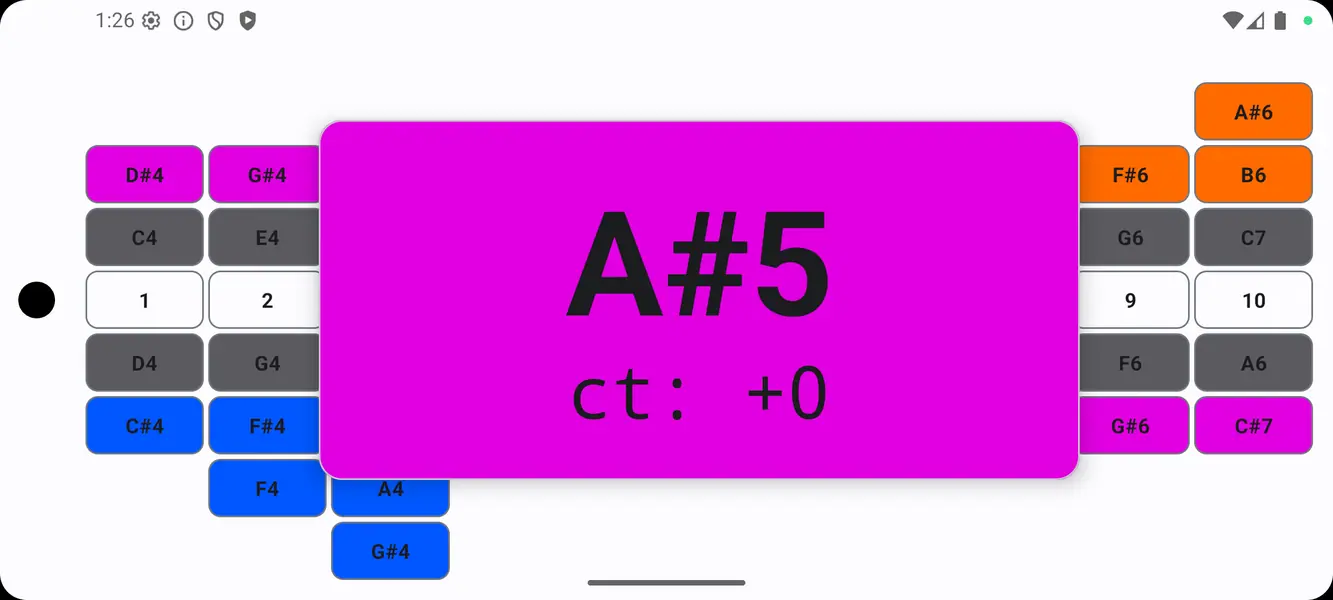
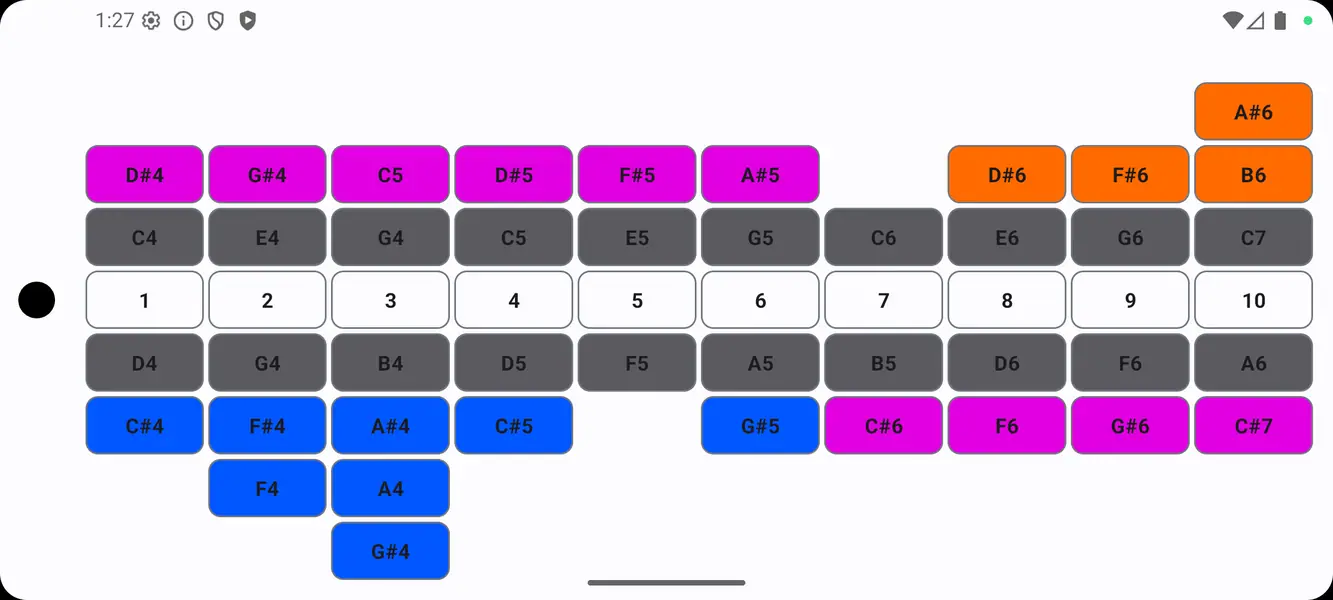
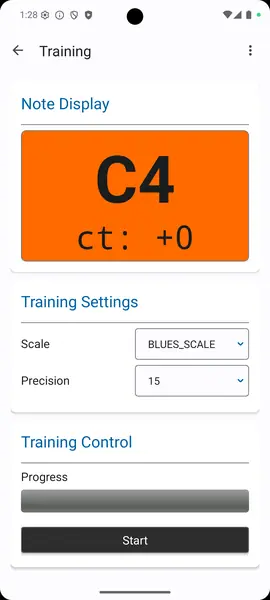
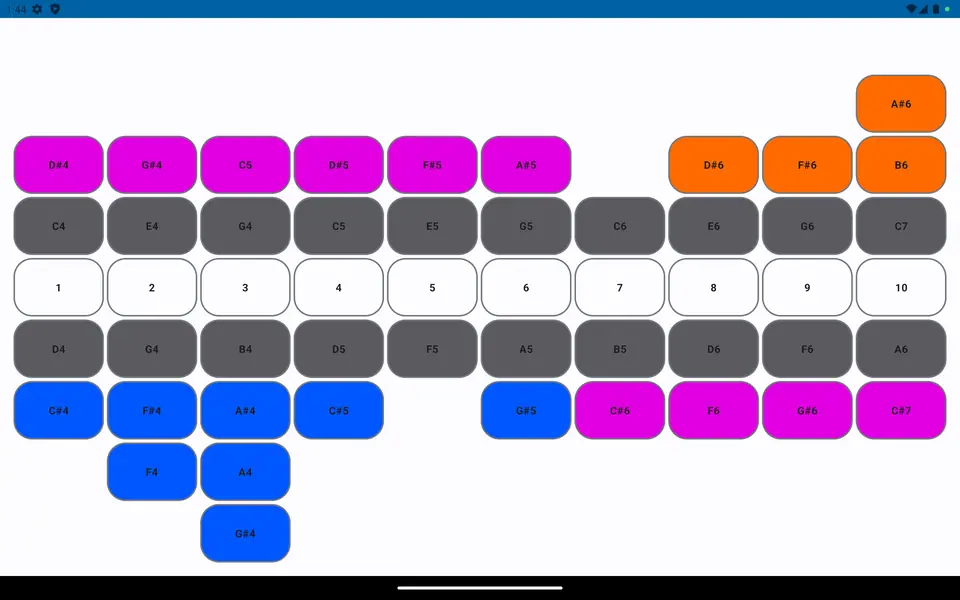
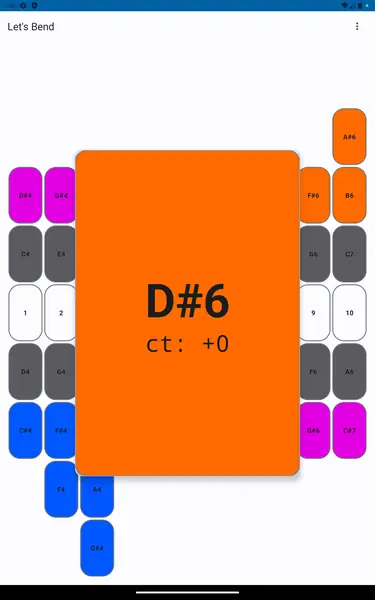
d Let's Bend: Blues Harmonica Tuner & Trainer assists harmonica players in accurately hitting bending notes through real-time visualization.
The application is completely free, ad-free, and can be used without registration. Sounds are captured via the MediaRecorder library as a continuous data stream, analyzed using advanced pitch detection algorithms, and displayed in real-time.
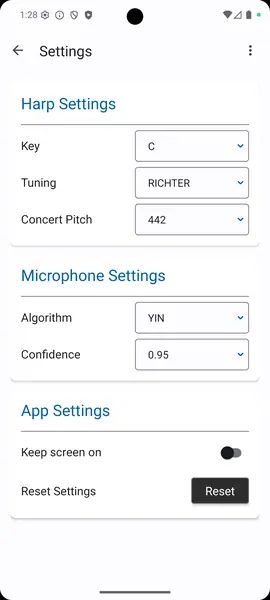
All common keys and special tunings of your blues harps are supported and can be easily configured via the settings menu.
Features:
- Fast and accurate musical note detection
- Multiple pitch detection algorithms (YIN, MPM, and HYBRID)
- Support for all common harmonica keys and tunings
- Adjustable concert pitch settings
- Visualization of blow bends, draw bends, over blows, and over draws
- Customizable confidence settings for pitch detection
Technical Details (for developers):
- Open-source project available on GitHub
- Built using Model-View-Controller (MVC) architecture
- Developed with Gradle build system
- Requires Android 9 (API 28) or higher
- Uses Dagger for dependency injection
- Implements SLF4J for logging
- Optimized for privacy (no data collection or storage)
- Part of a multi-platform project that includes desktop (macOS, Linux, Windows) and web versions
The app is also available for desktop platforms and as a web application at https://letsbend.de
Enjoy and Let's Bend!
Let's Bend is free and open source. If you find it useful, consider supporting development: https://ko-fi.com/egdels
Novità della versione 3.9.0
What's new in 3.9.0
- New (experimental): the "Basic Pitch" chord engine detects chords, double stops and octaves more reliably
- Chord mode shows the playing technique, e.g. "Octave 1B 4B (tongue block)"
- MPM is the default algorithm for new installs – more precise on bends
- Settings are stored more robustly and carried over automatically
- Fixed: microphone kept running several times after settings changes (battery), flickering chord display, octave errors (Hybrid)
Informazioni sul file APK
| Nome del pacchetto | de.schliweb.bluesharpbendingapp |
|---|---|
| Versione | 3.9.0 (codice 30900) |
| Android minimo | Android 9 · pensata per Android 16 |
| Architetture | arm64-v8a, armeabi-v7a, x86, x86_64 |
| SHA-256 | 45b21d3ec998abc075c86afadcb76b9bf1753fb8e7609e1c28caff957dea6d34 |
| Firma | ae322d3fb71afe21df4727e37a5c6803511d5a2fe1fc3135430cee0699fa1b34 |
| Licenza | MIT — licenza libera permissiva: il codice sorgente è pubblico e riutilizzabile |
| Codice sorgente | github.com/egdels/bluesharpbendingapp |
| Sito ufficiale | www.letsbend.de/ |
Autorizzazioni richieste
- Microfono sensibile
Versioni precedenti
- Let's Bend 3.9.013 novembre 2026 · 24,5 MB
- Let's Bend 3.8.029 luglio 2026 · 5,2 MB
- Let's Bend 3.7.019 marzo 2026 · 5,2 MB
Come installare Let's Bend APK
- Tocca Scarica l'APK qui sopra, poi apri il file al termine del download.
- Se Android lo chiede, consenti al browser di installare app sconosciute.
- Tocca Installa. Let's Bend comparirà insieme alle altre app.
→ Come installare un file APK su Android (passo passo)
→ «App non installata»: cause e soluzioni
Domande frequenti
Let's Bend è gratis?
Sì. Let's Bend è distribuita con licenza MIT: gratuita, senza abbonamento e con codice sorgente pubblico.
Questo file APK è sicuro?
Il file è quello compilato e pubblicato dal repository F-Droid a partire dal codice sorgente pubblico. L'impronta SHA-256 è indicata qui sopra: puoi confrontarla dopo il download. Un APK è pericoloso? Come verificare un file prima di installarlo
Let's Bend funziona sul mio telefono?
Serve almeno Android 9. L'app funziona anche senza i servizi Google, quindi anche sui telefoni Huawei recenti.