
Let's Bend APK
Let's Bend: Harmonica Tuner
Harmonica tuner for learning bending techniques with real-time visual feedback.
Download APK v3.9.0 · 24.5 MB- Version3.9.0
- Size24.5 MB
- RequiresAndroid 9
- Updated11/13/2026
- LicenceMIT
- PriceFree
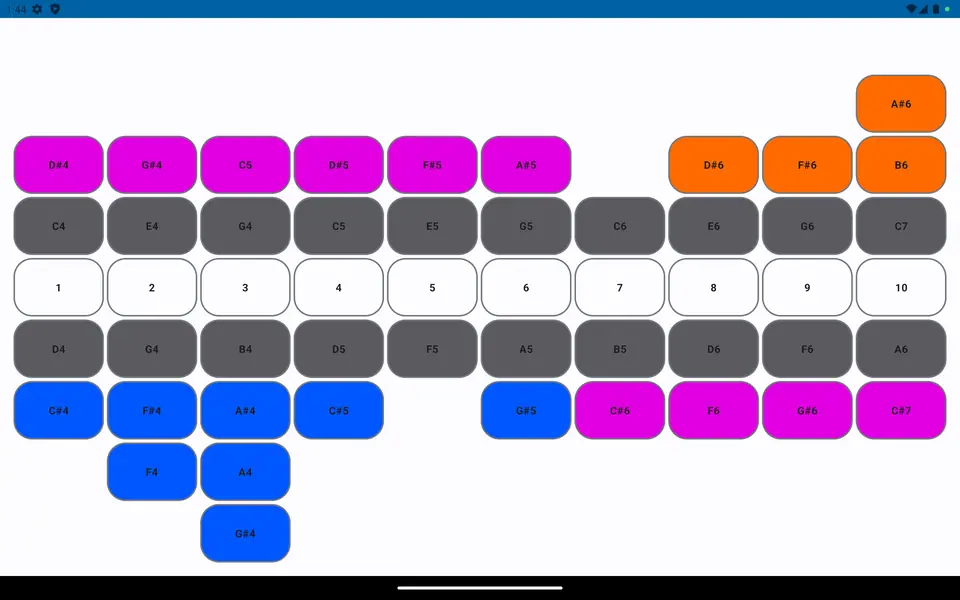
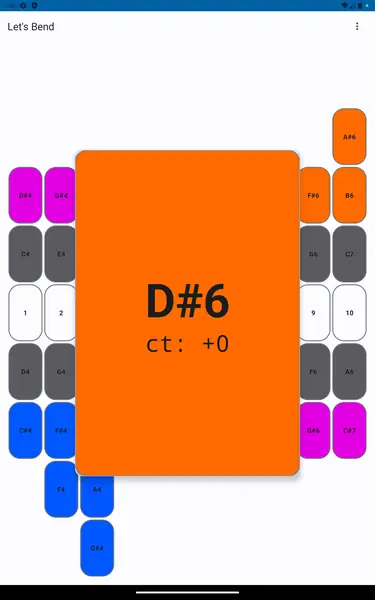
About Let's Bend
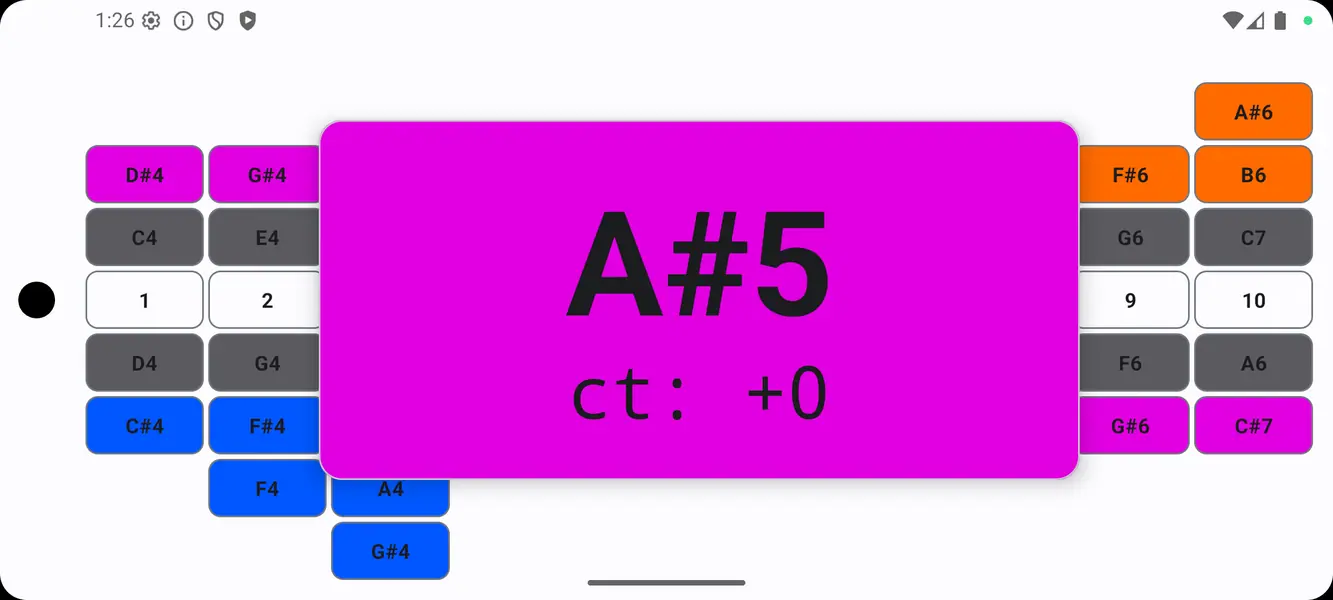
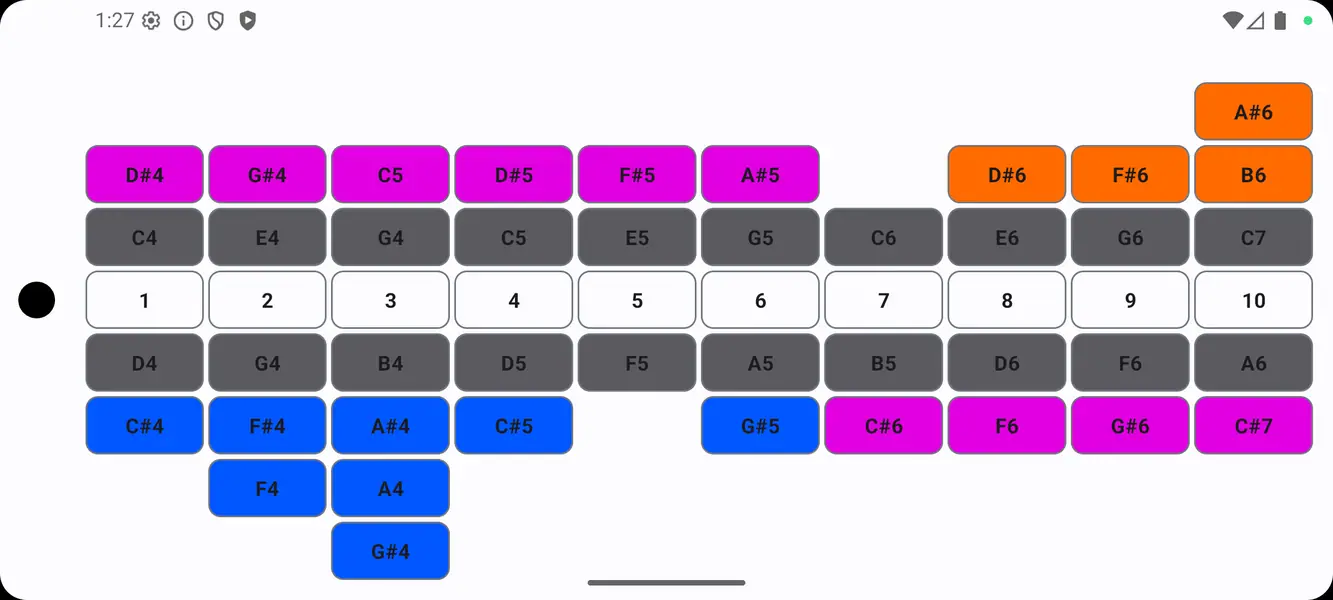
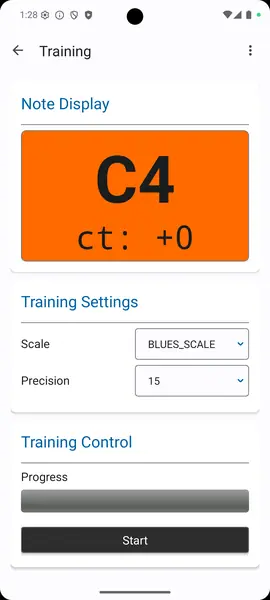
d Let's Bend: Blues Harmonica Tuner & Trainer assists harmonica players in accurately hitting bending notes through real-time visualization.
The application is completely free, ad-free, and can be used without registration. Sounds are captured via the MediaRecorder library as a continuous data stream, analyzed using advanced pitch detection algorithms, and displayed in real-time.
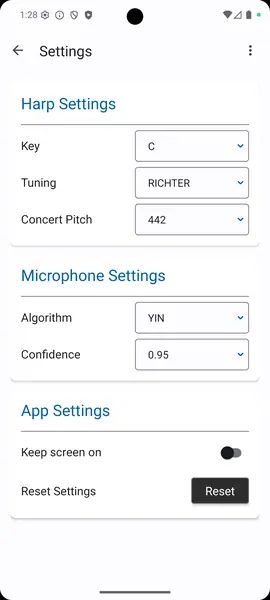
All common keys and special tunings of your blues harps are supported and can be easily configured via the settings menu.
Features:
- Fast and accurate musical note detection
- Multiple pitch detection algorithms (YIN, MPM, and HYBRID)
- Support for all common harmonica keys and tunings
- Adjustable concert pitch settings
- Visualization of blow bends, draw bends, over blows, and over draws
- Customizable confidence settings for pitch detection
Technical Details (for developers):
- Open-source project available on GitHub
- Built using Model-View-Controller (MVC) architecture
- Developed with Gradle build system
- Requires Android 9 (API 28) or higher
- Uses Dagger for dependency injection
- Implements SLF4J for logging
- Optimized for privacy (no data collection or storage)
- Part of a multi-platform project that includes desktop (macOS, Linux, Windows) and web versions
The app is also available for desktop platforms and as a web application at https://letsbend.de
Enjoy and Let's Bend!
Let's Bend is free and open source. If you find it useful, consider supporting development: https://ko-fi.com/egdels
What's new in version 3.9.0
What's new in 3.9.0
- New (experimental): the "Basic Pitch" chord engine detects chords, double stops and octaves more reliably
- Chord mode shows the playing technique, e.g. "Octave 1B 4B (tongue block)"
- MPM is the default algorithm for new installs – more precise on bends
- Settings are stored more robustly and carried over automatically
- Fixed: microphone kept running several times after settings changes (battery), flickering chord display, octave errors (Hybrid)
APK file information
| Package name | de.schliweb.bluesharpbendingapp |
|---|---|
| Version | 3.9.0 (code 30900) |
| Minimum Android | Android 9 · targets Android 16 |
| Architectures | arm64-v8a, armeabi-v7a, x86, x86_64 |
| SHA-256 | 45b21d3ec998abc075c86afadcb76b9bf1753fb8e7609e1c28caff957dea6d34 |
| Signature | ae322d3fb71afe21df4727e37a5c6803511d5a2fe1fc3135430cee0699fa1b34 |
| Licence | MIT — permissive free licence: the source code is public and reusable |
| Source code | github.com/egdels/bluesharpbendingapp |
| Official website | www.letsbend.de/ |
Permissions
- Microphone sensitive
Older versions
- Let's Bend 3.9.0November 13, 2026 · 24.5 MB
- Let's Bend 3.8.0July 29, 2026 · 5.2 MB
- Let's Bend 3.7.0March 19, 2026 · 5.2 MB
How to install Let's Bend APK
- Tap Download APK above, then open the file once the download has finished.
- If Android asks, allow your browser to install unknown apps.
- Tap Install. Let's Bend then appears with your other apps.
Having trouble? Read our guides how to install an APK on Android and "App not installed": how to fix it.
Frequently asked questions
Is Let's Bend free?
Yes. Let's Bend is distributed under the MIT licence: free, no subscription, and its source code is public.
Is this APK file safe?
The file is the one built and published by the F-Droid repository from the public source code. Its SHA-256 fingerprint is shown above, so you can compare it after downloading. How to check an APK.
Will Let's Bend work on my phone?
You need at least Android 9. The app also works without Google services, so it runs on recent Huawei phones too.