
searxist APK
Search with SearXNG and more natively on Android.
Scarica l'APK v2026.10.10 · 4,1 MB- Versione2026.10.10
- Dimensione4,1 MB
- RichiedeAndroid 5.0
- Aggiornata25/10/2026
- LicenzaGPL-3.0-or-later
- PrezzoGratis

Informazioni su searxist
Descrizione fornita dallo sviluppatore (in inglese).
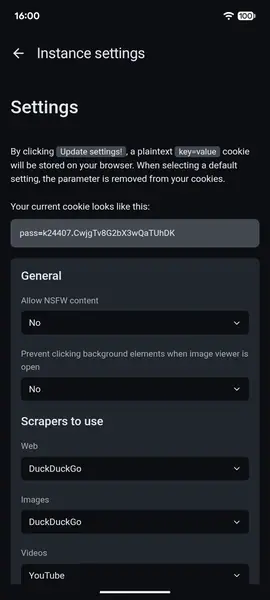
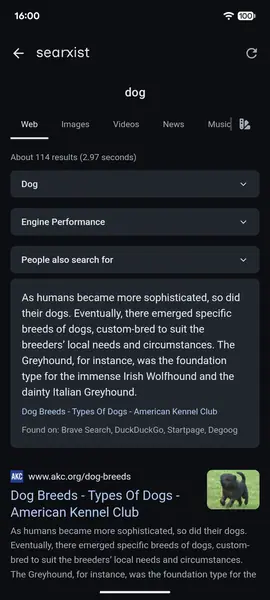
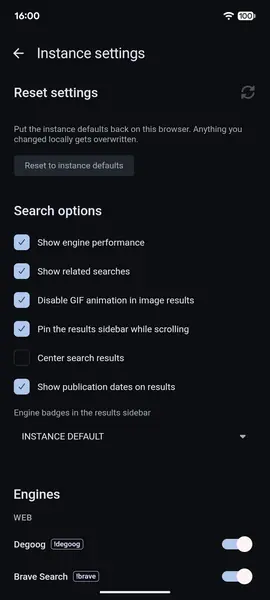
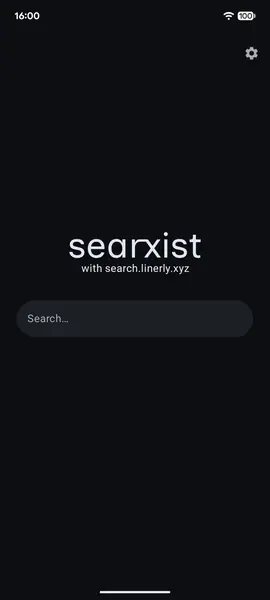
searxist (pronounced: searchist) is a simple Android app to wrap SearXNG and more in a WebView with Material You colors, plus some system integrations.
Features
- 🌙 Material You theming
- 🔍 System search integration (search bar widget, popup text action)
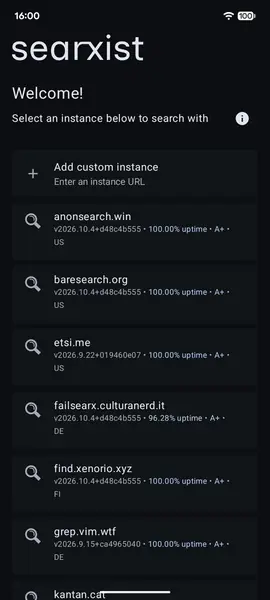
- 🌐 Choose from public SearXNG, 4get, and Degoog instances or add your own
- 🛡️ Privacy-focused (no unnecessary data collection!)
- 📱 Supports Android 5+
Why would I want to use this?
Unlike other search apps, this app uses various free and open-source metasearch engines like SearXNG, 4get, and Degoog. (learn more at https://docs.searxng.org, https://4get.ca/about#what-is-this, and https://degoog-org.github.io/docs)
When you use these metasearch engines, your search queries get proxied before passing them to various search engines. Not only will you get various results, but they also preserve privacy since the searches aren't directly linked to you.
The app provides a list of public instances for you to use. If you have an instance (either that you host yourself or hosted by someone else), you can add it as well.
If you do use your own instance, make sure other people are also using it to blend in. If the instance is used by only one person, search engines can still link the searches back to you.
The app does not collect any information; it only passes search queries to the instance that you use.
Novità della versione 2026.10.10
A quality-of-life update
— Support for 4get and Degoog (searxist/android#16 and searxist/android#18) — Public instances list now only show online instances — Improved search bar behavior and search suggestions (searxist/android#19) — Styling updates (searxist/android#17) — Translation updates
Informazioni sul file APK
| Nome del pacchetto | xyz.linerly.searxist |
|---|---|
| Versione | 2026.10.10 (codice 20261010) |
| Android minimo | Android 5.0 · pensata per API 37 |
| Architetture | arm64-v8a, armeabi-v7a, x86, x86_64 |
| SHA-256 | 02301bc11cfb81d0c25e821d7c0f15f306b0fda3261e71b3427fa3c65e07177d |
| Firma | 650399c893532c795de4ec20a88b0f88d8ed1ef4843ef13f3f768b4aa0e43031 |
| Licenza | GPL-3.0-or-later — licenza libera copyleft: il codice è pubblico e le versioni modificate devono restare libere |
| Codice sorgente | codeberg.org/searxist/android |
| Sito ufficiale | searxist.linerly.xyz |
Autorizzazioni richieste
- Accesso a Internet
- Impedire lo standby
- Vedere lo stato della rete
- Avviarsi all'accensione
- Funzionare in background
Altre 1 autorizzazioni tecniche
REORDER_TASKS
Versioni precedenti
- searxist 2026.10.1025 ottobre 2026 · 4,1 MB
- searxist 2026.04.302 maggio 2026 · 3,9 MB
- searxist 2026.02.2025 aprile 2026 · 14,3 MB
Come installare searxist APK
- Tocca Scarica l'APK qui sopra, poi apri il file al termine del download.
- Se Android lo chiede, consenti al browser di installare app sconosciute.
- Tocca Installa. searxist comparirà insieme alle altre app.
→ Come installare un file APK su Android (passo passo)
→ «App non installata»: cause e soluzioni
Domande frequenti
searxist è gratis?
Sì. searxist è distribuita con licenza GPL-3.0-or-later: gratuita, senza abbonamento e con codice sorgente pubblico.
Questo file APK è sicuro?
Il file è quello compilato e pubblicato dal repository F-Droid a partire dal codice sorgente pubblico. L'impronta SHA-256 è indicata qui sopra: puoi confrontarla dopo il download. Un APK è pericoloso? Come verificare un file prima di installarlo
searxist funziona sul mio telefono?
Serve almeno Android 5.0. L'app funziona anche senza i servizi Google, quindi anche sui telefoni Huawei recenti.





