
Butterfly APK
メモを取り、自由に描き、無限に広がるワークスペースでアイデアを整理できます
APK をダウンロード v2.6.3 · 127.9 MB- バージョン2.6.3
- サイズ127.9 MB
- 必要環境Android 7.0
- 更新日2026/11/23
- ライセンスAGPL-3.0-only
- 価格無料
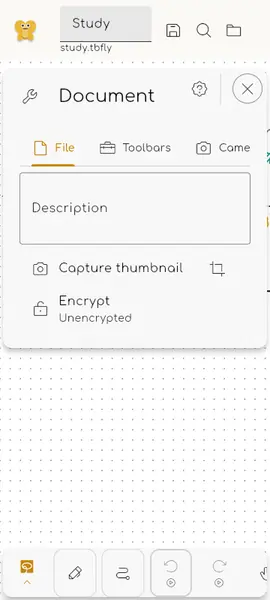
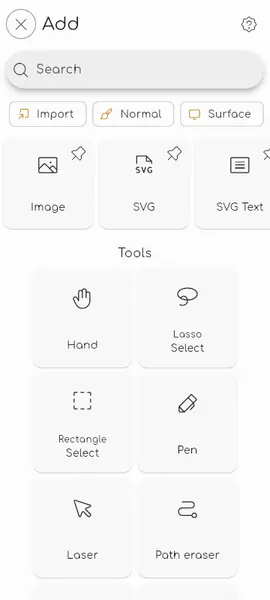
Butterfly について
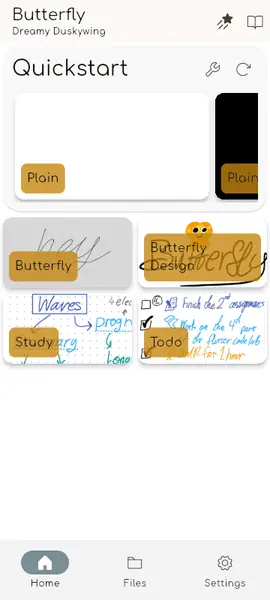
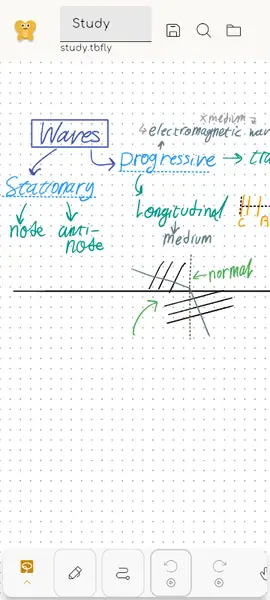
Butterfly は、アイデアをのびのび広げられるオープンソースアプリです。メモを取り、スケッチや図を描き、画像やドキュメントを自由に配置できる、広がり続けるワークスペースを使えます。 Instead of writing everything from top to bottom on a fixed page, you get an endless workspace where you can place notes, sketches, diagrams, images, and documents wherever they make sense.
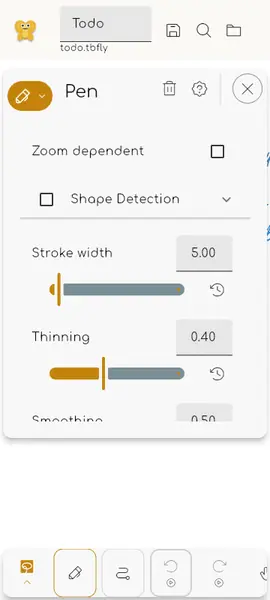
授業メモ、会議メモ、研究、数学、ワークシート、計画、ホワイトボード、ストーリーボード、製品スケッチ、または開始が乱雑で成長の余地が必要なあらゆるプロジェクトに使用します。スタイラス、タッチ、マウスを使って手書きし、テキストやマークダウンを入力し、図形や線を追加し、画像や写真を配置し、PDF、SVG、画像ファイルをインポートし、作業を PDF、SVG、画像、またはポータブルな Butterfly ファイルとしてエクスポートします。 Write by hand with a stylus, touch, or mouse, type text and Markdown, add shapes and lines, place images and photos, import PDFs, SVGs, and image files, then export your work as PDF, SVG, images, or portable Butterfly files.
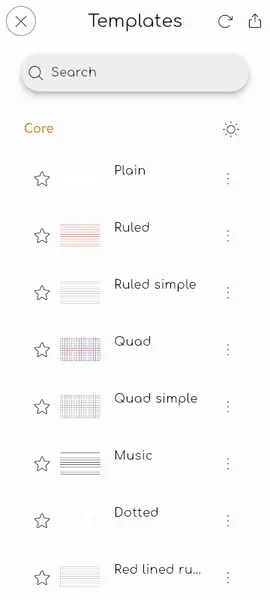
Butterfly tries to stay out of your way while you work. Recent files, quick-start templates, search, folders, imports, page navigation, and tool settings are close when you need them, but the document stays at the center. You can begin with a plain page, ruled paper, a grid, dotted paper, music paper, or your own template.
As your document grows, Butterfly gives you ways to keep it understandable. Split work into pages and page folders, use layers, mark important places with areas and waypoints, save reusable parts in packs, and keep palettes and text styles ready for the next document. Almost everything you add remains editable, so you can move, resize, recolor, reorder, and refine your work later instead of starting over.
Your files stay under your control. Work offline, store documents on your device, choose a different data directory, or connect WebDAV and Nextcloud if you want your own sync setup. There is no required account, no required subscription, and no required proprietary cloud.
Butterfly は無料で、コミュニティで翻訳され、携帯電話、タブレット、デスクトップ、Web で利用でき、AGPL-3.0 ライセンスに基づいて公開開発されています。
バージョン 2.6.3 の新機能
This is a stable release, it includes all the changes from the 2.6.3 nightly releases. Read more here: https://linwood.dev/butterfly/2.6.3
APK ファイルの情報
| パッケージ名 | dev.linwood.butterfly |
|---|---|
| バージョン | 2.6.3 (コード 207) |
| 最低 Android バージョン | Android 7.0 · 対象 Android 16 |
| アーキテクチャ | arm64-v8a, armeabi-v7a, x86_64 |
| SHA-256 | 2efbfe991efdaa4195eb61be264cbc6bea18453cac6c7566e110b2b146ff089c |
| 署名 | 1a8841e90912769969891b600b3850e7b25b792e6e315b66ec51f986bd6144a9 |
| ライセンス | AGPL-3.0-only — コピーレフト型の自由ライセンス:コードは公開され、改変版も自由である必要があります |
| ソースコード | github.com/LinwoodDev/Butterfly |
権限
- インターネット接続
- ストレージへの書き込み
- カメラ 要注意
- マイク 要注意
- ストレージの読み取り
- ネットワーク状態の確認
- Wi-Fi 状態の確認
以前のバージョン
- Butterfly 2.6.32026年11月23日 · 127.9 MB
- Butterfly 2.6.22026年10月31日 · 124.4 MB
- Butterfly 2.6.12026年10月18日 · 123.0 MB
Butterfly APK のインストール方法
- 上のAPK をダウンロードをタップし、ダウンロード後にファイルを開きます。
- Android に確認されたら、ブラウザに不明なアプリのインストールを許可します。
- インストールをタップします。Butterfly がほかのアプリと一緒に表示されます。
→ Android に APK ファイルをインストールする方法(手順付き)
→ 「アプリはインストールされていません」:原因と対処法
よくある質問
Butterfly は無料ですか?
はい。Butterfly は AGPL-3.0-only ライセンスで配布されており、無料・サブスクリプション不要で、ソースコードも公開されています。
この APK ファイルは安全ですか?
このファイルは F-Droid リポジトリが公開ソースコードからビルドして公開したものです。SHA-256 フィンガープリントを上に記載しているので、ダウンロード後に照合できます。 APK は危険?インストール前にファイルを確認する方法
Butterfly は自分のスマホで動きますか?
Android 7.0 以上が必要です。Google サービスがなくても動作するため、最近の Huawei 端末でも使えます。