
CIFS Documents Provider APK
Provides access to shared network storage.
Download APK v2.4.0 · 18.3 MB- Version2.4.0
- Size18.3 MB
- RequiresAndroid 8.0
- Updated10/5/2025
- LicenceMIT
- PriceFree
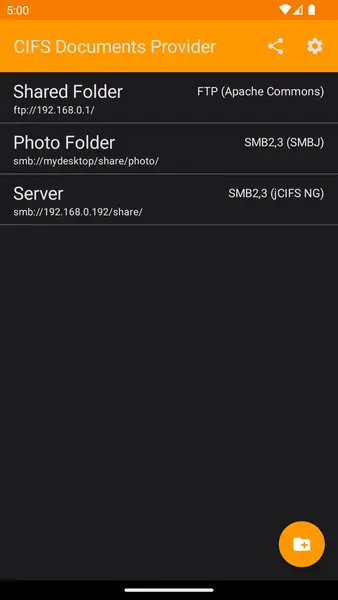
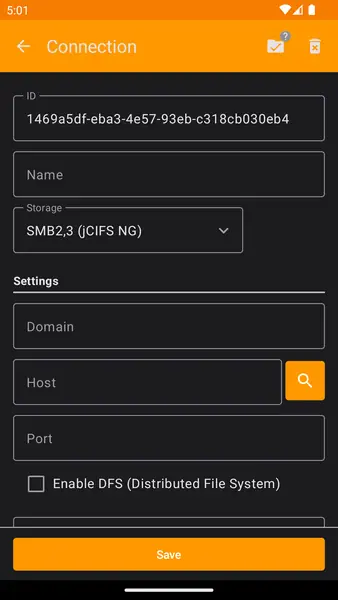
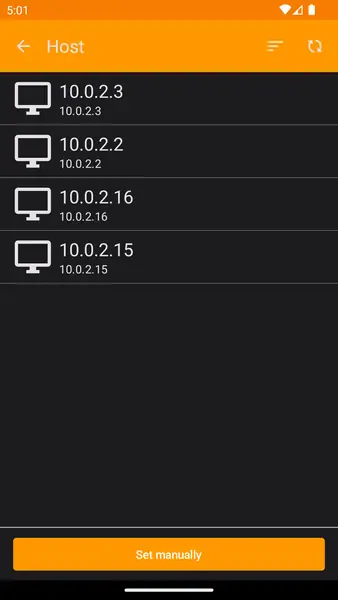
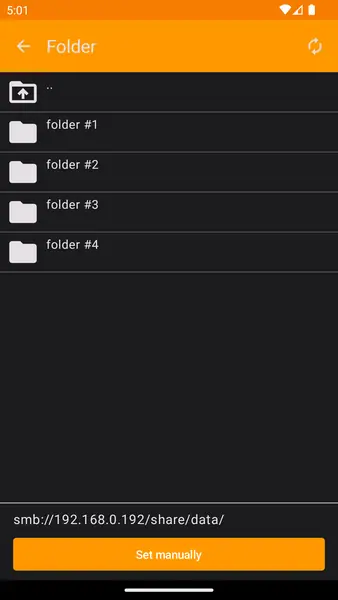
About CIFS Documents Provider
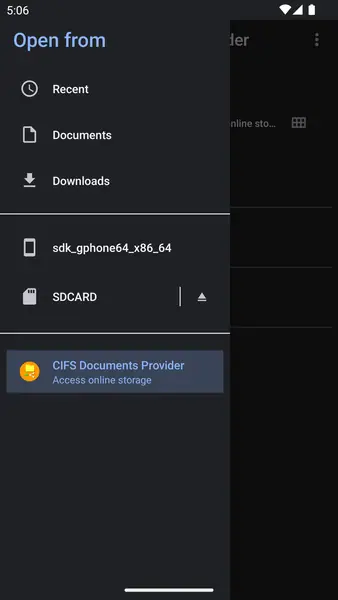
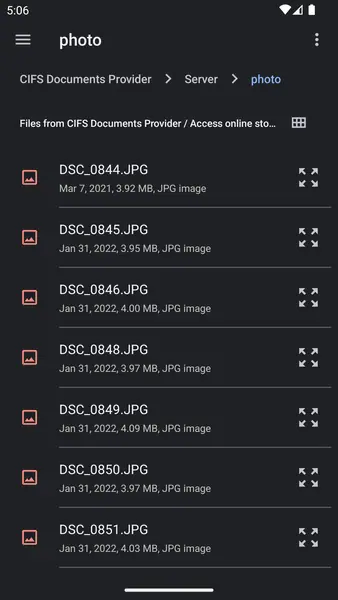
CIFS Documents Provider is an Android app to provide access to shared online storage.
[Features]
- Provide other apps with access to shared network storage via the Storage Access Framework (SAF).
- Provides access to files and directories.
- Supports SMB (Samba, Common Internet File System (CIFS), Windows Network Shared Folder), FTP, FTPS and SFTP.
- Share and transfer files on online storage.
- Multiple connection settings can be stored.
- Supports connection settings export/import.
- Supports dark mode.
- Can be treated as local storage (configuration required)
- Notifications can be displayed to prevent task kills. (configuration required)
[Objective]
- Import and export of files created by the app.
- Manage files and directories with the Storage Manager app.
- Play music, videos, etc. with the media player app.
- Direct saving of photos taken with the camera app.
[Note]
- No file management function in this app.
- To use this app, your apps must support SAF (Storage Access Framework).
- Apps that assume local storage may not work properly.
- Apps may crash when specified as a storage destination for streaming audio or video data.
[How to use]
See the following page. (Japanese) https://github.com/wa2c/cifs-documents-provider/wiki/Manual-ja
[Sources]
GitHub https://github.com/wa2c/cifs-documents-provider
[Issues]
GitHub Issue https://github.com/wa2c/cifs-documents-provider/issues
Please post here if you have bug reports, Future requests, or other information.
APK file information
| Package name | com.wa2c.android.cifsdocumentsprovider |
|---|---|
| Version | 2.4.0 (code 31) |
| Minimum Android | Android 8.0 · targets Android 15 |
| Architectures | arm64-v8a, armeabi-v7a, x86, x86_64 |
| SHA-256 | 215f005994efed4a55e10708132ae41543ab7af48d5409d38c634090cfa15768 |
| Signature | 32644488ea8f8247d8e107b141fbb5f1674864ad09156ba8c357a1fca9b57aeb |
| Licence | MIT — permissive free licence: the source code is public and reusable |
| Source code | github.com/wa2c/cifs-documents-provider |
| Official website | github.com/wa2c/cifs-documents-provider/wiki |
Permissions
- Internet access
- Show notifications
- Run in the background
- Keep the device awake
Older versions
- CIFS Documents Provider 2.4.0October 5, 2025 · 18.3 MB
- CIFS Documents Provider 2.3.0May 17, 2024 · 18.4 MB
- CIFS Documents Provider 2.2.1April 22, 2024 · 18.3 MB
How to install CIFS Documents Provider APK
- Tap Download APK above, then open the file once the download has finished.
- If Android asks, allow your browser to install unknown apps.
- Tap Install. CIFS Documents Provider then appears with your other apps.
Having trouble? Read our guides how to install an APK on Android and "App not installed": how to fix it.
Frequently asked questions
Is CIFS Documents Provider free?
Yes. CIFS Documents Provider is distributed under the MIT licence: free, no subscription, and its source code is public.
Is this APK file safe?
The file is the one built and published by the F-Droid repository from the public source code. Its SHA-256 fingerprint is shown above, so you can compare it after downloading. How to check an APK.
Will CIFS Documents Provider work on my phone?
You need at least Android 8.0. The app also works without Google services, so it runs on recent Huawei phones too.





