Goodtime APK
Goodtime: Pomodoro Timer
Productivity timer designed to keep you on track and free of distractions
Download APK v3.3.0 · 4.5 MB- Version3.3.0
- Size4.5 MB
- RequiresAndroid 8.0
- Updated11/23/2026
- LicenceGPL-3.0-only
- PriceFree
About Goodtime
🧠 Achieve Focus & Boost Productivity - Simple, Private, Open-Source.
Goodtime is an indie open-source minimalist productivity timer - lightweight, ad-free and tracking-free.
Perfect for students needing a study timer, professionals seeking deep work and time management, and anyone fighting distractions and procrastination.
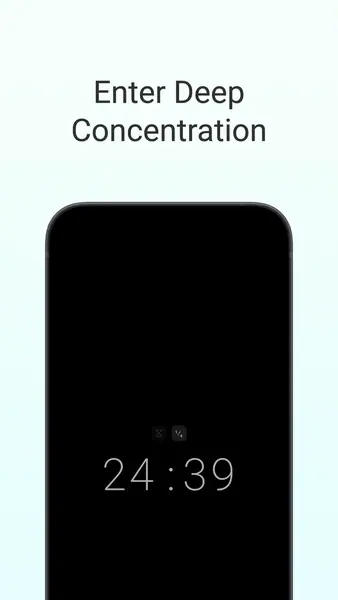
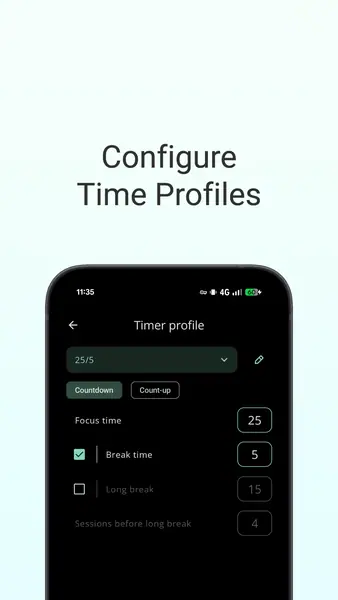
Productivity Modes 🍅 Pomodoro Timer: Work in structured focus sessions followed by short breaks to keep your mind sharp. Boost study efficiency. ☕ Longer Breaks: Take longer breaks after several pomodoro sessions to fully recharge and maintain a high level of productivity. ⏳ Count-up Flow Timer: Track your uninterrupted time and accumulate a break budget as you reach a flow state. Take a break when ready.
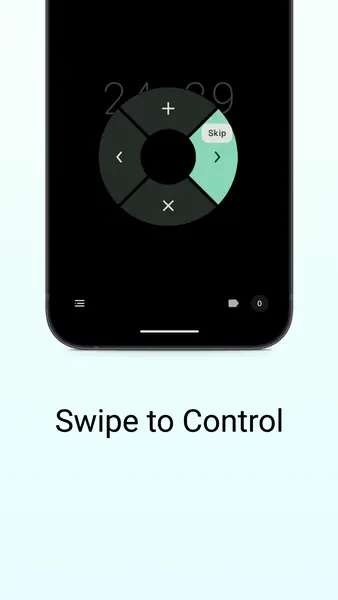
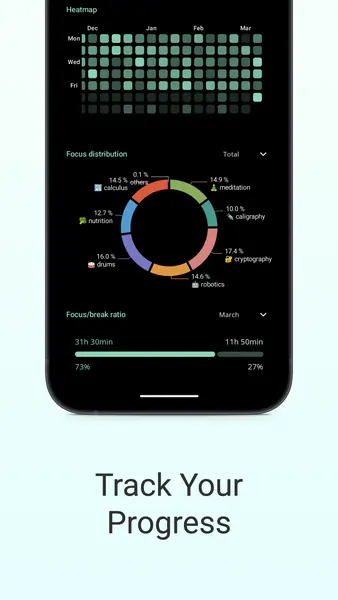
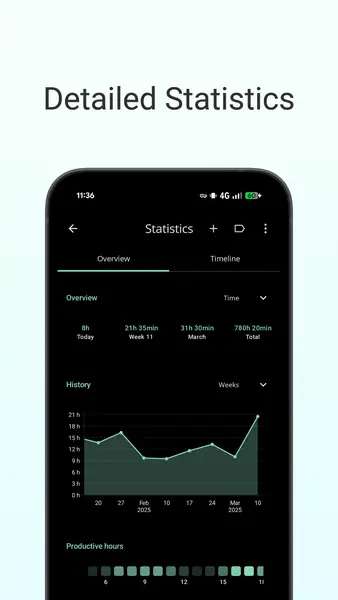
Control & Time Tracking Configurable Timer: Match the timer to your preferred workflow. Pause, skip, or add extra time with intuitive swipe gestures. Minimalist Design: Clean interface helps you focus without distractions. Detailed Statistics: Track your accumulated focus time and quantify your productivity. Set a daily reminder and customize the start of the day/week. Focus Protection: Use Do Not Disturb mode during study sessions.
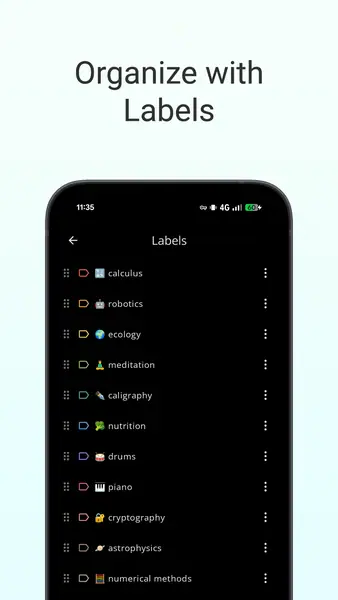
Premium Features Labels & Customization: Assign colored labels, archive, and fully customize the timer display. Pro Statistics: Label-based visualization, manual session editing, and notes. Backup & Export Advanced Alerts: Screen flash, torch, and persistent notifications. Picture-in-picture
What's new in version 3.3.0
- Redesigned the timer notification with a larger time display, using the new metric style on Android 17
- Added pause, resume and +1 min actions to the break notification
- Improved the performance of the statistics screen
- Fixed a few crashes when editing sessions with deleted or archived labels
- Fixed select-all in statistics affecting hidden break sessions
- Fixed a few chart and date picker glitches
- Updated translations
APK file information
| Package name | com.apps.adrcotfas.goodtime |
|---|---|
| Version | 3.3.0 (code 366) |
| Minimum Android | Android 8.0 · targets API 37 |
| Architectures | arm64-v8a, armeabi-v7a, x86, x86_64 |
| SHA-256 | 637704c2466c814979de2f65e98bde4c64e4a3c0ff1536c159943e6eba4a1653 |
| Signature | 5f72280144595176b664f48d0f80e48b6f300bf760988ce66079b18844f24e90 |
| Licence | GPL-3.0-only — copyleft free licence: the code is public and modified versions must stay free |
| Source code | github.com/adrcotfas/goodtime |
Permissions
- Show notifications
- Run in the background
- Vibrate
- Keep the device awake
- Start at boot
5 other technical permission(s)
POST_PROMOTED_NOTIFICATIONS USE_EXACT_ALARM SCHEDULE_EXACT_ALARM ACCESS_NOTIFICATION_POLICY REQUEST_IGNORE_BATTERY_OPTIMIZATIONS
Older versions
- Goodtime 3.3.0November 23, 2026 · 4.5 MB
- Goodtime 3.2.7November 11, 2026 · 4.5 MB
- Goodtime 3.2.6August 4, 2026 · 4.5 MB
How to install Goodtime APK
- Tap Download APK above, then open the file once the download has finished.
- If Android asks, allow your browser to install unknown apps.
- Tap Install. Goodtime then appears with your other apps.
Having trouble? Read our guides how to install an APK on Android and "App not installed": how to fix it.
Frequently asked questions
Is Goodtime free?
Yes. Goodtime is distributed under the GPL-3.0-only licence: free, no subscription, and its source code is public.
Is this APK file safe?
The file is the one built and published by the F-Droid repository from the public source code. Its SHA-256 fingerprint is shown above, so you can compare it after downloading. How to check an APK.
Will Goodtime work on my phone?
You need at least Android 8.0. The app also works without Google services, so it runs on recent Huawei phones too.