KeePassVault APK
Client app for KeePass databases
Download APK v2.2.0 · 30.2 MB- Version2.2.0
- Size30.2 MB
- RequiresAndroid 8.0
- Updated11/23/2026
- LicenceApache-2.0
- PriceFree
About KeePassVault
Client app for KeePass databases.
This app is orientated for my personal use. It may have some bugs, so please make a backup before using it.
Application Features:
Synchronization:
- Sync with WebDav server
- Sync with Git repository (via HTTPS or SSH protocols)
- Resolve synchronization conflicts by reviewing local and remote changes
Database Management:
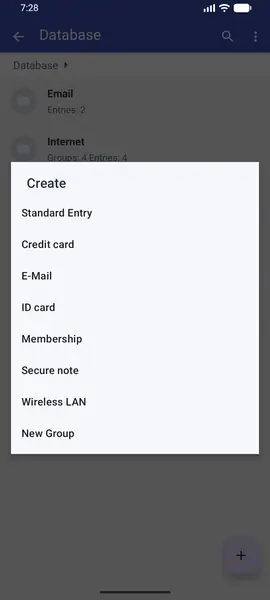
- Create new databases
- Edit existing databases
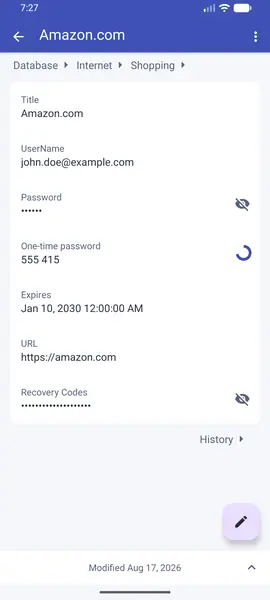
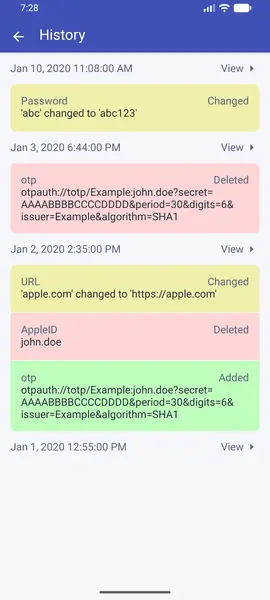
- Manage entry history
- Manage attachments
- Dynamic templates (compatible with other android applications: KeePassDX, keepass2android)
Advanced Database Tools:
- Built-in diff viewer for database changes
- TOTP (Time-based One-Time Password) and HOTP (HMAC-based One-Time Password) support for Two-Factor Authentication (2FA)
Security Features:
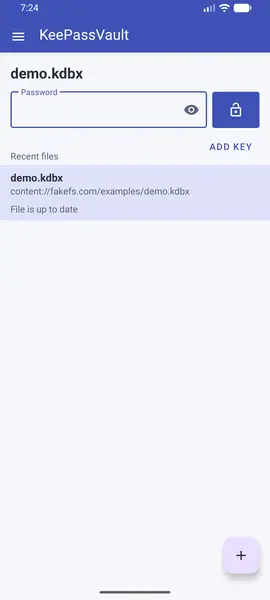
- Unlock using password or key file
- Supports biometric unlock (fingerprint)
File Compatibility:
- Supports .kdbx files up to version 4.1
User Convenience:
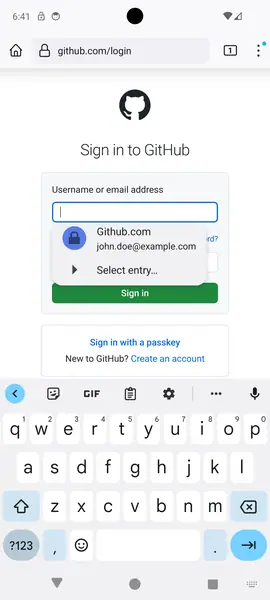
- Autofill for Android >= 8.0
- Dark theme (controlled by system settings)
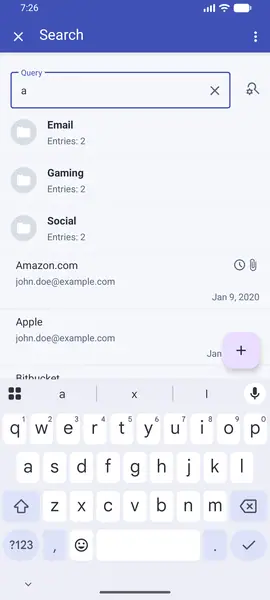
- Fuzzy search for easy finding of entries
What's new in version 2.2.0
- Update translations
APK file information
| Package name | com.ivanovsky.passnotes |
|---|---|
| Version | 2.2.0 (code 20200) |
| Minimum Android | Android 8.0 · targets Android 16 |
| Architectures | arm64-v8a, armeabi-v7a, x86, x86_64 |
| SHA-256 | fa5f0e2fbec15ceb56bf97c38975e09c8ae43d061c654de1e115fc9dd560a680 |
| Signature | e8b2bbb739916509b17cb32c44363714c96cde4343b108236de011fbe9df2074 |
| Licence | Apache-2.0 — permissive free licence: the source code is public and reusable |
| Source code | github.com/aivanovski/kpassnotes |
Permissions
- Access all files sensitive
- Write to storage
- Internet access
- Run in the background
- Show notifications
- Fingerprint / biometrics
- Fingerprint
- Keep the device awake
- View network status
- Start at boot
- Read storage
Older versions
- KeePassVault 2.2.0November 23, 2026 · 30.2 MB
- KeePassVault 2.1.0August 21, 2026 · 30.2 MB
- KeePassVault 2.0.2August 3, 2026 · 29.4 MB
How to install KeePassVault APK
- Tap Download APK above, then open the file once the download has finished.
- If Android asks, allow your browser to install unknown apps.
- Tap Install. KeePassVault then appears with your other apps.
Having trouble? Read our guides how to install an APK on Android and "App not installed": how to fix it.
Frequently asked questions
Is KeePassVault free?
Yes. KeePassVault is distributed under the Apache-2.0 licence: free, no subscription, and its source code is public.
Is this APK file safe?
The file is the one built and published by the F-Droid repository from the public source code. Its SHA-256 fingerprint is shown above, so you can compare it after downloading. How to check an APK.
Will KeePassVault work on my phone?
You need at least Android 8.0. The app also works without Google services, so it runs on recent Huawei phones too.