
Package Manager APK
A powerful application to manage your apps!
Download APK vv8.0 · 2.8 MB- Versionv8.0
- Size2.8 MB
- RequiresAndroid 7.0
- Updated8/27/2026
- LicenceGPL-3.0-or-later
- PriceFree
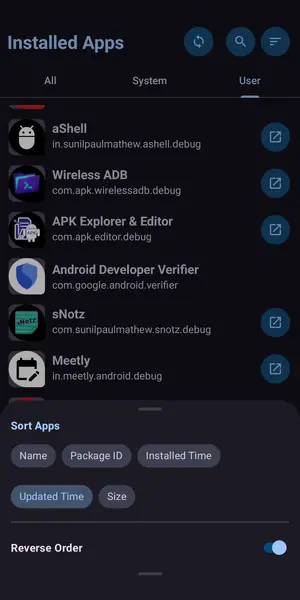
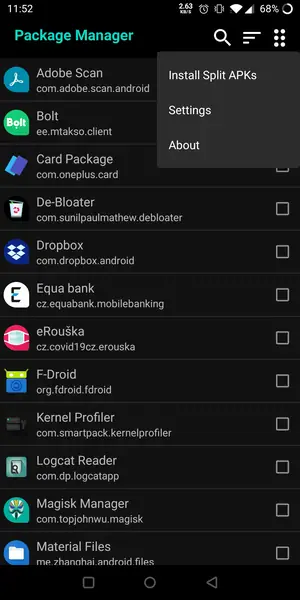
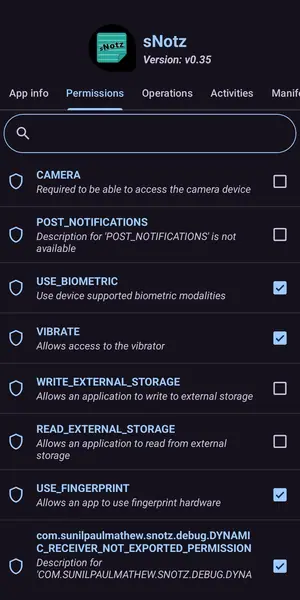
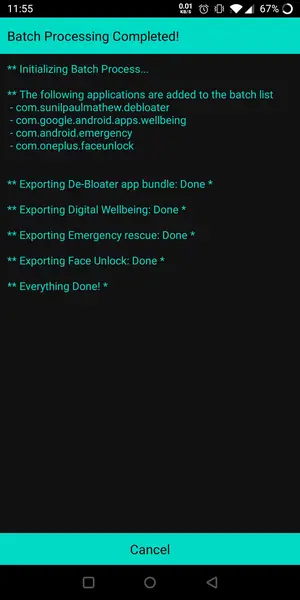
About Package Manager
Package Manager is a highly powerful application to manage apps, both system and user, installed on an android device.
WARNING: I Am NOT Responsible for any Damages on Your Device!
ROOT Access is required for some advanced features.
Features
Package Manager is a simple, yet powerful application, offering the following features:
- A beautiful list view of System and User applications, together or separately.
- Helps to do basic tasks such as Open app, show app info, visit PlayStore page, uninstall (User apps), etc.
- Install Split apk's/app bundles (supported bundle formats: .apks, .apkm, and .xapk) from device storage.
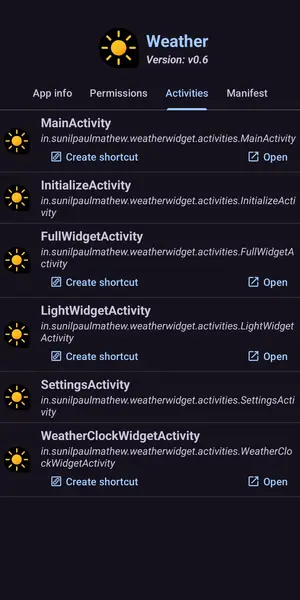
- Explore and export contents of an installed app (Experimental).
- Export individual or a batch of apps (including Split apk's) into device storage.
- Do advanced tasks such as (need Root access):
- Uninstall an individual or a batch of system apps (de-bloating).
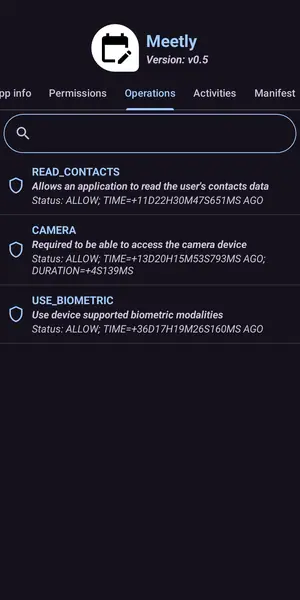
- Control Operations (AppOps).
- Disable or Enable individual or a batch of apps.
Translations
Please help me to translate this application via POEditor. You may also translate after downloading the original language string available GitHub.
What's new in version v8.0
- Modernized UI with bottom sheet dialogs, a custom navigation view, and a redesigned sorting menu.
- Implemented swipe gestures to navigate between pages.
- Polished layouts across dialogs, headers, and app lists for better visual consistency.
- Added search functionality in Permissions and AppOps.
- Added new naming options for exported APKs and simplified export messages.
- Fixed APK Picker button overlap issue on viewpager screens.
- Cleaned up unused resources, strings, and dead share links
APK file information
| Package name | com.smartpack.packagemanager |
|---|---|
| Version | v8.0 (code 80) |
| Minimum Android | Android 7.0 · targets API 37 |
| Architectures | All (universal) |
| SHA-256 | 6e325c0137d7eecaf10c0f88b83691c3f2cccadeb208406cfc1abb7756b89013 |
| Signature | ec59d0ae2fecc86d01160caea7fbca5b57cf4e0b2bc82b021fcbc0f94059f5a2 |
| Licence | GPL-3.0-or-later — copyleft free licence: the code is public and modified versions must stay free |
| Source code | github.com/SmartPack/PackageManager |
| Official website | smartpack.github.io/PackageManager |
Permissions
- Install other apps sensitive
- Write to storage
- See installed apps sensitive
- Read storage
1 other technical permission(s)
REQUEST_DELETE_PACKAGES
Older versions
- Package Manager v8.0August 27, 2026 · 2.8 MB
- Package Manager v7.9June 9, 2026 · 2.8 MB
- Package Manager v7.8April 24, 2026 · 2.6 MB
How to install Package Manager APK
- Tap Download APK above, then open the file once the download has finished.
- If Android asks, allow your browser to install unknown apps.
- Tap Install. Package Manager then appears with your other apps.
Having trouble? Read our guides how to install an APK on Android and "App not installed": how to fix it.
Frequently asked questions
Is Package Manager free?
Yes. Package Manager is distributed under the GPL-3.0-or-later licence: free, no subscription, and its source code is public.
Is this APK file safe?
The file is the one built and published by the F-Droid repository from the public source code. Its SHA-256 fingerprint is shown above, so you can compare it after downloading. How to check an APK.
Will Package Manager work on my phone?
You need at least Android 7.0. The app also works without Google services, so it runs on recent Huawei phones too.