
Privacy Browser APK
A web browser that respects your privacy.
Download APK v3.20.1 · 16.3 MB- Version3.20.1
- Size16.3 MB
- RequiresAndroid 8.0
- Updated4/4/2026
- LicenceGPL-3.0-or-later
- PriceFree
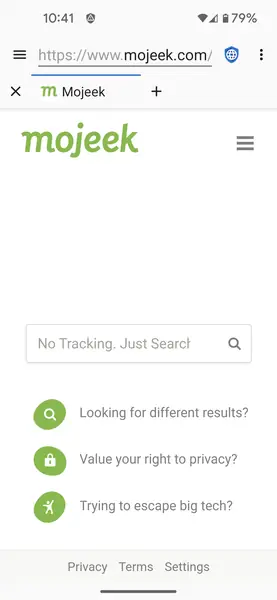
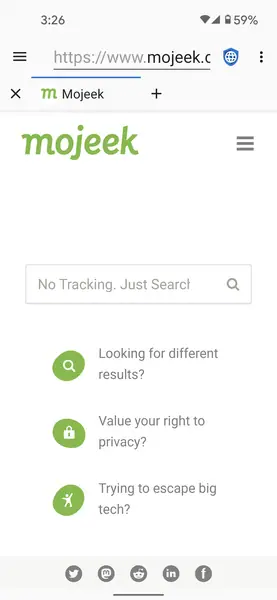
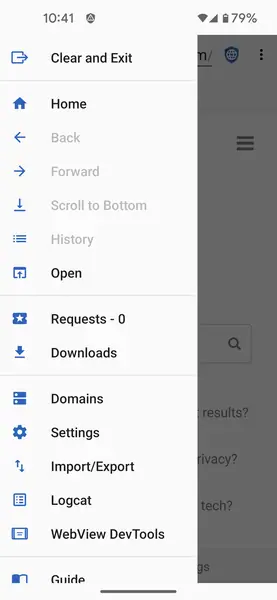
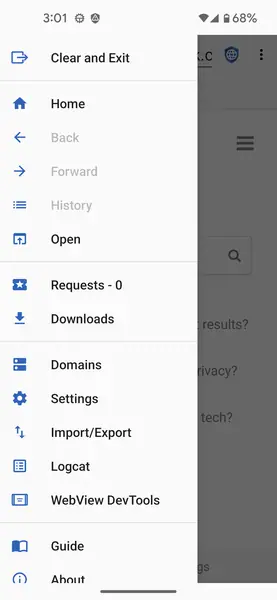
About Privacy Browser
The only way to prevent data from being abused is to prevent it from being collected in the first place. Privacy Browser has two primary goals.
- Minimize the data that is sent to the internet.
- Minimize the data that is stored on the device.
Most browsers silently give websites massive amounts of information that allows them to track you and compromise your privacy. Websites and ad networks use technologies like JavaScript, cookies, DOM storage, user agents, and many other things to uniquely identify each user and track them between visits and across the web.
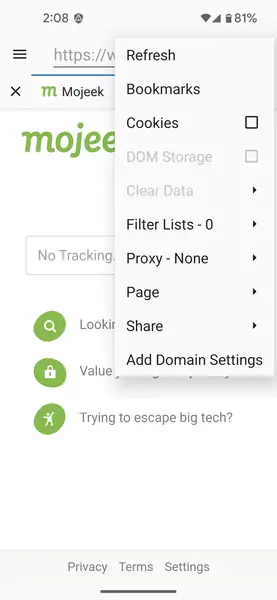
In contrast, privacy sensitive features are disabled by default in Privacy Browser. If one of these technologies is required for a website to function correctly, the user may choose to turn it on for just that visit. Or, they can use domain settings to automatically turn on certain features when entering a specific website and turn them off again when leaving.
Privacy Browser currently uses Android’s built-in WebView to render web pages. As such, it works best when the latest version of WebView is installed (see https://www.stoutner.com/privacy-browser/common-settings/webview/). In the 4.x series, Privacy Browser will switch to a forked version of Android’s WebView called Privacy WebView that will allow for advanced privacy features.
Features:
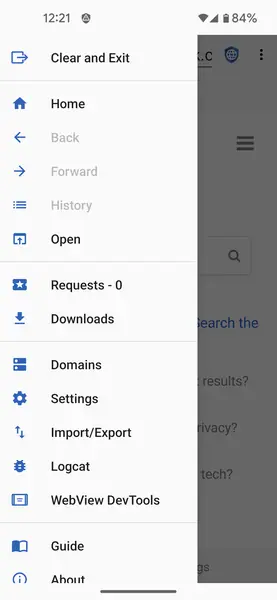
- Integrated EasyList ad blocking.
- Tor Orbot proxy support.
- SSL certificate pinning.
- Import/export of settings and bookmarks.
What's new in version 3.20.1
- Fix the F-Droid builds by using the default Java version.
APK file information
| Package name | com.stoutner.privacybrowser.standard |
|---|---|
| Version | 3.20.1 (code 81) |
| Minimum Android | Android 8.0 · targets Android 16 |
| Architectures | All (universal) |
| SHA-256 | 209e0670cb44a959dd628737eaa5b8df05bfb605e4706de49ea2b72684cf72e3 |
| Signature | f97614dc96964bea2e4fa66b24608a510a87b3b1e01ba68e0753c099133a8768 |
| Licence | GPL-3.0-or-later — copyleft free licence: the code is public and modified versions must stay free |
| Source code | gitweb.stoutner.com/?p=PrivacyBrowserAndroid.git;a=summary |
| Official website | www.stoutner.com/privacy-browser-android/ |
Permissions
- Internet access
Older versions
- Privacy Browser 3.20.1April 4, 2026 · 16.3 MB
- Privacy Browser 3.19.3February 3, 2025 · 13.9 MB
- Privacy Browser 3.19.2January 17, 2025 · 13.9 MB
How to install Privacy Browser APK
- Tap Download APK above, then open the file once the download has finished.
- If Android asks, allow your browser to install unknown apps.
- Tap Install. Privacy Browser then appears with your other apps.
Having trouble? Read our guides how to install an APK on Android and "App not installed": how to fix it.
Frequently asked questions
Is Privacy Browser free?
Yes. Privacy Browser is distributed under the GPL-3.0-or-later licence: free, no subscription, and its source code is public.
Is this APK file safe?
The file is the one built and published by the F-Droid repository from the public source code. Its SHA-256 fingerprint is shown above, so you can compare it after downloading. How to check an APK.
Will Privacy Browser work on my phone?
You need at least Android 8.0. The app also works without Google services, so it runs on recent Huawei phones too.