DuckDuckGo Privacy Browser APK
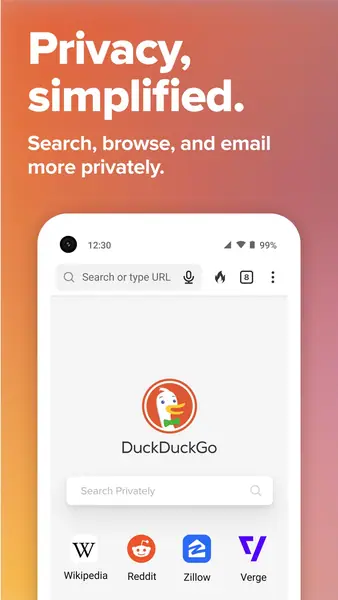
Privacy, simplified
Download APK v5.301.1 · 96.8 MB- Version5.301.1
- Size96.8 MB
- RequiresAndroid 9
- Updated11/17/2026
- LicenceApache-2.0
- PriceFree
About DuckDuckGo Privacy Browser
At DuckDuckGo, we believe the Internet shouldn't feel so creepy, and getting the privacy you deserve online should be as simple as closing the blinds.
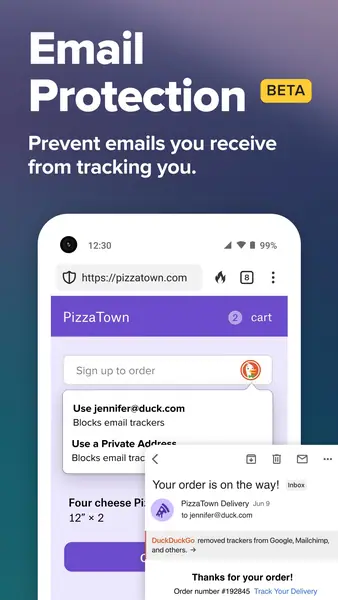
Our app provides the privacy essentials you need to seamlessly take control of your personal information as you search and browse the web, no matter where the Internet takes you:
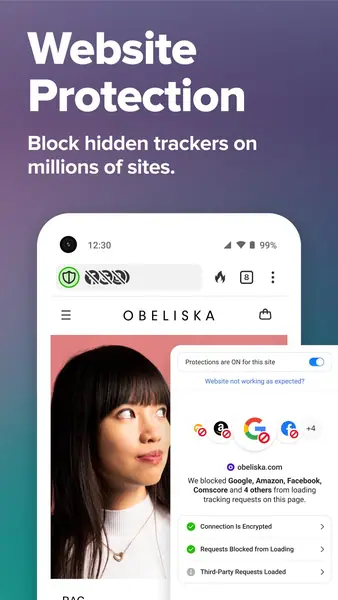
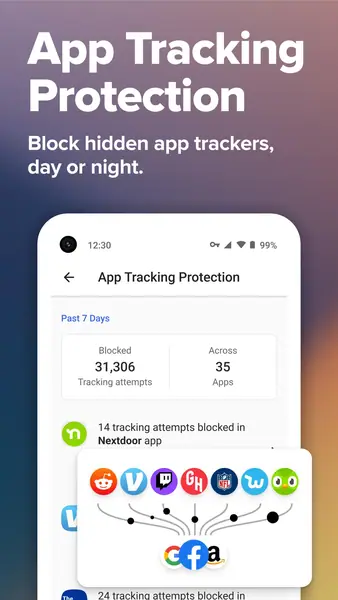
- Escape Advertising Tracker Networks — Our Privacy Protection will block all the hidden third-party trackers we can find, exposing the major advertising networks tracking you over time, so that you can track who's trying to track you.
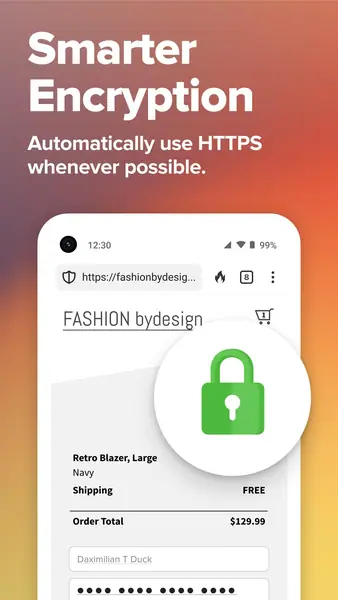
- Increase Encryption Protection — We force sites to use an encrypted connection where available, protecting your data from prying eyes, like ISPs.
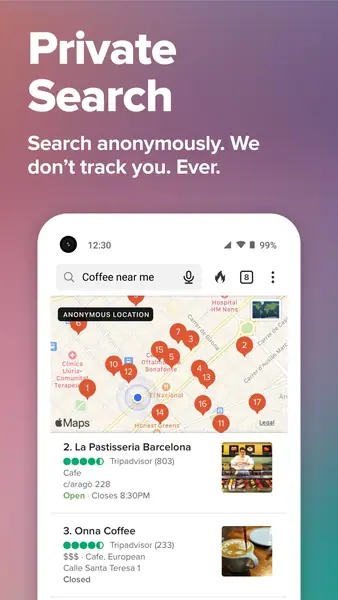
- Search Privately — You share your most personal information with your search engine, like your financial, medical, and political questions. What you search for is your own business, which is why DuckDuckGo search doesn't track you. Ever.
- Decode Privacy Policies — We've partnered with Terms of Service Didn't Read to include their scores and labels of website terms of service and privacy policies, where available.
As you search and browse, the DuckDuckGo Privacy Browser shows you a Privacy Grade rating when you visit a website (A-F). This rating lets you see how protected you are at a glance, dig into the details to see who we caught trying to track you, and learn how we enhanced the underlying site's privacy measures. The Privacy Grade is scored automatically based on the prevalence of hidden tracker networks, encryption availability, and website privacy practices.
Our app provides standard browsing functionality including tabs, bookmarks, and autocomplete. In addition to strong Privacy Protection as described above, we also packed in some extra privacy features into the browser itself:
- Fire Button — Clear all your tabs and data with one tap.
- Application Lock — Secure the app with Touch ID or Face ID.
Too many people believe you simply can't expect privacy on the Internet. We're fighting to change that, and have made it our mission to set a new standard of trust online. Install DuckDuckGo and take back your privacy!
Antifeatures:
- NonFreeNet - Uses DuckDuckGo as the exclusive search engine, for which the
source code is not available.
What's new in version 5.301.1
What's new in this release? Bug fixes and other improvements.
Have feedback? You can always reach us at https://duckduckgo.com/feedback.
APK file information
| Package name | com.duckduckgo.mobile.android |
|---|---|
| Version | 5.301.1 (code 53011000) |
| Minimum Android | Android 9 · targets Android 16 |
| Architectures | arm64-v8a, armeabi-v7a, x86, x86_64 |
| SHA-256 | 1bba66cd9d5628e292c42afe6a131213d6dc8524cb961965ef01c6a107e2b1d5 |
| Signature | f0707d021c0bf3e6f8dcc11ba3f5700425d597dca301a31e210556934ebb1b0a |
| Licence | Apache-2.0 — permissive free licence: the source code is public and reusable |
| Source code | github.com/duckduckgo/Android |
| Official website | duckduckgo.com/app |
Permissions
- Internet access
- Start at boot
- Write to storage
- Install other apps sensitive
- Precise location (GPS) sensitive
- Approximate location sensitive
- See installed apps sensitive
- Microphone sensitive
- Camera sensitive
- Show notifications
- Run in the background
- View network status
- Phone status sensitive
- Fingerprint / biometrics
- Fingerprint
- Keep the device awake
- Read storage
2 other technical permission(s)
MODIFY_AUDIO_SETTINGS CREDENTIAL_MANAGER_SET_ORIGIN
Older versions
- DuckDuckGo Privacy Browser 5.301.1November 17, 2026 · 96.8 MB
- DuckDuckGo Privacy Browser 5.300.0November 17, 2026 · 96.3 MB
- DuckDuckGo Privacy Browser 5.299.0November 1, 2026 · 92.9 MB
How to install DuckDuckGo Privacy Browser APK
- Tap Download APK above, then open the file once the download has finished.
- If Android asks, allow your browser to install unknown apps.
- Tap Install. DuckDuckGo Privacy Browser then appears with your other apps.
Having trouble? Read our guides how to install an APK on Android and "App not installed": how to fix it.
Frequently asked questions
Is DuckDuckGo Privacy Browser free?
Yes. DuckDuckGo Privacy Browser is distributed under the Apache-2.0 licence: free, no subscription, and its source code is public.
Is this APK file safe?
The file is the one built and published by the F-Droid repository from the public source code. Its SHA-256 fingerprint is shown above, so you can compare it after downloading. How to check an APK.
Will DuckDuckGo Privacy Browser work on my phone?
You need at least Android 9. The app also works without Google services, so it runs on recent Huawei phones too.