
EasySync APK
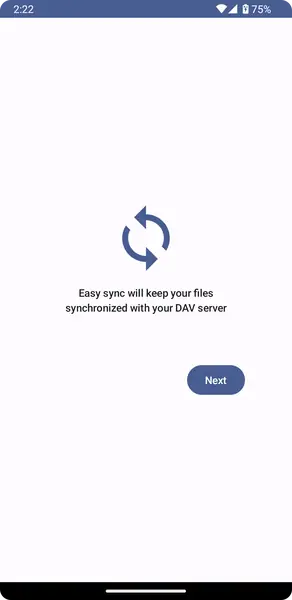
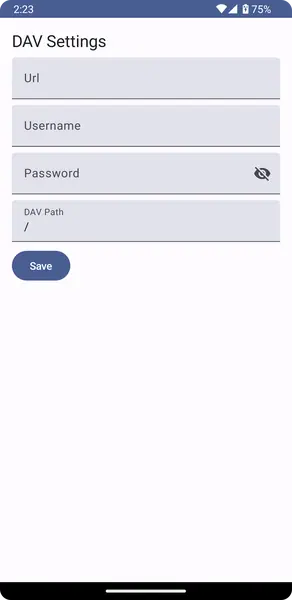
Synchronize your phone with your WebDAV server, the easy way.
Download APK v1.27 · 3.0 MB- Version1.27
- Size3.0 MB
- RequiresAndroid 10
- Updated10/14/2026
- LicenceMIT
- PriceFree
About EasySync
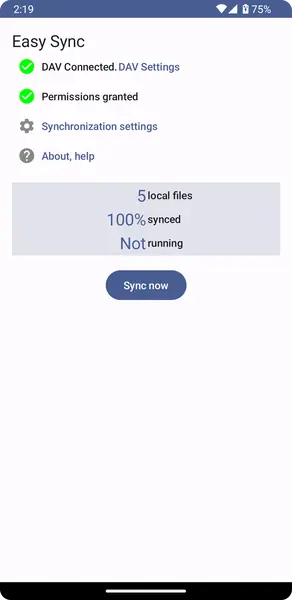
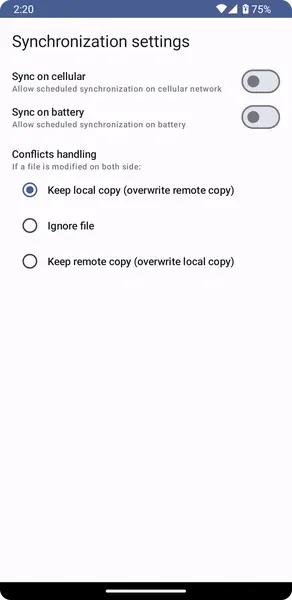
Synchronize images, videos, audio and downloads with your WebDAV server. Synchronize in both directions. Secure and open source.
What is synchronized:
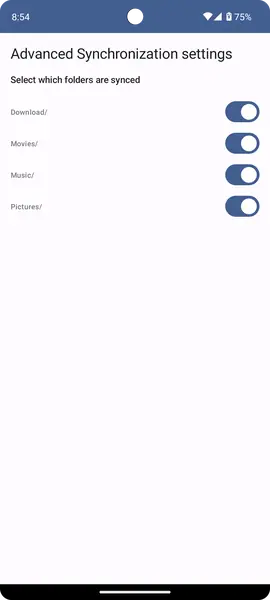
- Images, video, screenshots that are displayed in your gallery will be synchronized. This includes images and videos in
DCIM/,Pictures/,Movies/andDownload/ - If they are only available in a specific app but not in gallery, they won't be synchronized
- Please note that messaging apps (messages, whatsapp, signal, etc.) generally offer you the choice between saving files in your gallery (in such case they will be synchronized) or not
- All audio and music files that are visible in
Alarms/,Audiobooks/,Music/,Notifications/,Podcasts/,Ringtones/andRecordings/will be synchronized - Beware that google's own voice recorder stores its files privately and offer its own cloud synchronization. They won't be synchronized by EasySync
- All downloaded files in
Download/will be synchronized, whether they are pdf, epubs, documents, images, etc.
What is not synchronized: Everything not explicitly stated above is not synchronized. More specifically:
- Applications
- Applications data/state
- Messages
- Contacts
- Games progress
- Wifi or network parameters
- Android settings and phone customization
Files on SD Card are NOT synced
What's new in version 1.27
Add a folder picker to ease configuration.
APK file information
| Package name | com.phpbg.easysync |
|---|---|
| Version | 1.27 (code 27) |
| Minimum Android | Android 10 · targets Android 16 |
| Architectures | arm64-v8a, armeabi-v7a, x86, x86_64 |
| SHA-256 | 837ca927b6055704897e13208d8f8f7a3e88ca776a995776a99c143eed53c407 |
| Signature | 8673b90bf84e3b123019985b1405bb489209b38053f668eb0a584c2142fb1e16 |
| Licence | MIT — permissive free licence: the source code is public and reusable |
| Source code | github.com/phpbg/easysync |
Permissions
- Read storage
- Write to storage
- Access all files sensitive
- Internet access
- View network status
- Show notifications
- Keep the device awake
- Start at boot
- Run in the background
1 other technical permission(s)
REQUEST_IGNORE_BATTERY_OPTIMIZATIONS
Older versions
- EasySync 1.27October 14, 2026 · 3.0 MB
- EasySync 1.26August 17, 2026 · 3.0 MB
- EasySync 1.25April 25, 2026 · 3.2 MB
How to install EasySync APK
- Tap Download APK above, then open the file once the download has finished.
- If Android asks, allow your browser to install unknown apps.
- Tap Install. EasySync then appears with your other apps.
Having trouble? Read our guides how to install an APK on Android and "App not installed": how to fix it.
Frequently asked questions
Is EasySync free?
Yes. EasySync is distributed under the MIT licence: free, no subscription, and its source code is public.
Is this APK file safe?
The file is the one built and published by the F-Droid repository from the public source code. Its SHA-256 fingerprint is shown above, so you can compare it after downloading. How to check an APK.
Will EasySync work on my phone?
You need at least Android 10. The app also works without Google services, so it runs on recent Huawei phones too.





