
EasySync APK
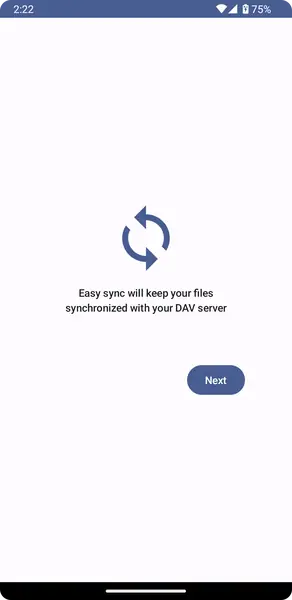
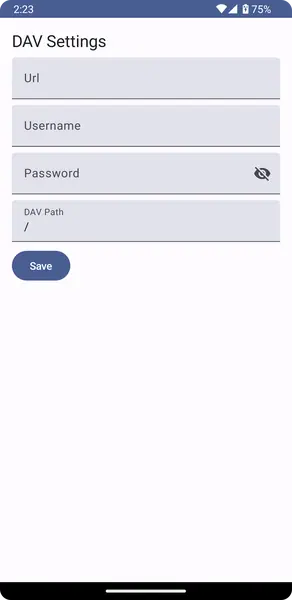
Synchronize your phone with your WebDAV server, the easy way.
Baixar APK v1.27 · 3,0 MB- Versão1.27
- Tamanho3,0 MB
- RequerAndroid 10
- Atualizado14/10/2026
- LicençaMIT
- PreçoGrátis
Sobre o EasySync
Descrição fornecida pelo desenvolvedor (em inglês).
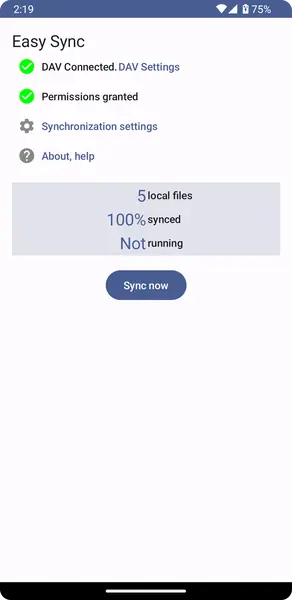
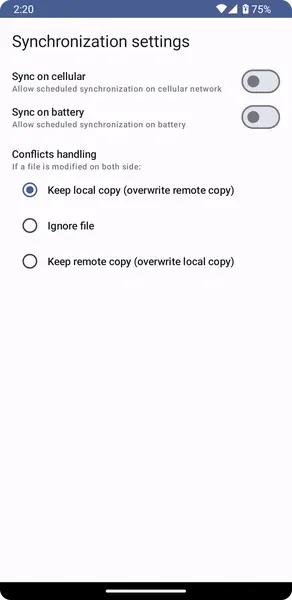
Synchronize images, videos, audio and downloads with your WebDAV server. Synchronize in both directions. Secure and open source.
What is synchronized:
- Images, video, screenshots that are displayed in your gallery will be synchronized. This includes images and videos in
DCIM/,Pictures/,Movies/andDownload/ - If they are only available in a specific app but not in gallery, they won't be synchronized
- Please note that messaging apps (messages, whatsapp, signal, etc.) generally offer you the choice between saving files in your gallery (in such case they will be synchronized) or not
- All audio and music files that are visible in
Alarms/,Audiobooks/,Music/,Notifications/,Podcasts/,Ringtones/andRecordings/will be synchronized - Beware that google's own voice recorder stores its files privately and offer its own cloud synchronization. They won't be synchronized by EasySync
- All downloaded files in
Download/will be synchronized, whether they are pdf, epubs, documents, images, etc.
What is not synchronized: Everything not explicitly stated above is not synchronized. More specifically:
- Applications
- Applications data/state
- Messages
- Contacts
- Games progress
- Wifi or network parameters
- Android settings and phone customization
Files on SD Card are NOT synced
Novidades da versão 1.27
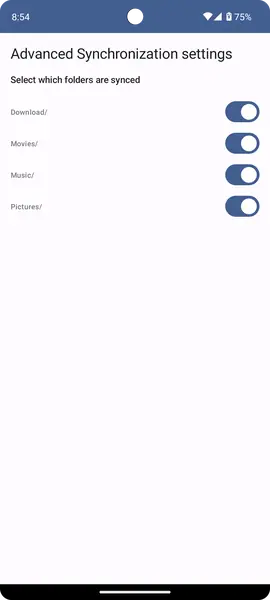
Add a folder picker to ease configuration.
Informações do arquivo APK
| Nome do pacote | com.phpbg.easysync |
|---|---|
| Versão | 1.27 (código 27) |
| Android mínimo | Android 10 · feito para Android 16 |
| Arquiteturas | arm64-v8a, armeabi-v7a, x86, x86_64 |
| SHA-256 | 837ca927b6055704897e13208d8f8f7a3e88ca776a995776a99c143eed53c407 |
| Assinatura | 8673b90bf84e3b123019985b1405bb489209b38053f668eb0a584c2142fb1e16 |
| Licença | MIT — licença livre permissiva: o código-fonte é público e reutilizável |
| Código-fonte | github.com/phpbg/easysync |
Permissões solicitadas
- Ler o armazenamento
- Gravar no armazenamento
- Acesso a todos os arquivos sensível
- Acesso à internet
- Ver o estado da rede
- Mostrar notificações
- Impedir o modo de espera
- Iniciar com o sistema
- Funcionar em segundo plano
Mais 1 permissão(ões) técnica(s)
REQUEST_IGNORE_BATTERY_OPTIMIZATIONS
Versões anteriores
- EasySync 1.2714 de outubro de 2026 · 3,0 MB
- EasySync 1.2617 de agosto de 2026 · 3,0 MB
- EasySync 1.2525 de abril de 2026 · 3,2 MB
Como instalar o EasySync APK
- Toque em Baixar APK acima e abra o arquivo quando o download terminar.
- Se o Android pedir, permita que o navegador instale apps desconhecidos.
- Toque em Instalar. O EasySync aparecerá junto aos seus outros apps.
→ Como instalar um arquivo APK no Android (passo a passo)
→ "App não instalado": causas e soluções
Perguntas frequentes
O EasySync é grátis?
Sim. O EasySync é distribuído sob a licença MIT: grátis, sem assinatura e com código-fonte público.
Este arquivo APK é seguro?
O arquivo é o compilado e publicado pelo repositório F-Droid a partir do código-fonte público. A impressão digital SHA-256 aparece acima para você comparar depois do download. APK é perigoso? Como verificar um arquivo antes de instalar
O EasySync funciona no meu celular?
É preciso ter pelo menos Android 10. O app também funciona sem os serviços do Google, inclusive em celulares Huawei recentes.





