DuckDuckGo Privacy Browser APK
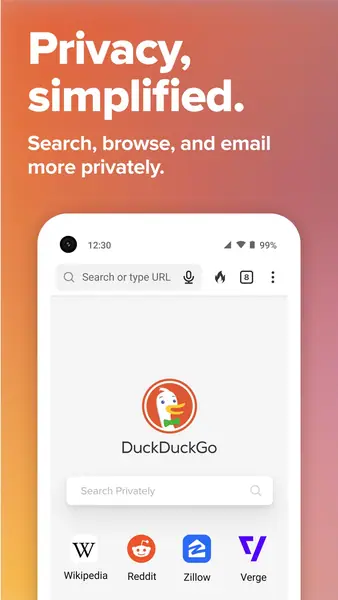
Privacidade, simplificada
Baixar APK v5.301.1 · 96,8 MB- Versão5.301.1
- Tamanho96,8 MB
- RequerAndroid 9
- Atualizado17/11/2026
- LicençaApache-2.0
- PreçoGrátis
Sobre o DuckDuckGo Privacy Browser
Descrição fornecida pelo desenvolvedor (em inglês).
At DuckDuckGo, we believe the Internet shouldn't feel so creepy, and getting the privacy you deserve online should be as simple as closing the blinds.
Our app provides the privacy essentials you need to seamlessly take control of your personal information as you search and browse the web, no matter where the Internet takes you:
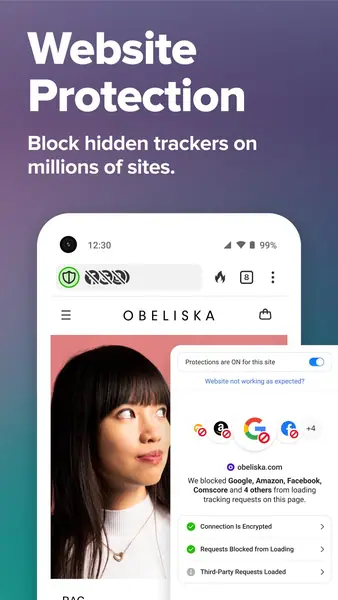
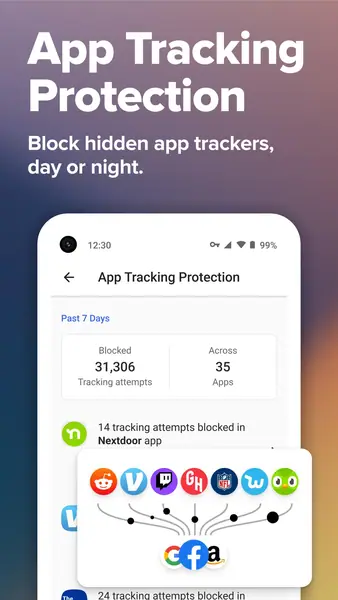
- Escape Advertising Tracker Networks — Our Privacy Protection will block all the hidden third-party trackers we can find, exposing the major advertising networks tracking you over time, so that you can track who's trying to track you.
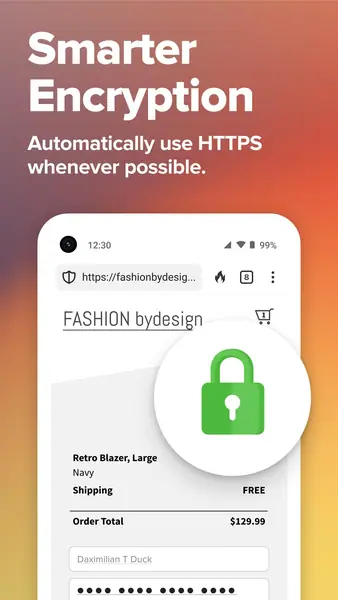
- Increase Encryption Protection — We force sites to use an encrypted connection where available, protecting your data from prying eyes, like ISPs.
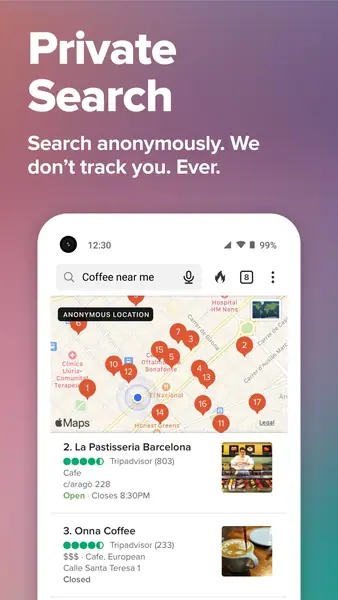
- Search Privately — You share your most personal information with your search engine, like your financial, medical, and political questions. What you search for is your own business, which is why DuckDuckGo search doesn't track you. Ever.
- Decode Privacy Policies — We've partnered with Terms of Service Didn't Read to include their scores and labels of website terms of service and privacy policies, where available.
As you search and browse, the DuckDuckGo Privacy Browser shows you a Privacy Grade rating when you visit a website (A-F). This rating lets you see how protected you are at a glance, dig into the details to see who we caught trying to track you, and learn how we enhanced the underlying site's privacy measures. The Privacy Grade is scored automatically based on the prevalence of hidden tracker networks, encryption availability, and website privacy practices.
Our app provides standard browsing functionality including tabs, bookmarks, and autocomplete. In addition to strong Privacy Protection as described above, we also packed in some extra privacy features into the browser itself:
- Fire Button — Clear all your tabs and data with one tap.
- Application Lock — Secure the app with Touch ID or Face ID.
Too many people believe you simply can't expect privacy on the Internet. We're fighting to change that, and have made it our mission to set a new standard of trust online. Install DuckDuckGo and take back your privacy!
Antifeatures:
- NonFreeNet - Uses DuckDuckGo as the exclusive search engine, for which the
source code is not available.
Novidades da versão 5.301.1
Privacidade, simplificada. Proteja os seus dados quando pesquisar e navegar: bloqueio do localizador, encriptação mais inteligente, pesquisa privada e muito mais.
Informações do arquivo APK
| Nome do pacote | com.duckduckgo.mobile.android |
|---|---|
| Versão | 5.301.1 (código 53011000) |
| Android mínimo | Android 9 · feito para Android 16 |
| Arquiteturas | arm64-v8a, armeabi-v7a, x86, x86_64 |
| SHA-256 | 1bba66cd9d5628e292c42afe6a131213d6dc8524cb961965ef01c6a107e2b1d5 |
| Assinatura | f0707d021c0bf3e6f8dcc11ba3f5700425d597dca301a31e210556934ebb1b0a |
| Licença | Apache-2.0 — licença livre permissiva: o código-fonte é público e reutilizável |
| Código-fonte | github.com/duckduckgo/Android |
| Site oficial | duckduckgo.com/app |
Permissões solicitadas
- Acesso à internet
- Iniciar com o sistema
- Gravar no armazenamento
- Instalar outros apps sensível
- Localização precisa (GPS) sensível
- Localização aproximada sensível
- Ver os apps instalados sensível
- Microfone sensível
- Câmera sensível
- Mostrar notificações
- Funcionar em segundo plano
- Ver o estado da rede
- Estado do telefone sensível
- Digital / biometria
- Impressão digital
- Impedir o modo de espera
- Ler o armazenamento
Mais 2 permissão(ões) técnica(s)
MODIFY_AUDIO_SETTINGS CREDENTIAL_MANAGER_SET_ORIGIN
Versões anteriores
- DuckDuckGo Privacy Browser 5.301.117 de novembro de 2026 · 96,8 MB
- DuckDuckGo Privacy Browser 5.300.017 de novembro de 2026 · 96,3 MB
- DuckDuckGo Privacy Browser 5.299.01 de novembro de 2026 · 92,9 MB
Como instalar o DuckDuckGo Privacy Browser APK
- Toque em Baixar APK acima e abra o arquivo quando o download terminar.
- Se o Android pedir, permita que o navegador instale apps desconhecidos.
- Toque em Instalar. O DuckDuckGo Privacy Browser aparecerá junto aos seus outros apps.
→ Como instalar um arquivo APK no Android (passo a passo)
→ "App não instalado": causas e soluções
Perguntas frequentes
O DuckDuckGo Privacy Browser é grátis?
Sim. O DuckDuckGo Privacy Browser é distribuído sob a licença Apache-2.0: grátis, sem assinatura e com código-fonte público.
Este arquivo APK é seguro?
O arquivo é o compilado e publicado pelo repositório F-Droid a partir do código-fonte público. A impressão digital SHA-256 aparece acima para você comparar depois do download. APK é perigoso? Como verificar um arquivo antes de instalar
O DuckDuckGo Privacy Browser funciona no meu celular?
É preciso ter pelo menos Android 9. O app também funciona sem os serviços do Google, inclusive em celulares Huawei recentes.