DuckDuckGo Privacy Browser APK
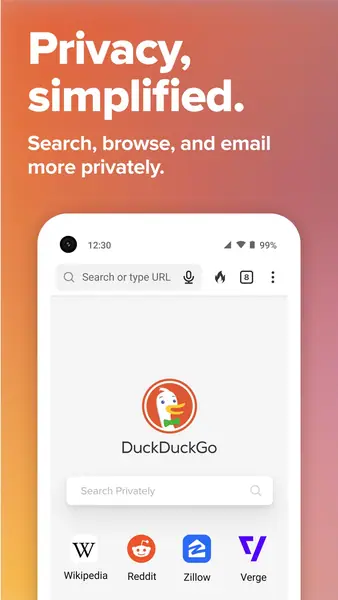
Privacidad, simplificada
Descargar APK v5.301.1 · 96,8 MB- Versión5.301.1
- Tamaño96,8 MB
- RequiereAndroid 9
- Actualizada17/11/2026
- LicenciaApache-2.0
- PrecioGratis
Acerca de DuckDuckGo Privacy Browser
Descripción del desarrollador (en inglés).
At DuckDuckGo, we believe the Internet shouldn't feel so creepy, and getting the privacy you deserve online should be as simple as closing the blinds.
Our app provides the privacy essentials you need to seamlessly take control of your personal information as you search and browse the web, no matter where the Internet takes you:
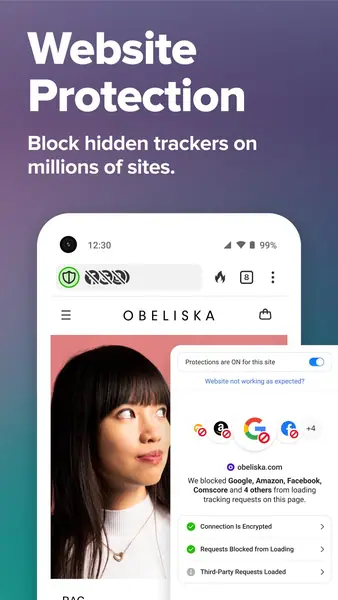
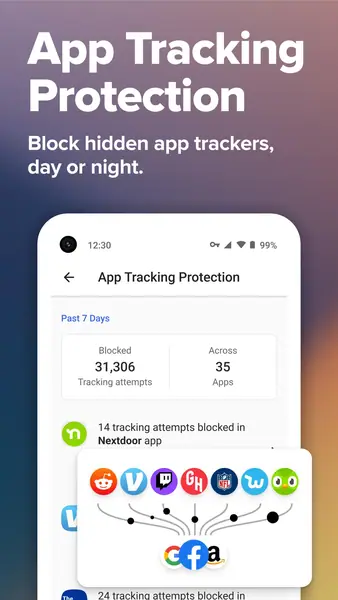
- Escape Advertising Tracker Networks — Our Privacy Protection will block all the hidden third-party trackers we can find, exposing the major advertising networks tracking you over time, so that you can track who's trying to track you.
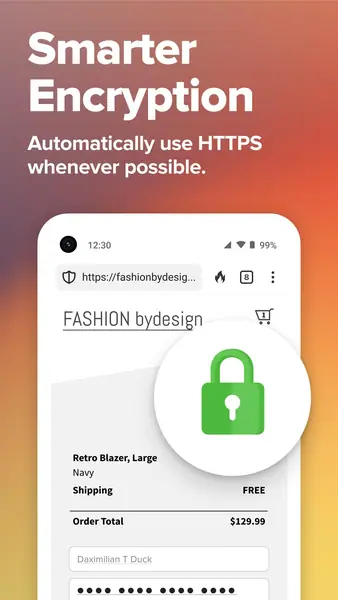
- Increase Encryption Protection — We force sites to use an encrypted connection where available, protecting your data from prying eyes, like ISPs.
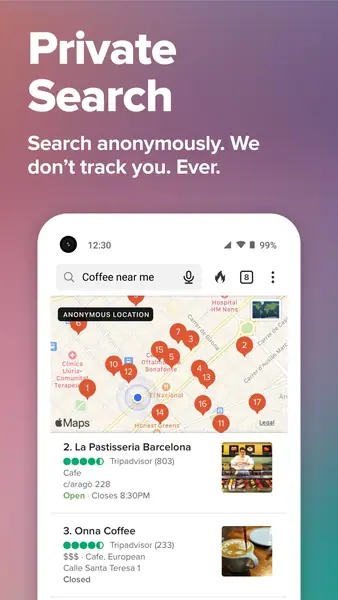
- Search Privately — You share your most personal information with your search engine, like your financial, medical, and political questions. What you search for is your own business, which is why DuckDuckGo search doesn't track you. Ever.
- Decode Privacy Policies — We've partnered with Terms of Service Didn't Read to include their scores and labels of website terms of service and privacy policies, where available.
As you search and browse, the DuckDuckGo Privacy Browser shows you a Privacy Grade rating when you visit a website (A-F). This rating lets you see how protected you are at a glance, dig into the details to see who we caught trying to track you, and learn how we enhanced the underlying site's privacy measures. The Privacy Grade is scored automatically based on the prevalence of hidden tracker networks, encryption availability, and website privacy practices.
Our app provides standard browsing functionality including tabs, bookmarks, and autocomplete. In addition to strong Privacy Protection as described above, we also packed in some extra privacy features into the browser itself:
- Fire Button — Clear all your tabs and data with one tap.
- Application Lock — Secure the app with Touch ID or Face ID.
Too many people believe you simply can't expect privacy on the Internet. We're fighting to change that, and have made it our mission to set a new standard of trust online. Install DuckDuckGo and take back your privacy!
Antifeatures:
- NonFreeNet - Uses DuckDuckGo as the exclusive search engine, for which the
source code is not available.
Novedades de la versión 5.301.1
La privacidad simplificada. Proteja sus datos mientras busca y navega: bloqueo de rastreadores, cifrado más inteligente, búsqueda privada y más.
Información del archivo APK
| Nombre del paquete | com.duckduckgo.mobile.android |
|---|---|
| Versión | 5.301.1 (código 53011000) |
| Android mínimo | Android 9 · diseñada para Android 16 |
| Arquitecturas | arm64-v8a, armeabi-v7a, x86, x86_64 |
| SHA-256 | 1bba66cd9d5628e292c42afe6a131213d6dc8524cb961965ef01c6a107e2b1d5 |
| Firma | f0707d021c0bf3e6f8dcc11ba3f5700425d597dca301a31e210556934ebb1b0a |
| Licencia | Apache-2.0 — licencia libre permisiva: el código fuente es público y reutilizable |
| Código fuente | github.com/duckduckgo/Android |
| Sitio oficial | duckduckgo.com/app |
Permisos solicitados
- Acceso a Internet
- Iniciarse al arrancar
- Escribir en el almacenamiento
- Instalar otras apps sensible
- Ubicación precisa (GPS) sensible
- Ubicación aproximada sensible
- Ver las apps instaladas sensible
- Micrófono sensible
- Cámara sensible
- Mostrar notificaciones
- Funcionar en segundo plano
- Ver el estado de la red
- Estado del teléfono sensible
- Huella / biometría
- Huella dactilar
- Impedir la suspensión
- Leer el almacenamiento
2 permiso(s) técnico(s) más
MODIFY_AUDIO_SETTINGS CREDENTIAL_MANAGER_SET_ORIGIN
Versiones anteriores
- DuckDuckGo Privacy Browser 5.301.117 de noviembre de 2026 · 96,8 MB
- DuckDuckGo Privacy Browser 5.300.017 de noviembre de 2026 · 96,3 MB
- DuckDuckGo Privacy Browser 5.299.01 de noviembre de 2026 · 92,9 MB
Cómo instalar DuckDuckGo Privacy Browser APK
- Pulsa Descargar APK arriba y abre el archivo cuando termine la descarga.
- Si Android lo pide, permite que tu navegador instale apps desconocidas.
- Pulsa Instalar. DuckDuckGo Privacy Browser aparecerá junto a tus otras apps.
→ Cómo instalar un archivo APK en Android (paso a paso)
→ «La aplicación no está instalada»: causas y soluciones
Preguntas frecuentes
¿DuckDuckGo Privacy Browser es gratis?
Sí. DuckDuckGo Privacy Browser se distribuye con licencia Apache-2.0: gratis, sin suscripción y con el código fuente público.
¿Es seguro este archivo APK?
El archivo es el que compila y publica el repositorio F-Droid a partir del código fuente público. Su huella SHA-256 aparece arriba para que puedas compararla tras la descarga. ¿Un APK es peligroso? Cómo verificar un archivo antes de instalarlo
¿Funciona DuckDuckGo Privacy Browser en mi teléfono?
Necesitas como mínimo Android 9. La app también funciona sin los servicios de Google, así que funciona en los teléfonos Huawei recientes.