DuckDuckGo Privacy Browser APK
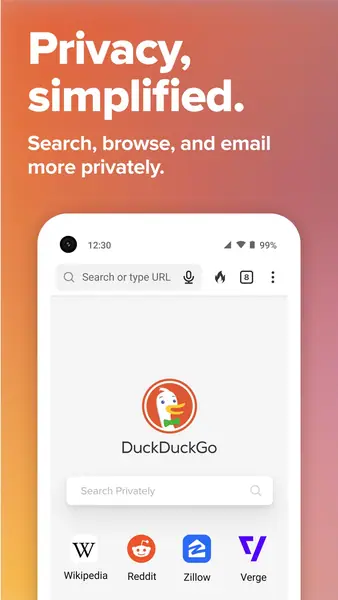
Privacy, semplificata
Scarica l'APK v5.301.1 · 96,8 MB- Versione5.301.1
- Dimensione96,8 MB
- RichiedeAndroid 9
- Aggiornata17/11/2026
- LicenzaApache-2.0
- PrezzoGratis
Informazioni su DuckDuckGo Privacy Browser
Descrizione fornita dallo sviluppatore (in inglese).
At DuckDuckGo, we believe the Internet shouldn't feel so creepy, and getting the privacy you deserve online should be as simple as closing the blinds.
Our app provides the privacy essentials you need to seamlessly take control of your personal information as you search and browse the web, no matter where the Internet takes you:
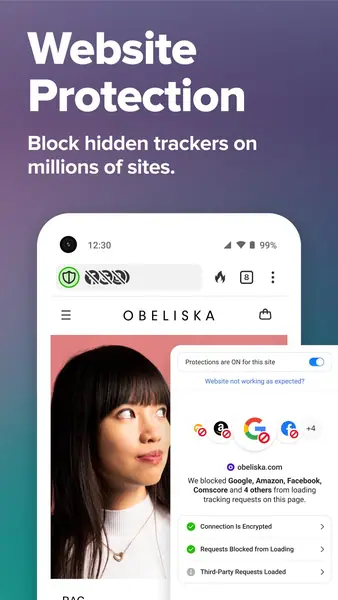
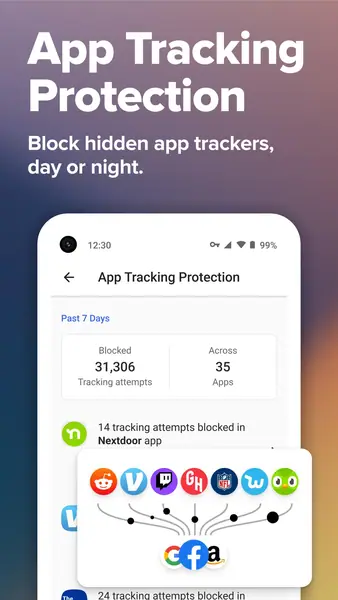
- Escape Advertising Tracker Networks — Our Privacy Protection will block all the hidden third-party trackers we can find, exposing the major advertising networks tracking you over time, so that you can track who's trying to track you.
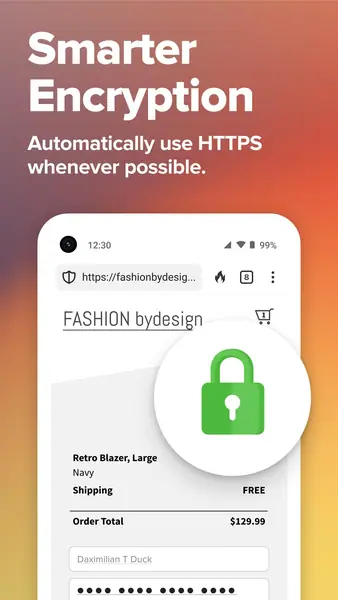
- Increase Encryption Protection — We force sites to use an encrypted connection where available, protecting your data from prying eyes, like ISPs.
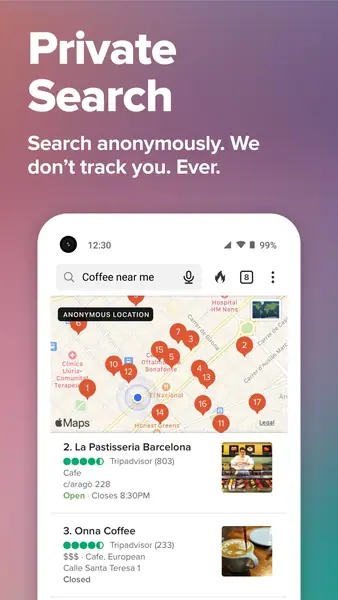
- Search Privately — You share your most personal information with your search engine, like your financial, medical, and political questions. What you search for is your own business, which is why DuckDuckGo search doesn't track you. Ever.
- Decode Privacy Policies — We've partnered with Terms of Service Didn't Read to include their scores and labels of website terms of service and privacy policies, where available.
As you search and browse, the DuckDuckGo Privacy Browser shows you a Privacy Grade rating when you visit a website (A-F). This rating lets you see how protected you are at a glance, dig into the details to see who we caught trying to track you, and learn how we enhanced the underlying site's privacy measures. The Privacy Grade is scored automatically based on the prevalence of hidden tracker networks, encryption availability, and website privacy practices.
Our app provides standard browsing functionality including tabs, bookmarks, and autocomplete. In addition to strong Privacy Protection as described above, we also packed in some extra privacy features into the browser itself:
- Fire Button — Clear all your tabs and data with one tap.
- Application Lock — Secure the app with Touch ID or Face ID.
Too many people believe you simply can't expect privacy on the Internet. We're fighting to change that, and have made it our mission to set a new standard of trust online. Install DuckDuckGo and take back your privacy!
Antifeatures:
- NonFreeNet - Uses DuckDuckGo as the exclusive search engine, for which the
source code is not available.
Novità della versione 5.301.1
What's new in this release? Bug fixes and other improvements.
Have feedback? You can always reach us at https://duckduckgo.com/feedback.
Informazioni sul file APK
| Nome del pacchetto | com.duckduckgo.mobile.android |
|---|---|
| Versione | 5.301.1 (codice 53011000) |
| Android minimo | Android 9 · pensata per Android 16 |
| Architetture | arm64-v8a, armeabi-v7a, x86, x86_64 |
| SHA-256 | 1bba66cd9d5628e292c42afe6a131213d6dc8524cb961965ef01c6a107e2b1d5 |
| Firma | f0707d021c0bf3e6f8dcc11ba3f5700425d597dca301a31e210556934ebb1b0a |
| Licenza | Apache-2.0 — licenza libera permissiva: il codice sorgente è pubblico e riutilizzabile |
| Codice sorgente | github.com/duckduckgo/Android |
| Sito ufficiale | duckduckgo.com/app |
Autorizzazioni richieste
- Accesso a Internet
- Avviarsi all'accensione
- Scrivere nell'archivio
- Installare altre app sensibile
- Posizione precisa (GPS) sensibile
- Posizione approssimativa sensibile
- Vedere le app installate sensibile
- Microfono sensibile
- Fotocamera sensibile
- Mostrare notifiche
- Funzionare in background
- Vedere lo stato della rete
- Stato del telefono sensibile
- Impronta / biometria
- Impronta digitale
- Impedire lo standby
- Leggere l'archivio
Altre 2 autorizzazioni tecniche
MODIFY_AUDIO_SETTINGS CREDENTIAL_MANAGER_SET_ORIGIN
Versioni precedenti
- DuckDuckGo Privacy Browser 5.301.117 novembre 2026 · 96,8 MB
- DuckDuckGo Privacy Browser 5.300.017 novembre 2026 · 96,3 MB
- DuckDuckGo Privacy Browser 5.299.01 novembre 2026 · 92,9 MB
Come installare DuckDuckGo Privacy Browser APK
- Tocca Scarica l'APK qui sopra, poi apri il file al termine del download.
- Se Android lo chiede, consenti al browser di installare app sconosciute.
- Tocca Installa. DuckDuckGo Privacy Browser comparirà insieme alle altre app.
→ Come installare un file APK su Android (passo passo)
→ «App non installata»: cause e soluzioni
Domande frequenti
DuckDuckGo Privacy Browser è gratis?
Sì. DuckDuckGo Privacy Browser è distribuita con licenza Apache-2.0: gratuita, senza abbonamento e con codice sorgente pubblico.
Questo file APK è sicuro?
Il file è quello compilato e pubblicato dal repository F-Droid a partire dal codice sorgente pubblico. L'impronta SHA-256 è indicata qui sopra: puoi confrontarla dopo il download. Un APK è pericoloso? Come verificare un file prima di installarlo
DuckDuckGo Privacy Browser funziona sul mio telefono?
Serve almeno Android 9. L'app funziona anche senza i servizi Google, quindi anche sui telefoni Huawei recenti.