DuckDuckGo Privacy Browser APK
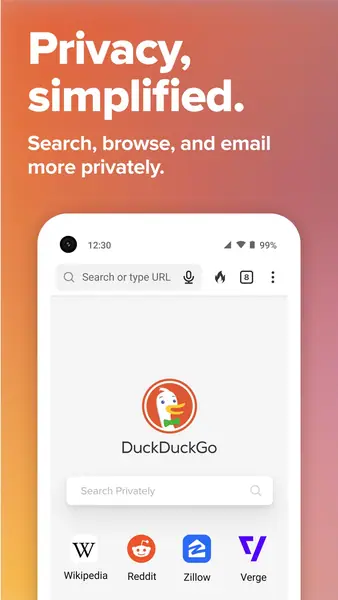
プライバシー保護をシンプルに
APK をダウンロード v5.301.1 · 96.8 MB- バージョン5.301.1
- サイズ96.8 MB
- 必要環境Android 9
- 更新日2026/11/17
- ライセンスApache-2.0
- 価格無料
DuckDuckGo Privacy Browser について
開発者による説明(英語)。
At DuckDuckGo, we believe the Internet shouldn't feel so creepy, and getting the privacy you deserve online should be as simple as closing the blinds.
Our app provides the privacy essentials you need to seamlessly take control of your personal information as you search and browse the web, no matter where the Internet takes you:
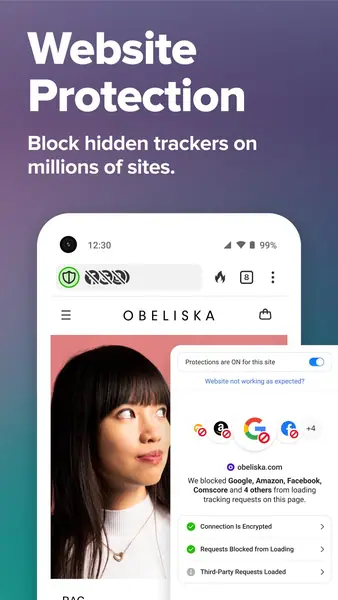
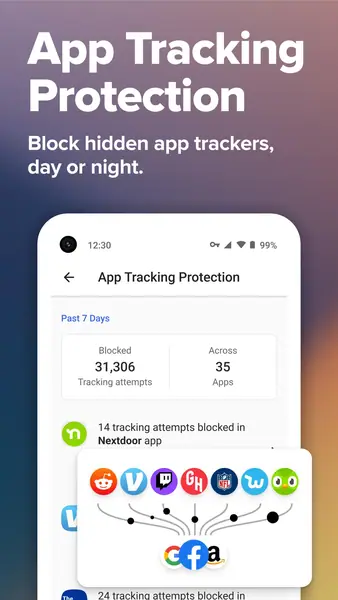
- Escape Advertising Tracker Networks — Our Privacy Protection will block all the hidden third-party trackers we can find, exposing the major advertising networks tracking you over time, so that you can track who's trying to track you.
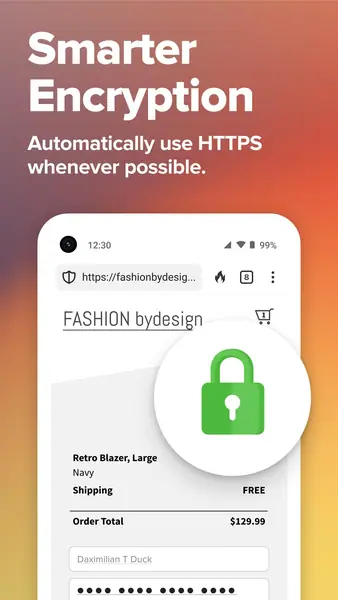
- Increase Encryption Protection — We force sites to use an encrypted connection where available, protecting your data from prying eyes, like ISPs.
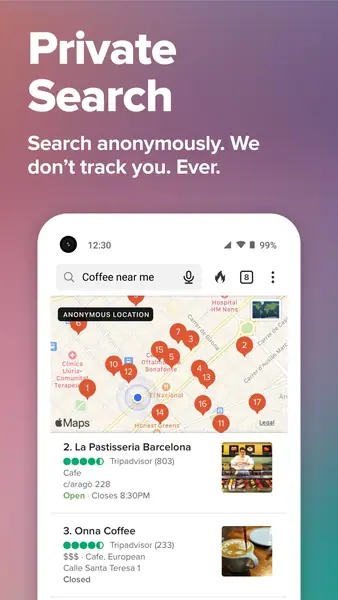
- Search Privately — You share your most personal information with your search engine, like your financial, medical, and political questions. What you search for is your own business, which is why DuckDuckGo search doesn't track you. Ever.
- Decode Privacy Policies — We've partnered with Terms of Service Didn't Read to include their scores and labels of website terms of service and privacy policies, where available.
As you search and browse, the DuckDuckGo Privacy Browser shows you a Privacy Grade rating when you visit a website (A-F). This rating lets you see how protected you are at a glance, dig into the details to see who we caught trying to track you, and learn how we enhanced the underlying site's privacy measures. The Privacy Grade is scored automatically based on the prevalence of hidden tracker networks, encryption availability, and website privacy practices.
Our app provides standard browsing functionality including tabs, bookmarks, and autocomplete. In addition to strong Privacy Protection as described above, we also packed in some extra privacy features into the browser itself:
- Fire Button — Clear all your tabs and data with one tap.
- Application Lock — Secure the app with Touch ID or Face ID.
Too many people believe you simply can't expect privacy on the Internet. We're fighting to change that, and have made it our mission to set a new standard of trust online. Install DuckDuckGo and take back your privacy!
Antifeatures:
- NonFreeNet - Uses DuckDuckGo as the exclusive search engine, for which the
source code is not available.
バージョン 5.301.1 の新機能
What's new in this release? Bug fixes and other improvements.
Have feedback? You can always reach us at https://duckduckgo.com/feedback.
APK ファイルの情報
| パッケージ名 | com.duckduckgo.mobile.android |
|---|---|
| バージョン | 5.301.1 (コード 53011000) |
| 最低 Android バージョン | Android 9 · 対象 Android 16 |
| アーキテクチャ | arm64-v8a, armeabi-v7a, x86, x86_64 |
| SHA-256 | 1bba66cd9d5628e292c42afe6a131213d6dc8524cb961965ef01c6a107e2b1d5 |
| 署名 | f0707d021c0bf3e6f8dcc11ba3f5700425d597dca301a31e210556934ebb1b0a |
| ライセンス | Apache-2.0 — 寛容型の自由ライセンス:ソースコードは公開され、再利用できます |
| ソースコード | github.com/duckduckgo/Android |
| 公式サイト | duckduckgo.com/app |
権限
- インターネット接続
- 起動時に実行
- ストレージへの書き込み
- ほかのアプリのインストール 要注意
- 正確な位置情報(GPS) 要注意
- おおよその位置情報 要注意
- インストール済みアプリの確認 要注意
- マイク 要注意
- カメラ 要注意
- 通知の表示
- バックグラウンドで動作
- ネットワーク状態の確認
- 電話の状態 要注意
- 指紋・生体認証
- 指紋
- スリープの防止
- ストレージの読み取り
その他の技術的な権限(2 件)
MODIFY_AUDIO_SETTINGS CREDENTIAL_MANAGER_SET_ORIGIN
以前のバージョン
- DuckDuckGo Privacy Browser 5.301.12026年11月17日 · 96.8 MB
- DuckDuckGo Privacy Browser 5.300.02026年11月17日 · 96.3 MB
- DuckDuckGo Privacy Browser 5.299.02026年11月1日 · 92.9 MB
DuckDuckGo Privacy Browser APK のインストール方法
- 上のAPK をダウンロードをタップし、ダウンロード後にファイルを開きます。
- Android に確認されたら、ブラウザに不明なアプリのインストールを許可します。
- インストールをタップします。DuckDuckGo Privacy Browser がほかのアプリと一緒に表示されます。
→ Android に APK ファイルをインストールする方法(手順付き)
→ 「アプリはインストールされていません」:原因と対処法
よくある質問
DuckDuckGo Privacy Browser は無料ですか?
はい。DuckDuckGo Privacy Browser は Apache-2.0 ライセンスで配布されており、無料・サブスクリプション不要で、ソースコードも公開されています。
この APK ファイルは安全ですか?
このファイルは F-Droid リポジトリが公開ソースコードからビルドして公開したものです。SHA-256 フィンガープリントを上に記載しているので、ダウンロード後に照合できます。 APK は危険?インストール前にファイルを確認する方法
DuckDuckGo Privacy Browser は自分のスマホで動きますか?
Android 9 以上が必要です。Google サービスがなくても動作するため、最近の Huawei 端末でも使えます。