
Librera Reader APK
Boekn- en PDF-lezer
APK downloaden v10.0.35-fdroid · 124,2 MB- Versie10.0.35-fdroid
- Grootte124,2 MB
- VereistAndroid 7.0
- Bijgewerkt17-11-2026
- LicentieGPL-3.0-or-later
- PrijsGratis
Over Librera Reader
Beschrijving van de ontwikkelaar (in het Engels).
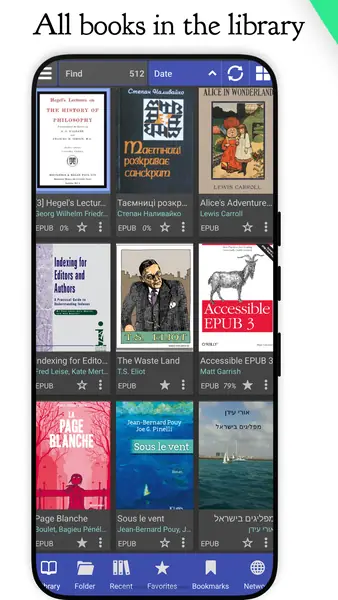
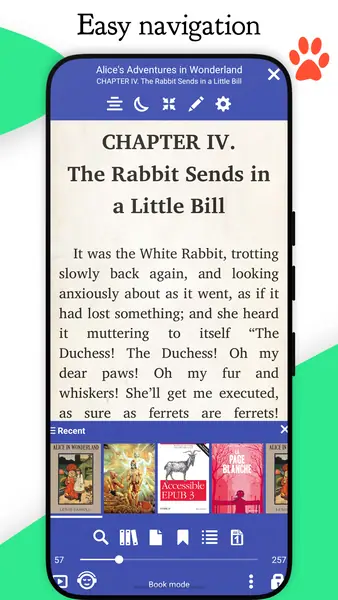
Librera Reader is a highly customizable and feature-rich application for reading e-books in PDF, EPUB, MOBI, DjVu, FB2, TXT, RTF, AZW, AZW3, HTML, CBZ, CBR, DOC, DOCX, formats.
With its intuitive, yet powerful, interface, Librera makes ebook reading a veritable pleasure. It even features a unique auto-scrolling, hands-free Musician's mode, with controllable speed.
F-Droid version is based on the latest MuPDF and support Android 4.1+.
The only difference between Librera FD (F-Droid) and Librera PRO is the absence of Google Play services and Google Drive book synchronization in Librera FD.
Just a few Librera main features:
- Easy document discovery by configurable criteria:
- Auto-Scan (user-specified folders)
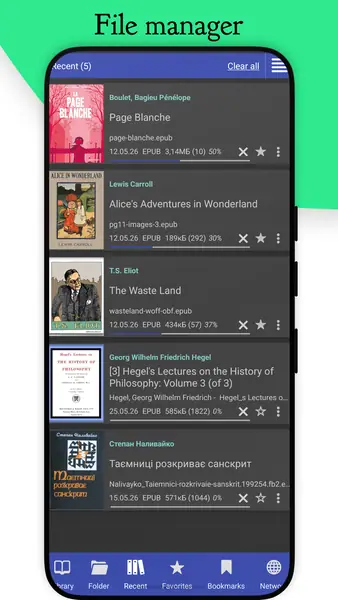
- Browse folders (using an in-app file explorer)
- Recent (featuring a reading-progress indicator)
- Support for bookmarks, annotations, and EPUB3 tables of contents
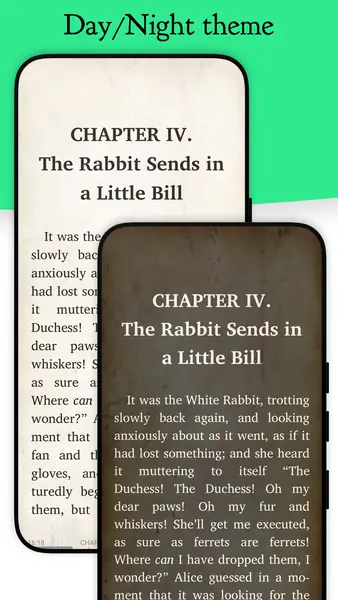
- Configurable Day and Night modes
- Configurable link color (hence, footnotes and endnotes color)
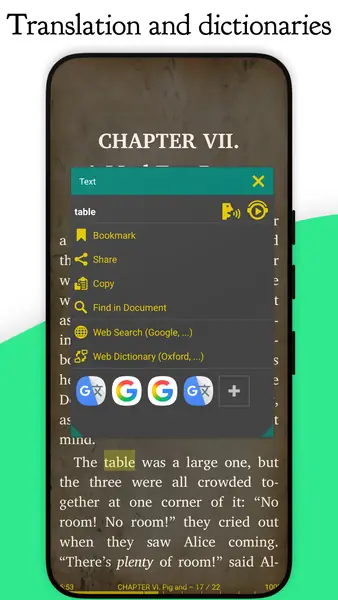
- Support for many popular offline dictionaries
- Vertical-scroll lock
- Auto- and manual centering of documents
- Custom ad-hoc CSS coding
- Single-page view of two-page documents
- Musician's mode with configurable scroll speed
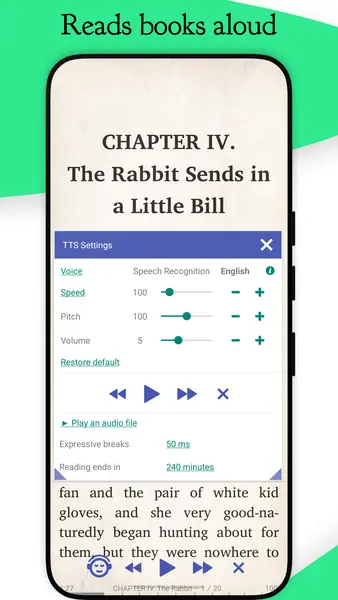
- Customizable TTS reading and built-in media player
- Page-wise TTS recording to MP3 or WAV
- Multi-word text search
- Support for archived (.zip) documents
- Support for RTL languages (Thai, Hebrew, Arabic, etc.)
- Import and export of settings, auto-backup of current session
- Leading initials in FB2 documents
- RSVP reading (à la Spritz)
- Movable bookmarks, w/ a floating indicator
- And a whole bunch of other features for you to check out.
You can read books in your web browser with the Librera Book Reader https://librera.mobi/online-book-reader/
The best way to fully appreciate Librera Reader, however, is to use our restriction-free Librera PRO version from Google Play.
If you enjoy Librera, please consider making a donation: https://www.patreon.com/librera
Informatie over het APK-bestand
| Pakketnaam | com.foobnix.pro.pdf.reader |
|---|---|
| Versie | 10.0.35-fdroid (code 7587) |
| Minimaal Android | Android 7.0 · bedoeld voor Android 16 |
| Architecturen | arm64-v8a, armeabi-v7a, x86, x86_64 |
| SHA-256 | 441c9b4d55ce70b02e4d140606b985abd4bd1bbb4e23311bbe8edef2126dccaf |
| Handtekening | ea0d90df4dde7b9a9e8eaebe2e8aa47ed13f4df9d77aa64bc99c7ed309d2a84d |
| Licentie | GPL-3.0-or-later — vrije copyleftlicentie: de code is openbaar en aangepaste versies moeten vrij blijven |
| Broncode | github.com/foobnix/LibreraReader |
| Officiële website | librera.mobi/ |
Machtigingen
- Naar opslag schrijven
- Toegang tot alle bestanden gevoelig
- Op de achtergrond draaien
- Trillen
- Slaapstand voorkomen
- Netwerkstatus bekijken
- Internettoegang
- Meldingen tonen
- Starten bij opstarten
- Opslag lezen
Oudere versies
- Librera Reader 10.0.35-fdroid17 november 2026 · 124,2 MB
- Librera Reader 10.0.31-fdroid13 november 2026 · 124,1 MB
- Librera Reader 10.0.26-fdroid9 november 2026 · 119,6 MB
Librera Reader APK installeren
- Tik hierboven op APK downloaden en open het bestand als de download klaar is.
- Als Android erom vraagt, sta je browser toe om onbekende apps te installeren.
- Tik op Installeren. Librera Reader verschijnt dan bij je andere apps.
→ Een APK-bestand installeren op Android (stap voor stap)
→ “App niet geïnstalleerd”: oorzaken en oplossingen
Veelgestelde vragen
Is Librera Reader gratis?
Ja. Librera Reader wordt verspreid onder de licentie GPL-3.0-or-later: gratis, zonder abonnement en met openbare broncode.
Is dit APK-bestand veilig?
Het bestand is gebouwd en gepubliceerd door de F-Droid-repository op basis van de openbare broncode. De SHA-256-vingerafdruk staat hierboven, zodat je die na het downloaden kunt vergelijken. Is een APK gevaarlijk? Zo controleer je een bestand vóór installatie
Werkt Librera Reader op mijn telefoon?
Je hebt minimaal Android 7.0 nodig. De app werkt ook zonder Google-diensten, dus ook op recente Huawei-telefoons.


