ownCloud APK
Añade un servidor ownCloud ahora y consigue … Tu nube, Tus datos, Tu manera!
Descargar APK v5.0.0-beta.1 · 11,0 MB- Versión5.0.0-beta.1
- Tamaño11,0 MB
- RequiereAndroid 9
- Actualizada23/11/2026
- LicenciaGPL-2.0-only
- PrecioGratis
Acerca de ownCloud
Descripción del desarrollador (en inglés).
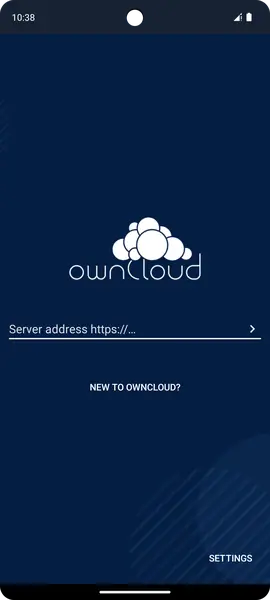
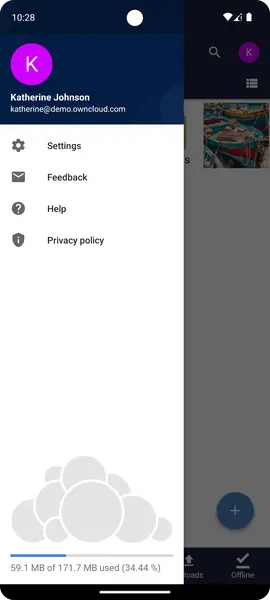
Welcome to the ownCloud Android App – Add an ownCloud server, and have your private file sync and share cloud up and running in no time.
Do you need private file sync and share software? Then good news, because the ownCloud Android App enables you to connect Android devices to a private ownCloud Server running in your data center. ownCloud is open source file sync and share software for everyone from individuals operating the free ownCloud server, to large enterprises and service providers operating under the ownCloud Enterprise Subscription. ownCloud provides a safe, secure and compliant file sync and share solution – on servers you control.
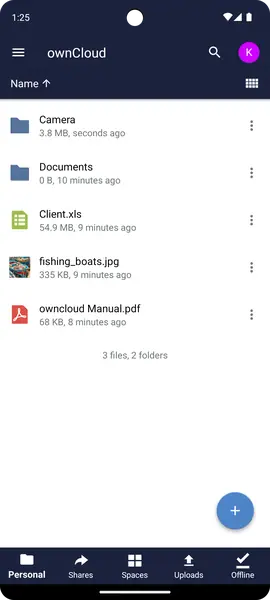
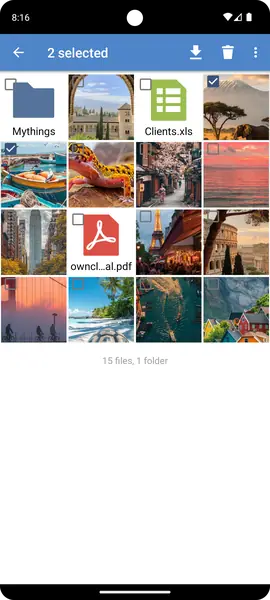
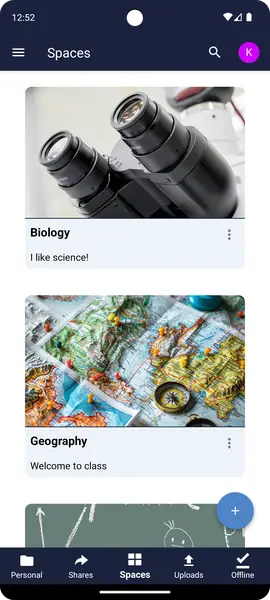
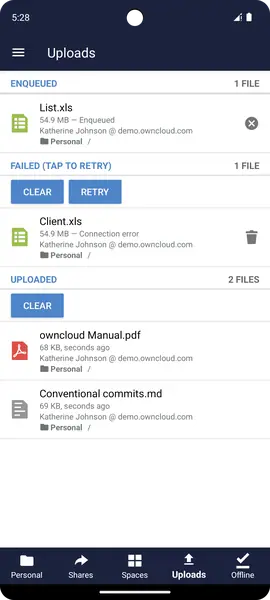
With the ownCloud Android App you can browse all of your ownCloud synced files, create and edit new files, share these files and folders with co-workers, and keep the contents of those folders in sync across all of your devices. Simply copy a file into a directory on your server and ownCloud does the rest.
Whether using a mobile device, a desktop, or the web client, ownCloud provides the ability to put the right files in the right hands at the right time on any device in one simple-to-use, secure, private and controlled solution. After all, with ownCloud, it’s Your Cloud, Your Data, Your Way.
Should you have any problem connecting or synchronizing with your ownCloud server, please contact us on https://github.com/owncloud/android/issues or check https://central.owncloud.org.
Visit us at www.ownCloud.com for more information about ownCloud and the ownCloud Subscriptions. For more information on the free and open source ownCloud Classic, visit www.ownCloud.org.
* If you are experiencing login issues after an update and the ownCloud Workaround App is installed in your device, please, try to uninstall and reinstall the Workaround App *
Información del archivo APK
| Nombre del paquete | com.owncloud.android |
|---|---|
| Versión | 5.0.0-beta.1 (código 48000401) |
| Android mínimo | Android 9 · diseñada para Android 16 |
| Arquitecturas | Todas (universal) |
| SHA-256 | 057b01f65eaf211c4521833b2f80199f00dcb97e5876d6934cfd68f70ad34abc |
| Firma | 60b7e27a9569535ade18d4a9cccec08c262e44e1aab1c04de052892ab82e31eb |
| Licencia | GPL-2.0-only — licencia libre copyleft: el código es público y las versiones modificadas deben seguir siendo libres |
| Código fuente | github.com/owncloud/android |
| Sitio oficial | owncloud.org |
Permisos solicitados
- Escribir en el almacenamiento
- Mostrar notificaciones
- Acceso a Internet
- Ver el estado de la red
- Iniciarse al arrancar
- Impedir la suspensión
- Funcionar en segundo plano
- Huella / biometría
- Huella dactilar
- Leer el almacenamiento
4 permiso(s) técnico(s) más
READ_SYNC_STATS READ_SYNC_SETTINGS WRITE_SYNC_SETTINGS BROADCAST_STICKY
Versiones anteriores
- ownCloud 5.0.0-beta.123 de noviembre de 2026 · 11,0 MB
- ownCloud 4.8.42 de septiembre de 2026 · 13,9 MB
- ownCloud 4.8.326 de julio de 2026 · 13,9 MB
Cómo instalar ownCloud APK
- Pulsa Descargar APK arriba y abre el archivo cuando termine la descarga.
- Si Android lo pide, permite que tu navegador instale apps desconocidas.
- Pulsa Instalar. ownCloud aparecerá junto a tus otras apps.
→ Cómo instalar un archivo APK en Android (paso a paso)
→ «La aplicación no está instalada»: causas y soluciones
Preguntas frecuentes
¿ownCloud es gratis?
Sí. ownCloud se distribuye con licencia GPL-2.0-only: gratis, sin suscripción y con el código fuente público.
¿Es seguro este archivo APK?
El archivo es el que compila y publica el repositorio F-Droid a partir del código fuente público. Su huella SHA-256 aparece arriba para que puedas compararla tras la descarga. ¿Un APK es peligroso? Cómo verificar un archivo antes de instalarlo
¿Funciona ownCloud en mi teléfono?
Necesitas como mínimo Android 9. La app también funciona sin los servicios de Google, así que funciona en los teléfonos Huawei recientes.