ownCloud APK
지금 ownCloud 서버를 추가하고 좀 .. 귀하의 구름, 귀하의 데이터, 사용자 했어!
APK 다운로드 v5.0.0-beta.1 · 11.0 MB- 버전5.0.0-beta.1
- 크기11.0 MB
- 요구 사항Android 9
- 업데이트2026. 11. 23.
- 라이선스GPL-2.0-only
- 가격무료
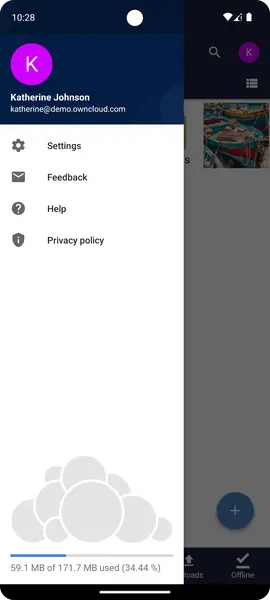
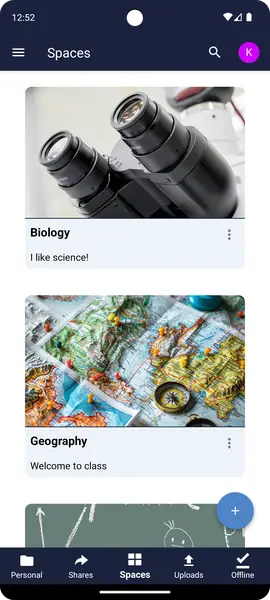
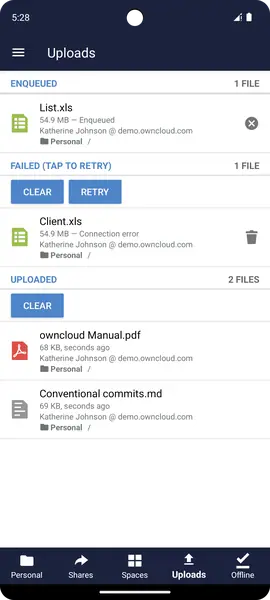
ownCloud 소개
개발자가 제공한 설명(영어)입니다.
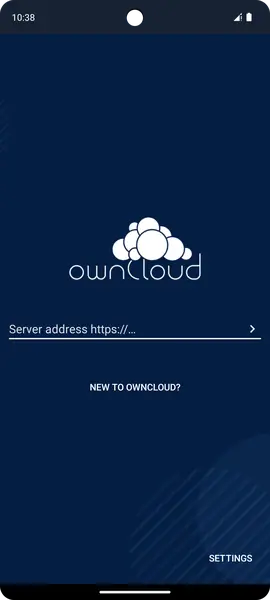
Welcome to the ownCloud Android App – Add an ownCloud server, and have your private file sync and share cloud up and running in no time.
Do you need private file sync and share software? Then good news, because the ownCloud Android App enables you to connect Android devices to a private ownCloud Server running in your data center. ownCloud is open source file sync and share software for everyone from individuals operating the free ownCloud server, to large enterprises and service providers operating under the ownCloud Enterprise Subscription. ownCloud provides a safe, secure and compliant file sync and share solution – on servers you control.
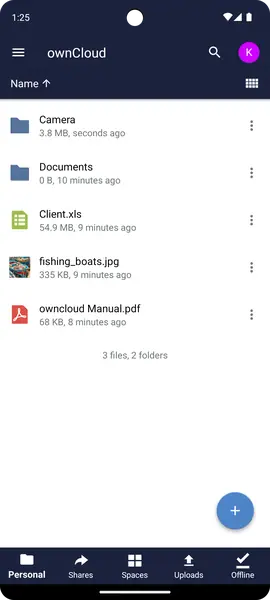
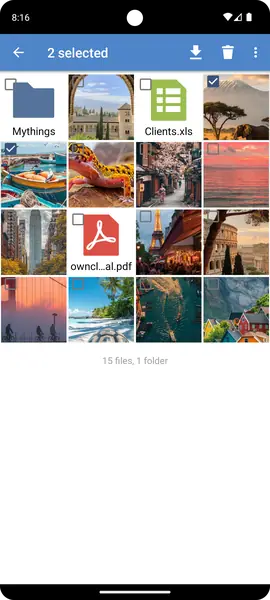
With the ownCloud Android App you can browse all of your ownCloud synced files, create and edit new files, share these files and folders with co-workers, and keep the contents of those folders in sync across all of your devices. Simply copy a file into a directory on your server and ownCloud does the rest.
Whether using a mobile device, a desktop, or the web client, ownCloud provides the ability to put the right files in the right hands at the right time on any device in one simple-to-use, secure, private and controlled solution. After all, with ownCloud, it’s Your Cloud, Your Data, Your Way.
Should you have any problem connecting or synchronizing with your ownCloud server, please contact us on https://github.com/owncloud/android/issues or check https://central.owncloud.org.
Visit us at www.ownCloud.com for more information about ownCloud and the ownCloud Subscriptions. For more information on the free and open source ownCloud Classic, visit www.ownCloud.org.
* If you are experiencing login issues after an update and the ownCloud Workaround App is installed in your device, please, try to uninstall and reinstall the Workaround App *
APK 파일 정보
| 패키지 이름 | com.owncloud.android |
|---|---|
| 버전 | 5.0.0-beta.1 (코드 48000401) |
| 최소 안드로이드 | Android 9 · 대상 Android 16 |
| 아키텍처 | 전체 (유니버설) |
| SHA-256 | 057b01f65eaf211c4521833b2f80199f00dcb97e5876d6934cfd68f70ad34abc |
| 서명 | 60b7e27a9569535ade18d4a9cccec08c262e44e1aab1c04de052892ab82e31eb |
| 라이선스 | GPL-2.0-only — 카피레프트 자유 라이선스: 코드가 공개되어 있으며 수정본도 자유로워야 합니다 |
| 소스 코드 | github.com/owncloud/android |
| 공식 웹사이트 | owncloud.org |
권한
- 저장공간 쓰기
- 알림 표시
- 인터넷 접근
- 네트워크 상태 보기
- 부팅 시 실행
- 절전 모드 방지
- 백그라운드 실행
- 지문 / 생체 인식
- 지문
- 저장공간 읽기
기타 기술 권한 4개
READ_SYNC_STATS READ_SYNC_SETTINGS WRITE_SYNC_SETTINGS BROADCAST_STICKY
이전 버전
- ownCloud 5.0.0-beta.12026년 11월 23일 · 11.0 MB
- ownCloud 4.8.42026년 9월 2일 · 13.9 MB
- ownCloud 4.8.32026년 7월 26일 · 13.9 MB
ownCloud APK 설치 방법
- 위의 APK 다운로드를 누르고, 다운로드가 끝나면 파일을 여세요.
- 안드로이드가 묻는 경우 브라우저에 출처를 알 수 없는 앱 설치를 허용하세요.
- 설치를 누르세요. ownCloud이(가) 다른 앱과 함께 표시됩니다.
자주 묻는 질문
ownCloud은(는) 무료인가요?
네. ownCloud은(는) GPL-2.0-only 라이선스로 배포되며, 무료이고 구독이 필요 없으며 소스 코드가 공개되어 있습니다.
이 APK 파일은 안전한가요?
이 파일은 F-Droid 저장소가 공개 소스 코드로 빌드해 배포한 것입니다. 위에 SHA-256 지문이 표시되어 있으니 다운로드 후 비교할 수 있습니다. APK는 위험할까? 설치 전에 파일 확인하는 방법
ownCloud이(가) 내 휴대폰에서 작동하나요?
최소 Android 9 이상이 필요합니다. 구글 서비스 없이도 작동하므로 최신 화웨이 휴대폰에서도 사용할 수 있습니다.